

At a glance
- no compression blur around text or lines
- Lossless
- or white background, your choice
- Transparent
- uploaded: pages are rendered on your device
- 0 bytes
- no sign-up, no watermark
- Free
PDF to PNG in three steps
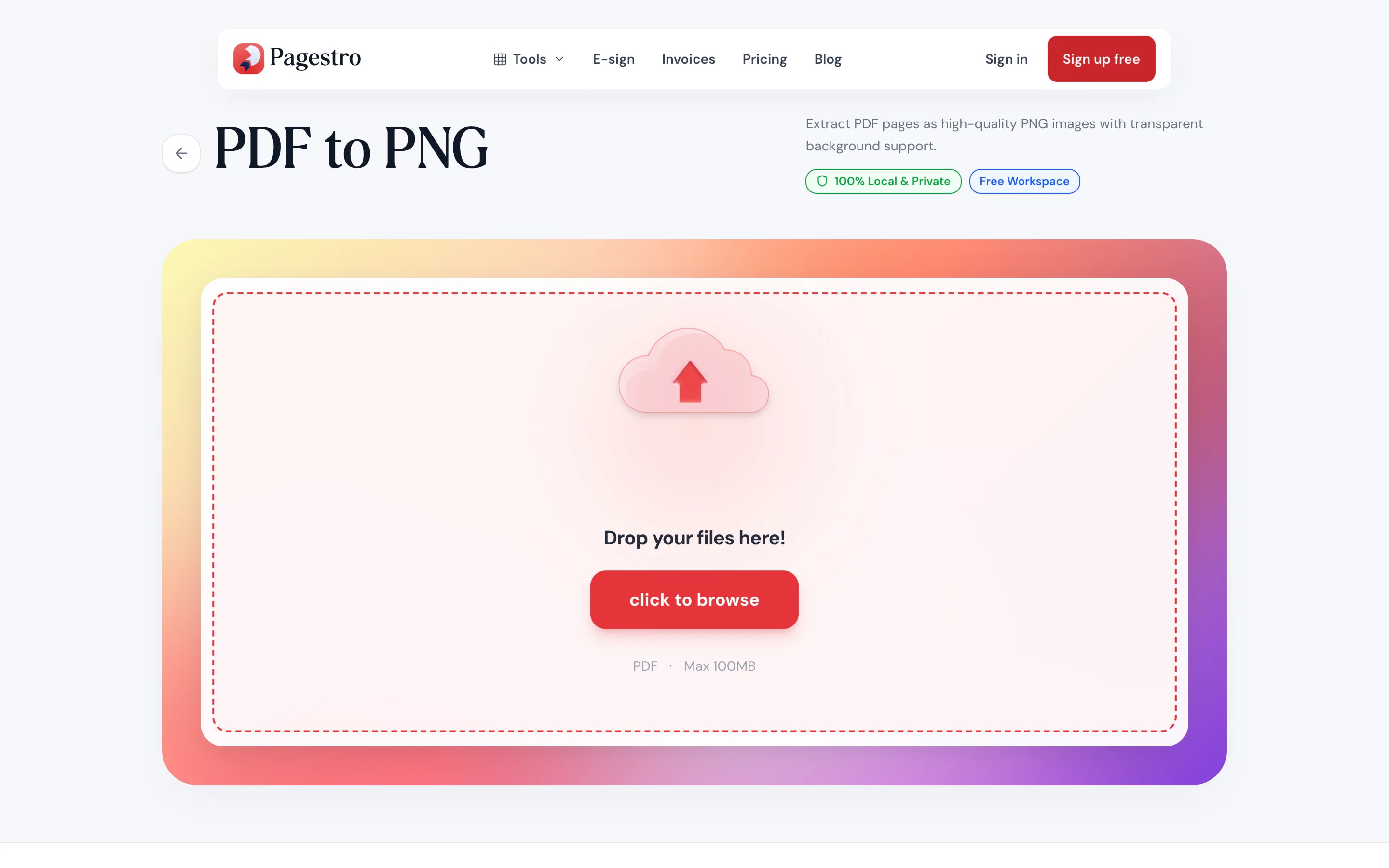
Drop in a file up to 100 MB and 200 pages.
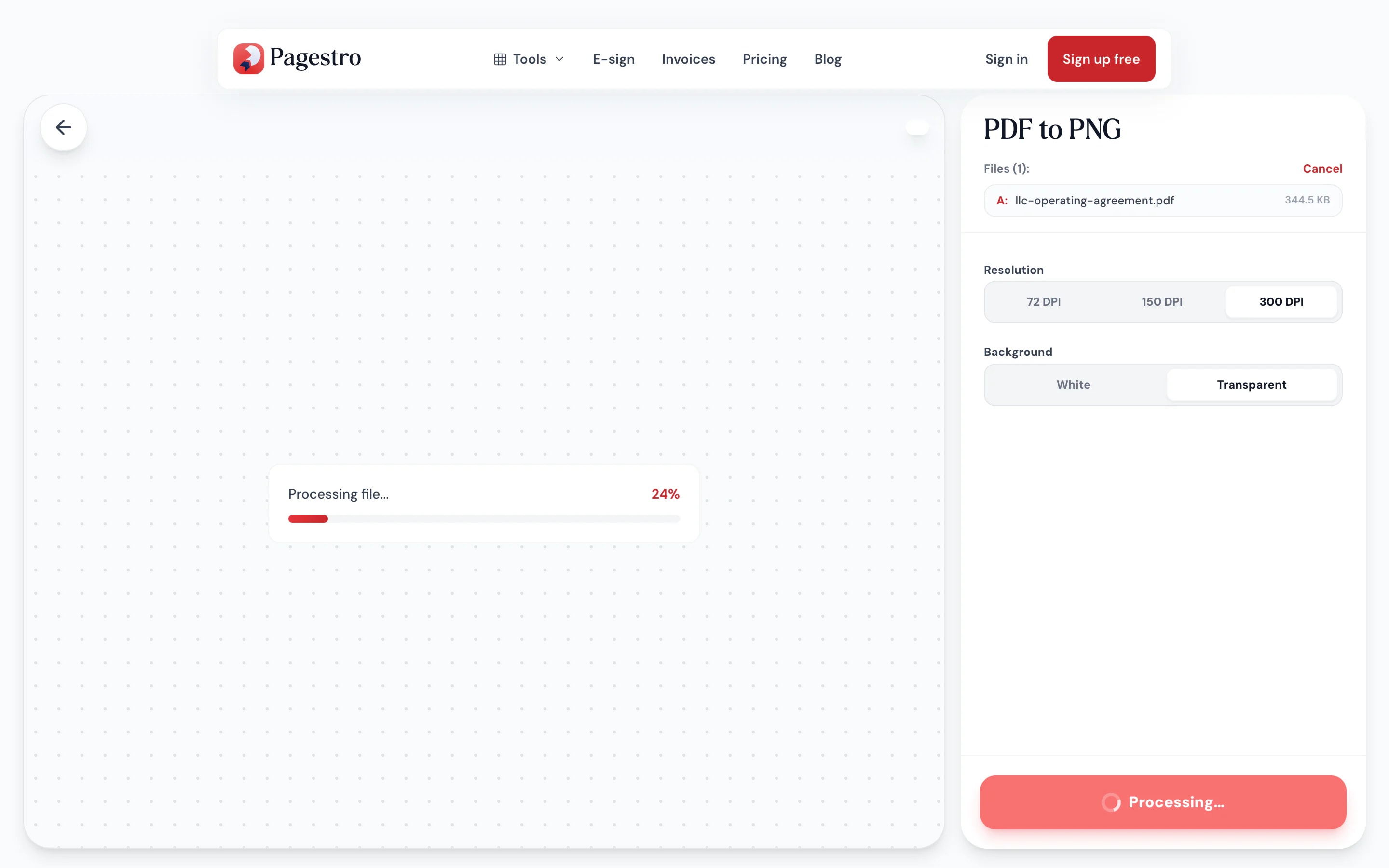
Pick 72, 150 or 300 DPI and a white or transparent background. Each page is saved as a lossless PNG.
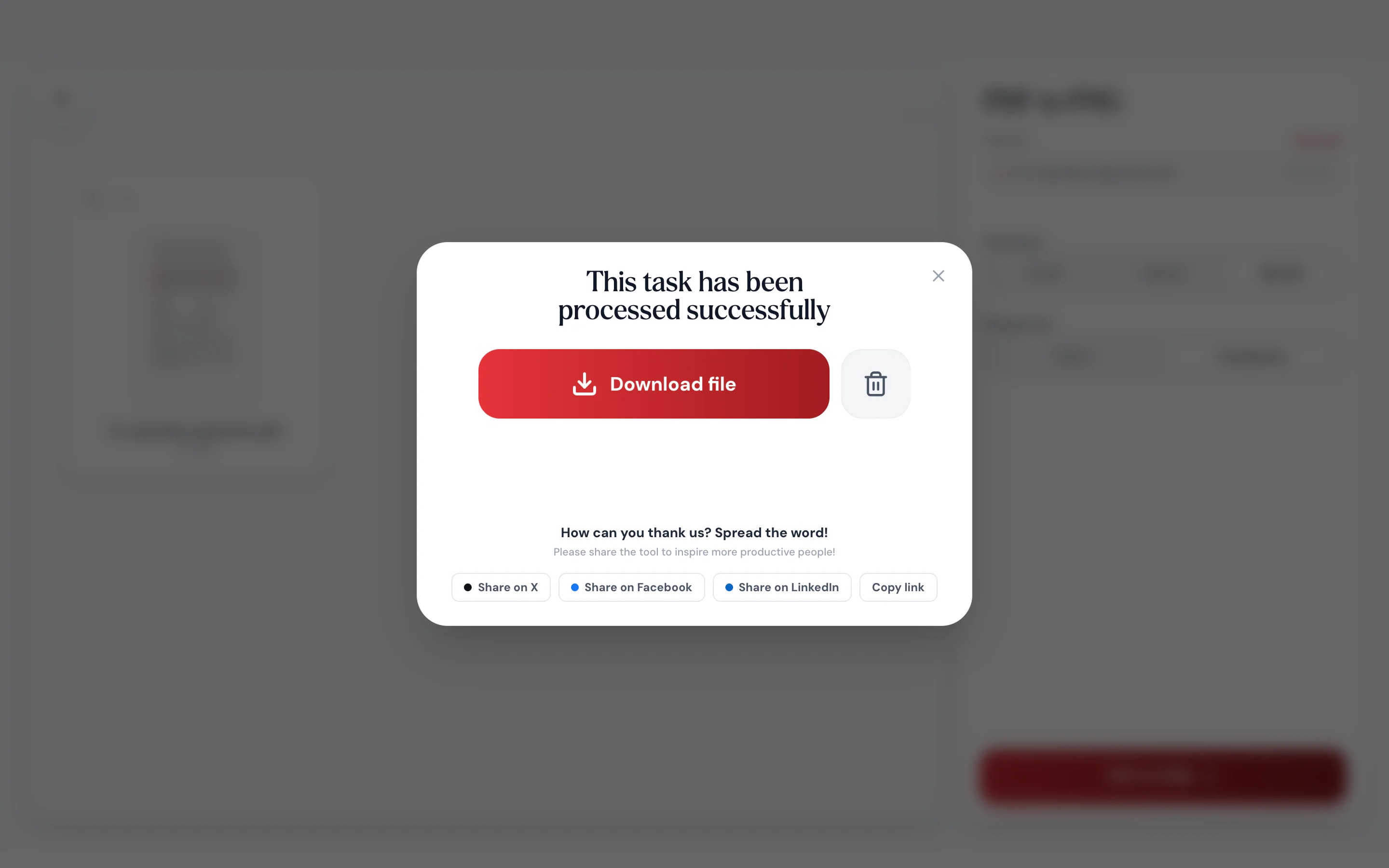
A one-page PDF gives one PNG. Longer files download as a ZIP numbered in page order.
- 1
Add your PDF
Drop in a file up to 100 MB and 200 pages.
- 2
Convert
Pick 72, 150 or 300 DPI and a white or transparent background. Each page is saved as a lossless PNG.
- 3
Download
A one-page PDF gives one PNG. Longer files download as a ZIP numbered in page order.
Why PNG
Crisp lines, clean edges
When the page is mostly text, charts or line art, PNG keeps every edge sharp.
Lossless, every page.
PNG stores each pixel exactly, so small text, thin rules and chart labels stay crisp when you zoom.
Transparent backgrounds.
Choose Transparent and areas with nothing drawn stay see-through, handy for logos and icons.
Numbered in order.
Files are named page-01, page-02 and so on, so they sort correctly.
Convert on your phone.
Save a page as a PNG right in your phone’s browser.
Same engine as viewers.
Fonts and vectors render faithfully.
Nothing uploaded.
Your PDF stays on your device.
For design work
Drop PDF art straight into your design
Brand guides, vector logos and diagrams often live in PDFs. Convert the page to PNG and place it on a slide, a web page or a mockup, with empty areas kept transparent instead of a white box when you choose Transparent.
- Lossless output for text and line art
- Transparent wherever the page is empty, if you want it
- White background by default, like the page in a viewer

On your phone
Get a page as a picture
Need a page from a PDF as an image for a message or a document? Convert it in your phone’s browser and save the PNG to your photos or files.
- Works in Safari and Chrome on iOS and Android
- One page saves as one PNG
- Several pages save as a ZIP
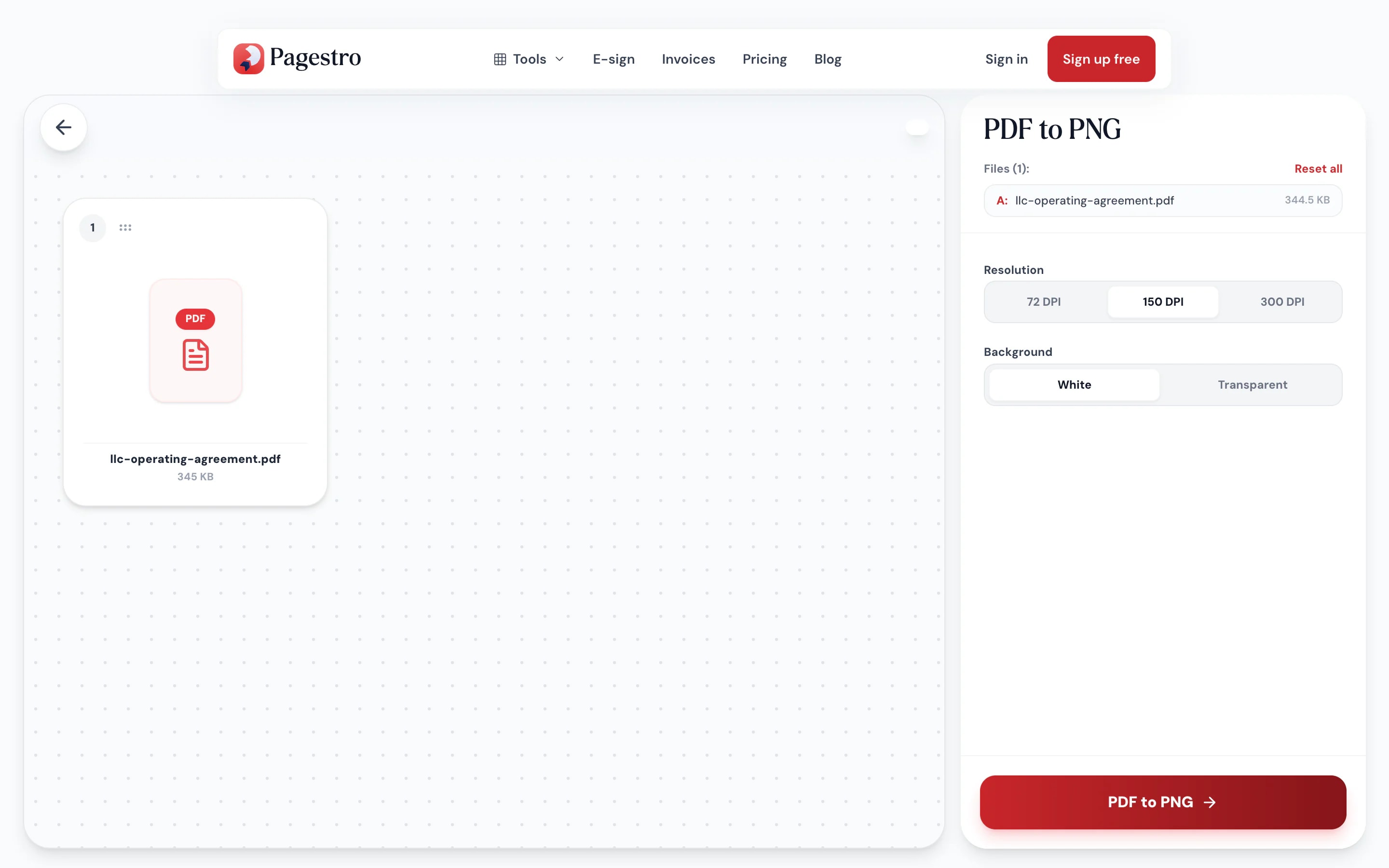

When every line needs to stay sharp
Designers
Logos from a brand guide.
Pull a logo page out as a PNG with a transparent background.
Writers and bloggers
Charts for an article.
Turn a chart page from a report into a crisp image for a post.
Engineers
Drawings for documentation.
Keep thin lines and small labels legible in wikis and tickets.
How Pagestro compares
 Pagestro
PDF stays on your device
- Pagestro
- Yes
- Desktop software
- Yes
- Upload-based sites
- No
Nothing to install
- Pagestro
- Yes
- Desktop software
- No
- Upload-based sites
- Yes
Works in a phone browser
- Pagestro
- Yes
- Desktop software
- No
- Upload-based sites
- Yes
Transparent backgrounds
- Pagestro
- Yes
- Desktop software
- Varies
- Upload-based sites
- Varies
Price
- Pagestro
- Free
- Desktop software
- Often a paid license
- Upload-based sites
- Often free with limits
How do I convert a PDF to PNG?
Add the PDF and press PDF to PNG. You get one PNG per page: a single image for a one-page file, or a ZIP for longer ones.
Can the PNG have a transparent background?
Yes. Pages come out on white by default. Choose Transparent under Background and parts of the page with nothing drawn on them stay see-through, which is useful for logos and diagrams.
PNG or JPG: which should I pick?
PNG for text, charts, logos and line art, where sharp edges matter. JPG for photos and scans, where smaller files matter more.
What resolution are the images?
You choose 72, 150 (the default) or 300 DPI. At 150 DPI a US Letter page becomes about 1275 × 1650 pixels.
Is there a page limit?
Files can be up to 100 MB and 200 pages.
Are my files uploaded?
No. The pages are rendered in your browser, so the PDF never leaves your device.


