

Sign PDF
Draw, type or upload your signature and place it on a PDF.
or drop a file here · PDF up to 100 MB · files stay on your device
How it works
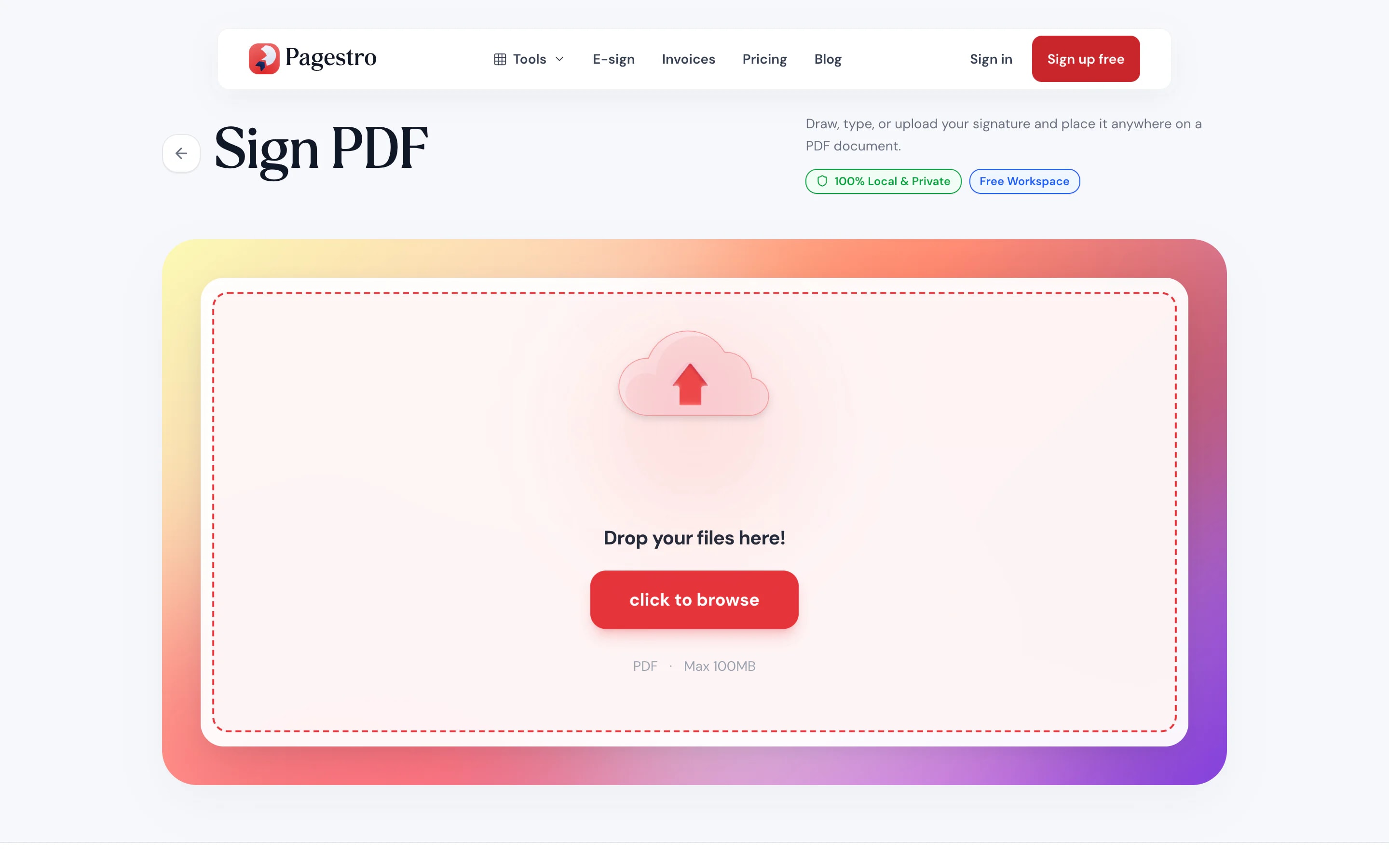
- 1Open your PDFDrop in the document you need to sign. It opens page by page in the editor.
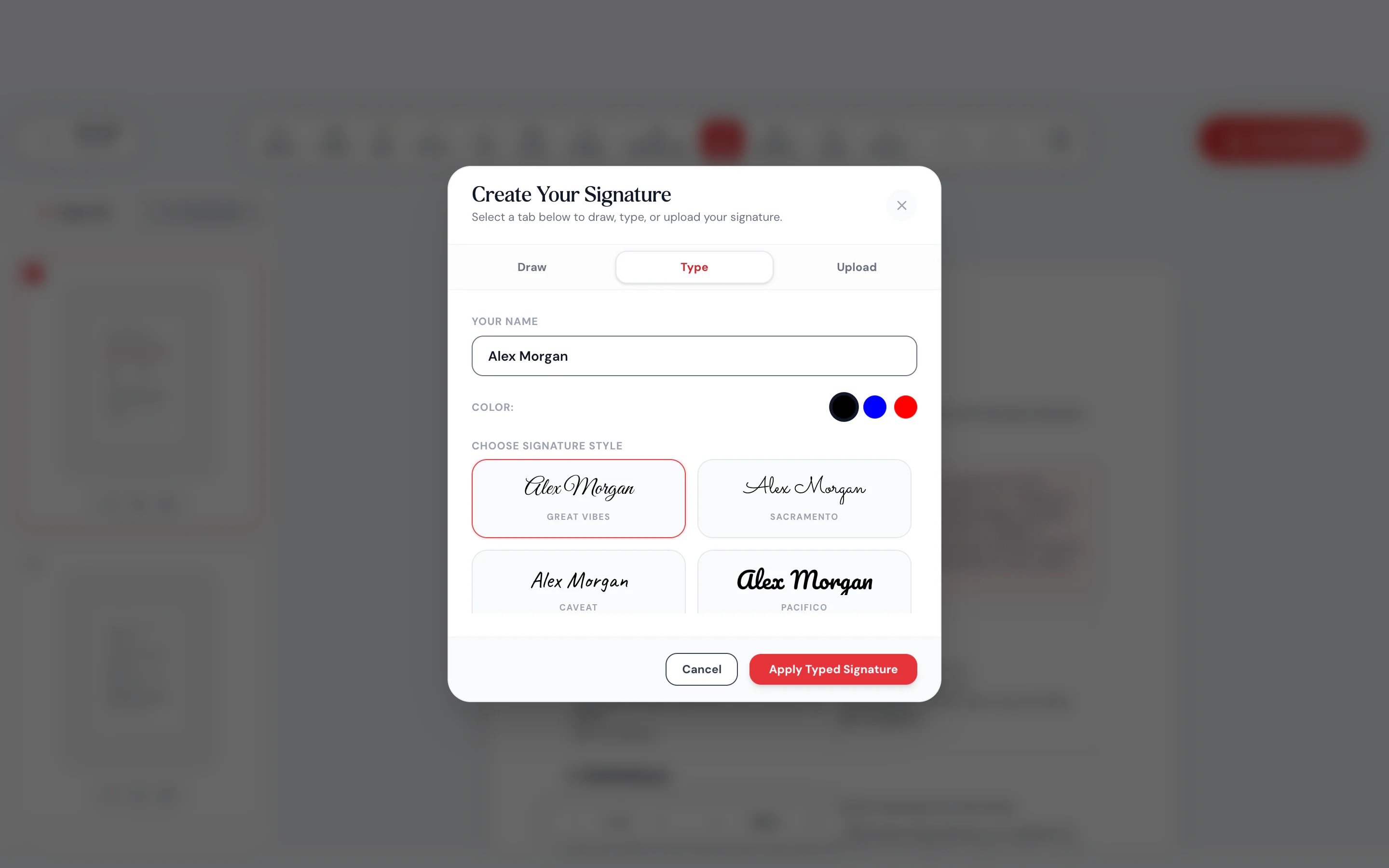
- 2Create your signatureDraw it with a finger or mouse, type it in a handwriting style, or upload a picture of it.
- 3Place it and downloadDrag the signature onto the line, resize it, add the date, and save the signed PDF.
At a glance
- to sign: draw, type or upload
- 3 ways
- uploaded: signing happens on your device
- 0 bytes
- per document, up to 100 MB
- 100 pages
- no sign-up and no watermark
- Free
Questions and answers
How do I sign a PDF for free?
Open the PDF in the tool at the top of this page, create your signature by drawing, typing or uploading it, place it on the page and download. It’s free, with no sign-up.
Can I sign a PDF on my phone?
Yes. Open this page in your phone’s browser and draw your signature with a finger. There is no app to install.
Is this a certificate-based digital signature?
No. Sign PDF places a picture of your signature on the page, like signing on paper. If you need a record of who signed and when, send the document for signature through Contracts, which keeps an audit trail.
Is my signature saved?
No. Pagestro doesn’t keep it. It exists only while the page is open, so you create it again next time.
Can I add the date or my initials?
Yes. Use the text tool to type the date, your printed name or initials anywhere on the page.
How do I get someone else to sign a PDF?
Use Contracts. Upload the document, add signature fields and send a signing link by email. The other person doesn’t need an account. Unlike this tool, a document sent for signature is stored on Pagestro’s servers so the signer can open it and you keep the signed copy.
Is my PDF uploaded?
No. Signing happens in your browser on your own device. The document is never sent to Pagestro.
Before or after you sign
At a glance
- to sign: draw, type or upload
- 3 ways
- uploaded: signing happens on your device
- 0 bytes
- per document, up to 100 MB
- 100 pages
- no sign-up and no watermark
- Free
How it works
Signed and saved in three steps
Drop in the document you need to sign. It opens page by page in the editor.
Draw it with a finger or mouse, type it in a handwriting style, or upload a picture of it.
Drag the signature onto the line, resize it, add the date, and save the signed PDF.

- 1
Open your PDF
Drop in the document you need to sign. It opens page by page in the editor.
- 2
Create your signature
Draw it with a finger or mouse, type it in a handwriting style, or upload a picture of it.
- 3
Place it and download
Drag the signature onto the line, resize it, add the date, and save the signed PDF.
Why Pagestro
Skip the print, sign, scan routine
Sign in about a minute
No printer, no scanner and no photo of a crumpled page. Your signature goes straight onto the PDF.
Draw with a finger
Touch, mouse or stylus, in black, blue or red ink.
Seven handwriting styles
Type your name and pick the style that looks like you.
Made for your phone
Sign with your finger right where the email arrived.
Use your real signature
Upload a PNG or JPG of your signature. A transparent background looks best.
Add the date and initials
Type the date, your printed name or initials anywhere on the page.
Need someone else to sign?
Send the document through Contracts instead. Signers get an email link, and you get an audit trail. The free plan includes 3 requests a month.
Private by design
Your signature stays on your device
Your signature is personal, and so is the document it goes on. Pagestro places it inside your browser and builds the signed PDF there. Neither the file nor your signature is uploaded or kept.
- No upload of the document or the signature
- Your signature isn’t saved after you close the tab
- The signed PDF downloads straight to your device
On the go
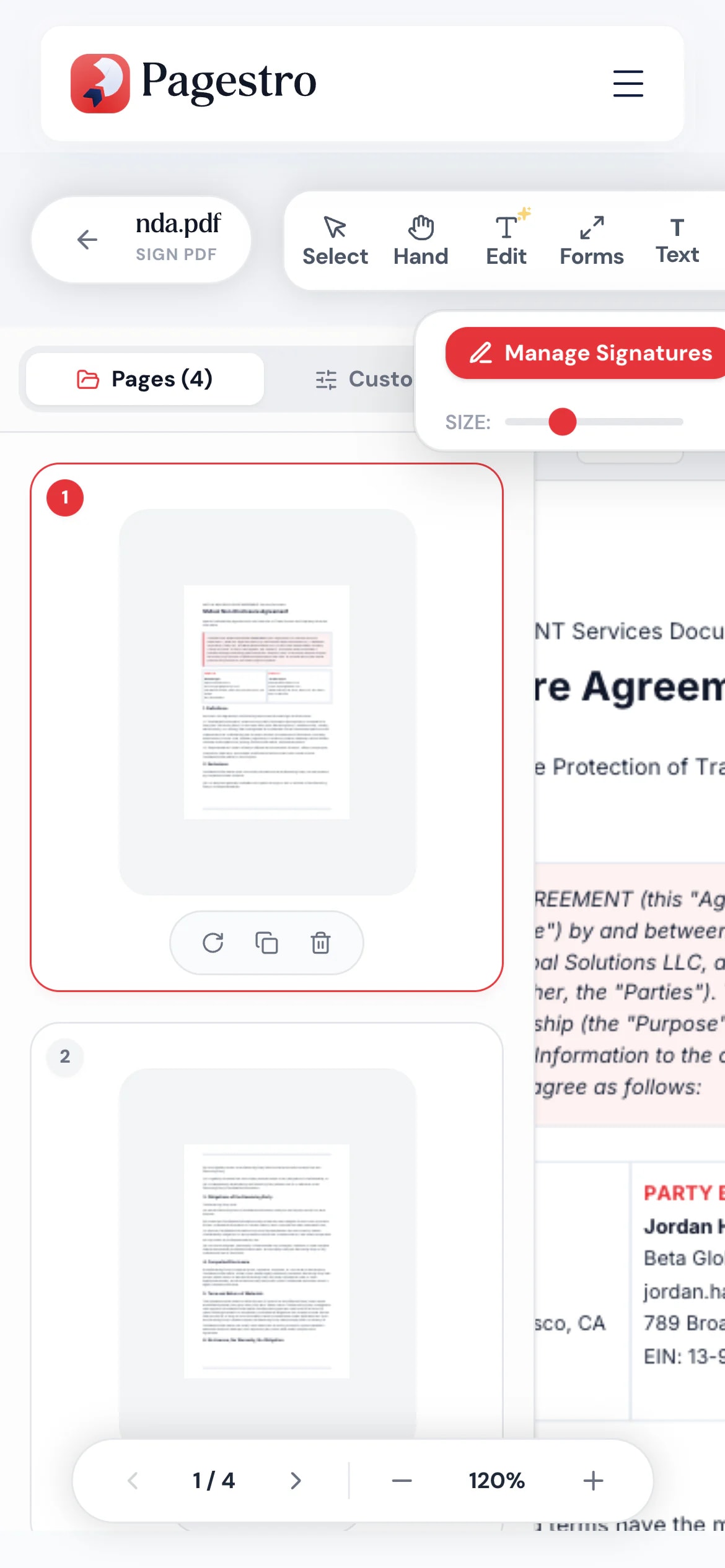
Sign with your finger, on your phone
The lease renewal lands while you’re on the bus. Open it in your phone’s browser, draw your signature with a finger and send the signed copy back before your stop.
- Touch drawing that follows your finger
- No app to install
- Works in Safari, Chrome and Firefox
Who uses it
Everyday paperwork, signed faster
- Signed
Renters
Lease renewals and move-in forms
Sign and return the same day, without a printer.
- Signed
Parents
School forms and permission slips
Sign the PDF the school emailed and send it back.
- Signed
Freelancers
Client agreements and NDAs
Countersign what a client sends and keep a copy.
- Signed
New hires
Onboarding paperwork
Sign each page of the new-starter pack in one sitting.
How Pagestro compares
 Pagestro Pagestro | Desktop software | Upload-based sites | |
|---|---|---|---|
| Document stays on your device | Yes | Yes | No |
| Draw, type or upload a signature | Yes | Varies | Varies |
| Nothing to install | Yes | No | Yes |
| Sign on a phone with your finger | Yes | No | Varies |
| Price | Free | Often a paid license | Varies by site |
How do I sign a PDF for free?
Open the PDF in the tool at the top of this page, create your signature by drawing, typing or uploading it, place it on the page and download. It’s free, with no sign-up.
Can I sign a PDF on my phone?
Yes. Open this page in your phone’s browser and draw your signature with a finger. There is no app to install.
Is this a certificate-based digital signature?
No. Sign PDF places a picture of your signature on the page, like signing on paper. If you need a record of who signed and when, send the document for signature through Contracts, which keeps an audit trail.
Is my signature saved?
No. Pagestro doesn’t keep it. It exists only while the page is open, so you create it again next time.
Can I add the date or my initials?
Yes. Use the text tool to type the date, your printed name or initials anywhere on the page.
How do I get someone else to sign a PDF?
Use Contracts. Upload the document, add signature fields and send a signing link by email. The other person doesn’t need an account. Unlike this tool, a document sent for signature is stored on Pagestro’s servers so the signer can open it and you keep the signed copy.
Is my PDF uploaded?
No. Signing happens in your browser on your own device. The document is never sent to Pagestro.
Before or after you sign
 Contracts & AgreementsCreate, customize & e-sign legal agreementsOpen tool
 PDF FormsFill out PDF forms and add interactive fieldsOpen tool
 Edit PDFAdd text, images, shapes or freehand annotations to a PDFOpen tool
 Merge PDFCombine multiple PDFs into one documentOpen tool
 Protect PDFPassword-protect your PDF with 256-bit AESOpen tool
 Compress PDFReduce PDF file size while keeping qualityOpen tool


