

Compress Image
Reduce image file size without quality loss.
or drop files here · JPG, PNG, WEBP, AVIF up to 100 MB · files stay on your device
How it works
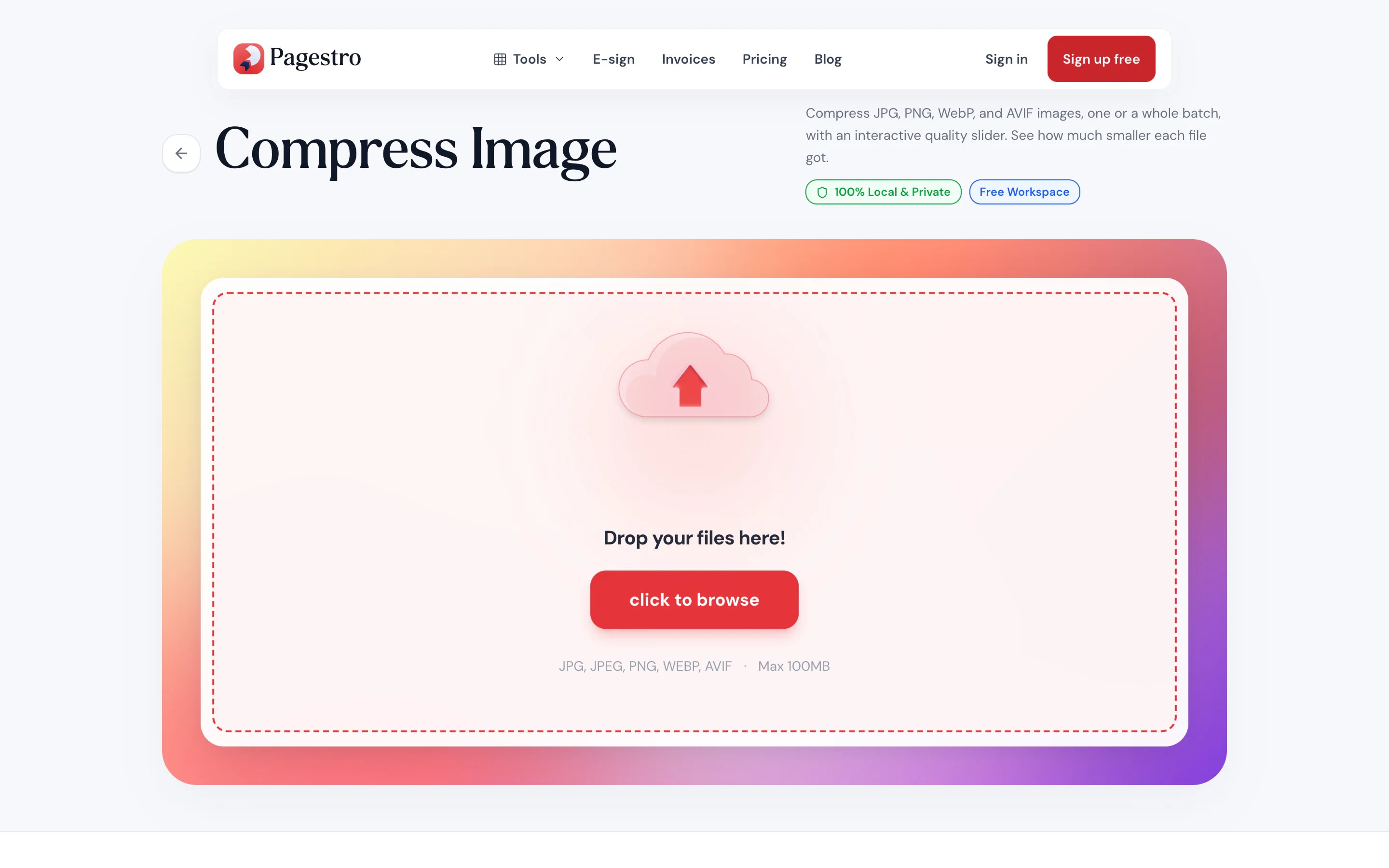
- 1Add your imageDrop in a JPG, PNG or WebP file, or take one from your phone’s photos.
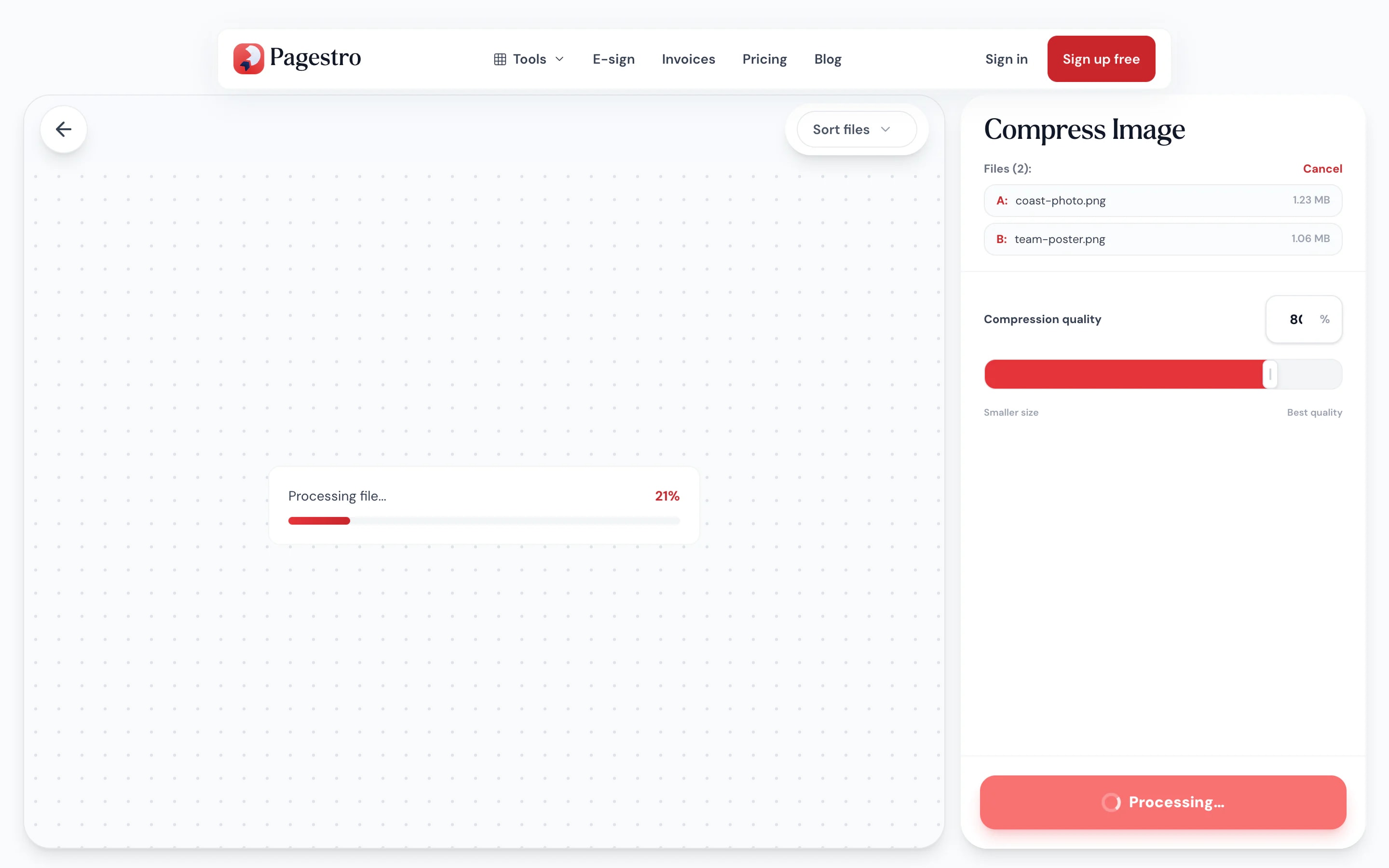
- 2Set the qualitySlide toward smaller size or best quality. Around 70–80% suits most photos.
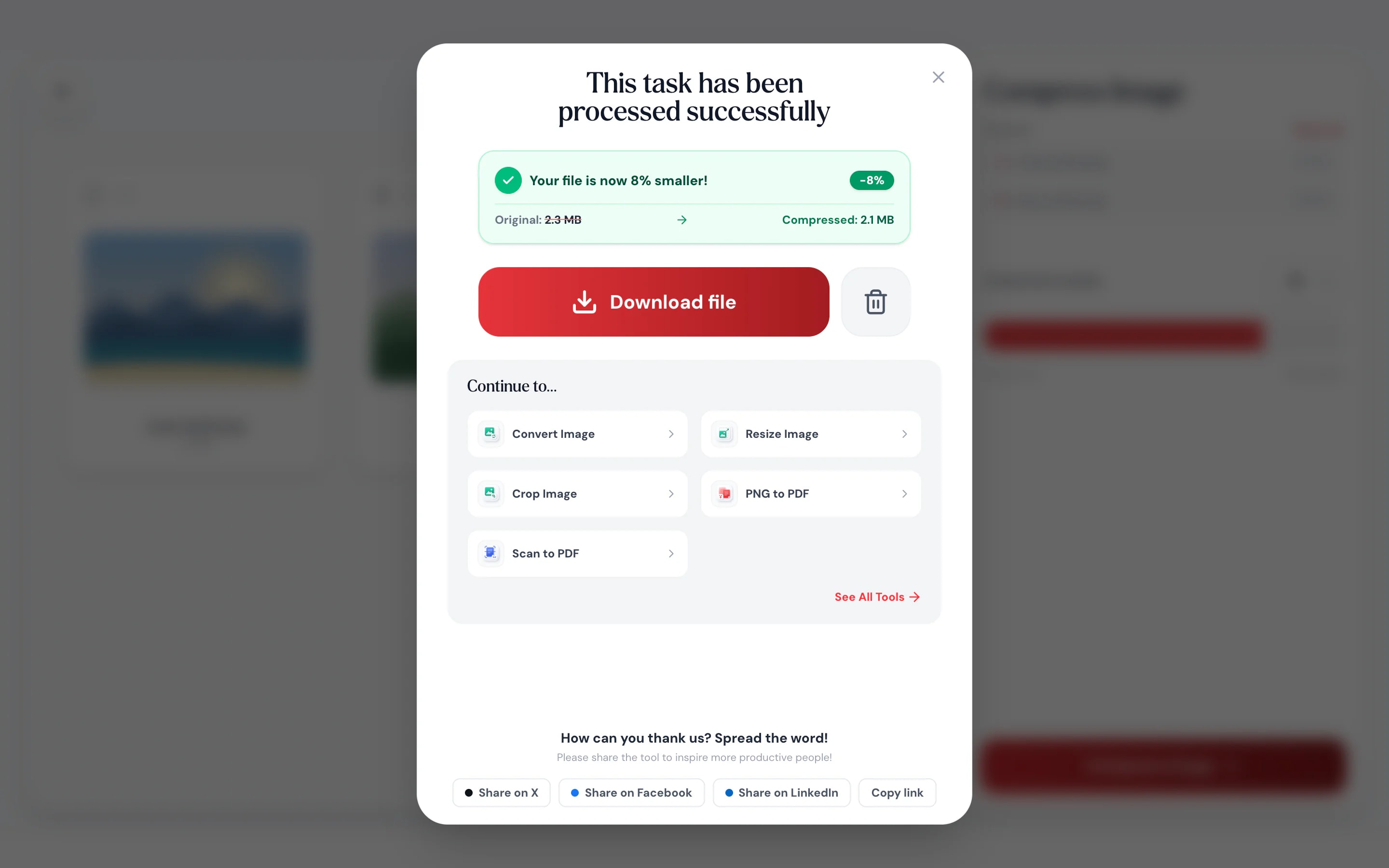
- 3Download the lighter fileSee how many percent smaller it got, and save it.
At a glance
- uploaded: compression runs in your browser
- 0 bytes
- compressed in their own format
- JPG · PNG · WebP
- quality, set with one slider
- 10–100%
- no sign-up and no watermark
- Free
Questions and answers
How do I reduce an image’s file size without losing quality?
Add the image to the tool at the top of this page and set the quality around 70–80%. For most photos the difference is hard to see, while the file gets much smaller.
Which image formats can I compress?
JPG, PNG, WebP and AVIF. Each file stays in its own format. AVIF needs a browser that can encode it, such as Chrome or Edge.
Why didn’t my image get smaller?
It was probably compressed already. When a new version would be bigger, Pagestro gives you the original instead.
Can I compress an image to a specific size, like under 1 MB?
There isn’t a target-size setting. Lower the quality a step at a time, or make the image smaller in pixels with Resize Image.
How are PNG files compressed?
PNG compression reduces the number of colors in the image. Transparency is kept, so logos and cut-outs stay see-through.
Can I compress several images at once?
Yes. Add as many as you like; they all use the same quality and download together as a ZIP.
Does it keep my photo’s location and camera data?
No. The compressed copy is saved without EXIF data such as GPS location, and photos taken sideways are turned upright first.
Are my images uploaded?
No. Compression happens in your browser on your own device, and your images are never sent to Pagestro.
More image tools
At a glance
- uploaded: compression runs in your browser
- 0 bytes
- compressed in their own format
- JPG · PNG · WebP
- quality, set with one slider
- 10–100%
- no sign-up and no watermark
- Free
How it works
Smaller images in three steps
Drop in a JPG, PNG or WebP file, or take one from your phone’s photos.
Slide toward smaller size or best quality. Around 70–80% suits most photos.
See how many percent smaller it got, and save it.
- 1
Add your image
Drop in a JPG, PNG or WebP file, or take one from your phone’s photos.
- 2
Set the quality
Slide toward smaller size or best quality. Around 70–80% suits most photos.
- 3
Download the lighter file
See how many percent smaller it got, and save it.
Why Pagestro
Lighter files that still look right
Smaller files, same look
Most photos lose a large share of their size before you can see a difference.
Never bigger
If a file can’t get smaller, you get the original back.
PNGs keep transparency
Logos and cut-outs stay see-through.
Shrink photos on your phone
Compress straight from your camera roll before you send.
See what you saved
The result shows how many percent smaller the file is.
Your photos stay private
Compression runs on your device. Nothing is uploaded or kept.
Free, as often as you like
No sign-up, no daily limit and no watermark on your images.
Private by design
Your photos never leave your device
Family pictures, product shots and scanned IDs all need shrinking now and then. Pagestro compresses them inside your browser, so there is no upload, no server copy and nothing to delete afterwards.
- No upload and no account
- Compression runs as code inside this page
- Close the tab and nothing is kept
On the go
Shrink a photo before you send it
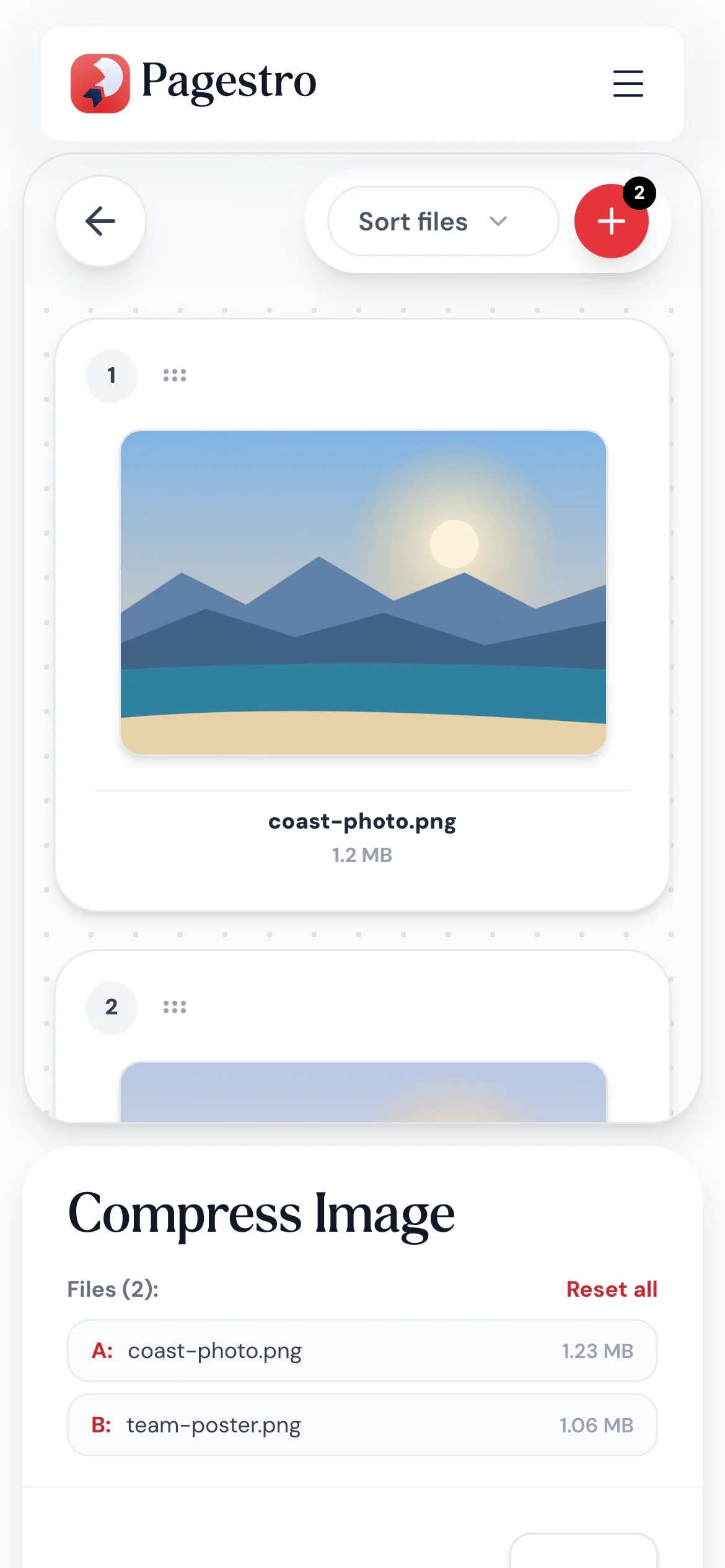
The upload form says “max 2 MB” and your phone took a 6 MB picture. Open Pagestro in your phone’s browser, lower the quality and try again in under a minute.
- Pick photos from your camera roll
- No app to install
- Saves straight back to your phone
Who uses it
When the file is too big
- hero.jpg · 312 KBWas 1.9 MB
Website owners
Faster pages
Lighter images load faster, especially on mobile data.
- product-01.jpgUnder the 1 MB limit
Online sellers
Product photos under the limit
Meet marketplace size limits without reshooting.
- passport-photo.jpgThe form accepts it
Applicants
Upload forms that say “max 2 MB”
Shrink a passport photo or scan until the form accepts it.
- 24 listing photosFit in one email
Real estate agents
Listing photos for email
Send a full set of photos without bouncing off size limits.
How Pagestro compares
 Pagestro Pagestro | Desktop software | Upload-based sites | |
|---|---|---|---|
| Photos stay on your device | Yes | Yes | No |
| Nothing to install | Yes | No | Yes |
| Works on phones and tablets | Yes | No | Yes |
| Returns the original if it can’t shrink | Yes | Varies | Varies |
| Price | Free | Often a paid license | Varies by site |
Compress Image questions
Didn't find your answer? Write to us and we'll reply by email.
How do I reduce an image’s file size without losing quality?
Add the image to the tool at the top of this page and set the quality around 70–80%. For most photos the difference is hard to see, while the file gets much smaller.
Which image formats can I compress?
JPG, PNG, WebP and AVIF. Each file stays in its own format. AVIF needs a browser that can encode it, such as Chrome or Edge.
Why didn’t my image get smaller?
It was probably compressed already. When a new version would be bigger, Pagestro gives you the original instead.
Can I compress an image to a specific size, like under 1 MB?
There isn’t a target-size setting. Lower the quality a step at a time, or make the image smaller in pixels with Resize Image.
How are PNG files compressed?
PNG compression reduces the number of colors in the image. Transparency is kept, so logos and cut-outs stay see-through.
Can I compress several images at once?
Yes. Add as many as you like; they all use the same quality and download together as a ZIP.
Does it keep my photo’s location and camera data?
No. The compressed copy is saved without EXIF data such as GPS location, and photos taken sideways are turned upright first.
Are my images uploaded?
No. Compression happens in your browser on your own device, and your images are never sent to Pagestro.
More image tools
 Resize ImageResize images by pixels or percentageOpen tool
 Convert ImageConvert images to JPG, PNG, WebP, GIF, SVG and moreOpen tool
 Crop ImageCrop images with an interactive editorOpen tool
 SVG OptimizerClean and minify SVG filesOpen tool
 Compress PDFReduce PDF file size while keeping qualityOpen tool
 JPG to PDFConvert JPG images to a PDF documentOpen tool


