
At a glance
- change where a link goes after you share it
- Editable
- and 1,000 clicks a month on the free plan
- 5 links
- stored in your click stats
- No IPs
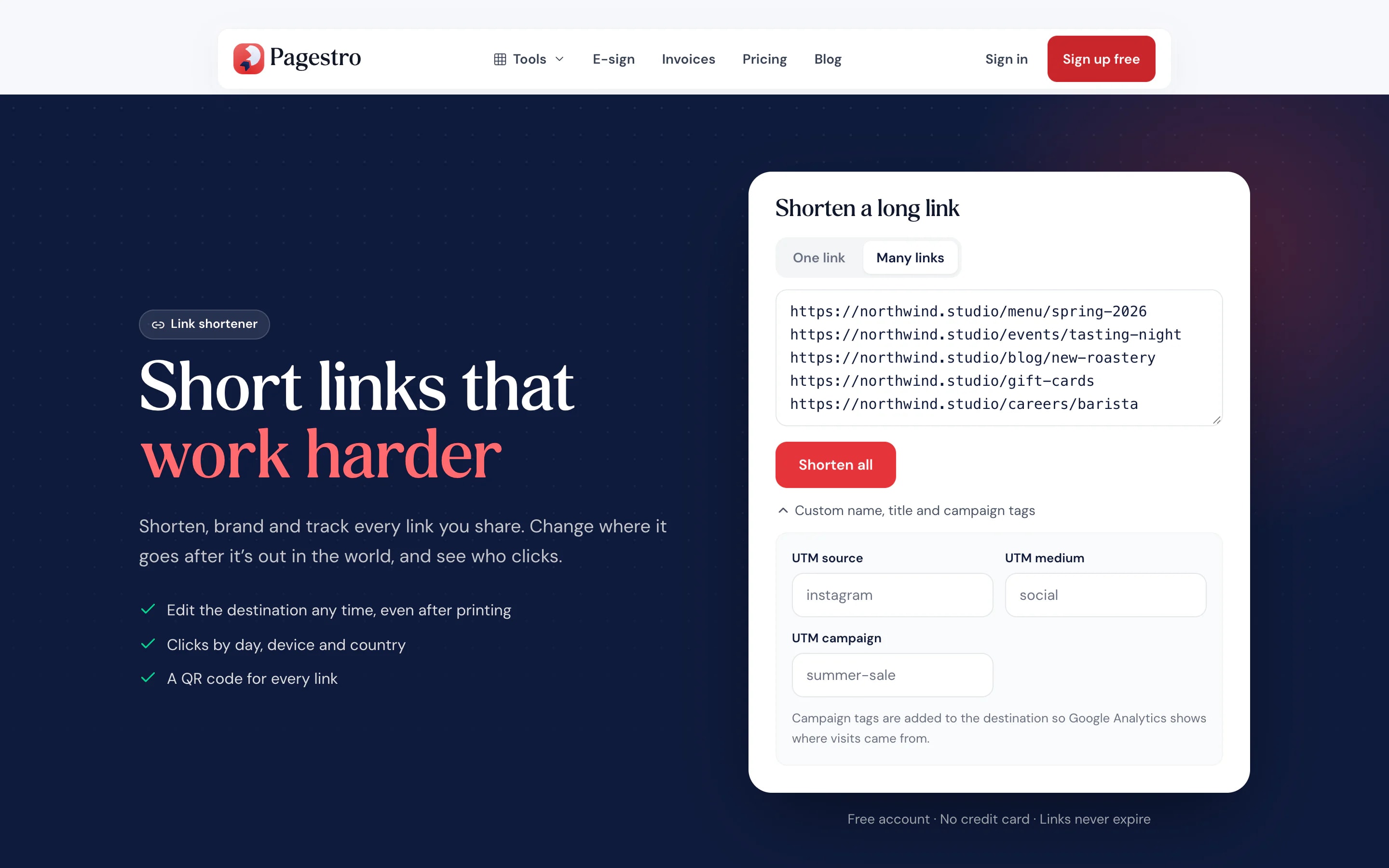
- shortened in bulk, one per line
- 100 at once
How it works
A short link in three steps
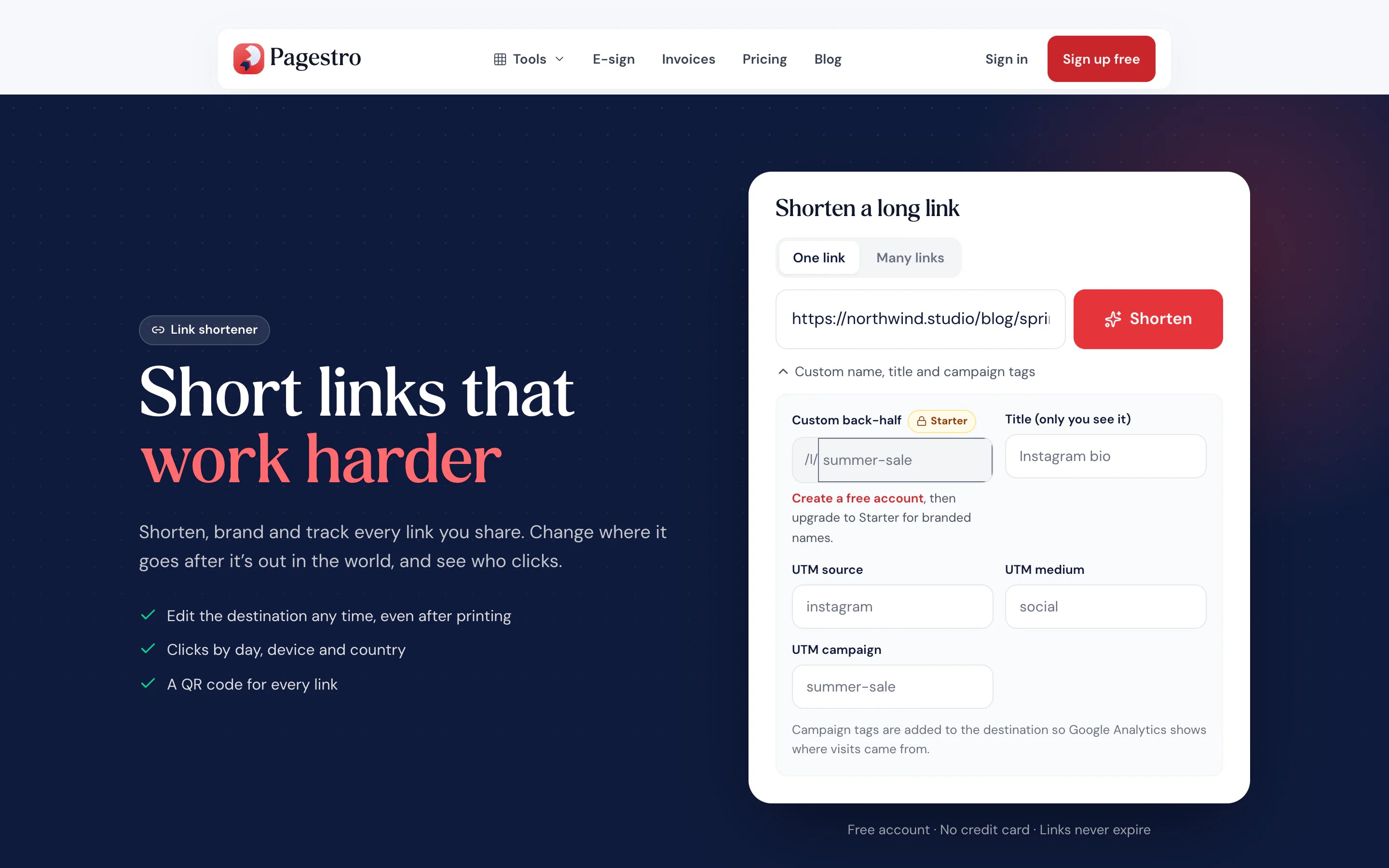
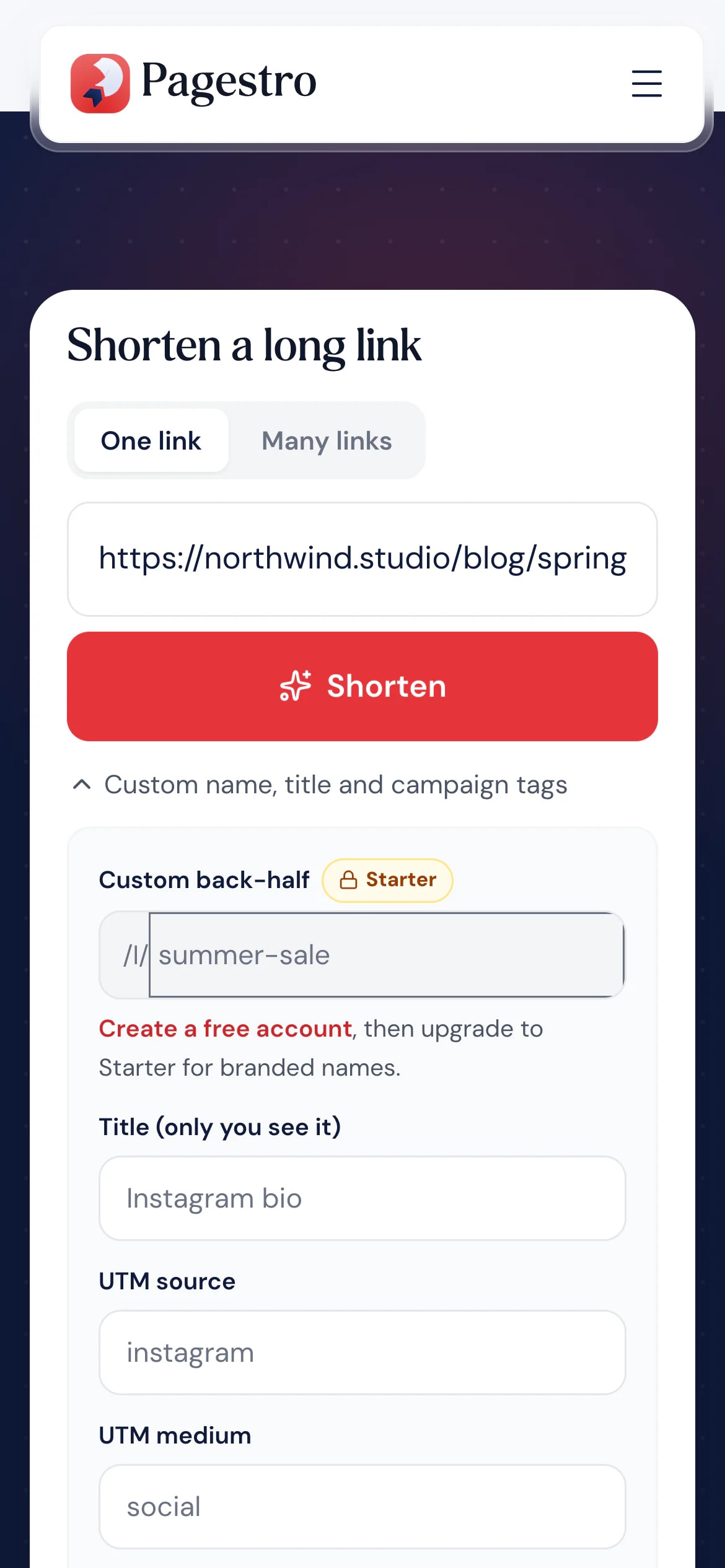
Add campaign tags if you like. The tags are added to the destination for you.
Copy the short link, send it on WhatsApp or by email, or download it as a QR code.
Open My links to see clicks by day, country, device and browser.
- 1
Paste a long link
Add campaign tags if you like. The tags are added to the destination for you.
- 2
Copy or share it
Copy the short link, send it on WhatsApp or by email, or download it as a QR code.
- 3
Watch the clicks
Open My links to see clicks by day, country, device and browser.
Features
Short links that keep working for you
Change where it goes, any time.
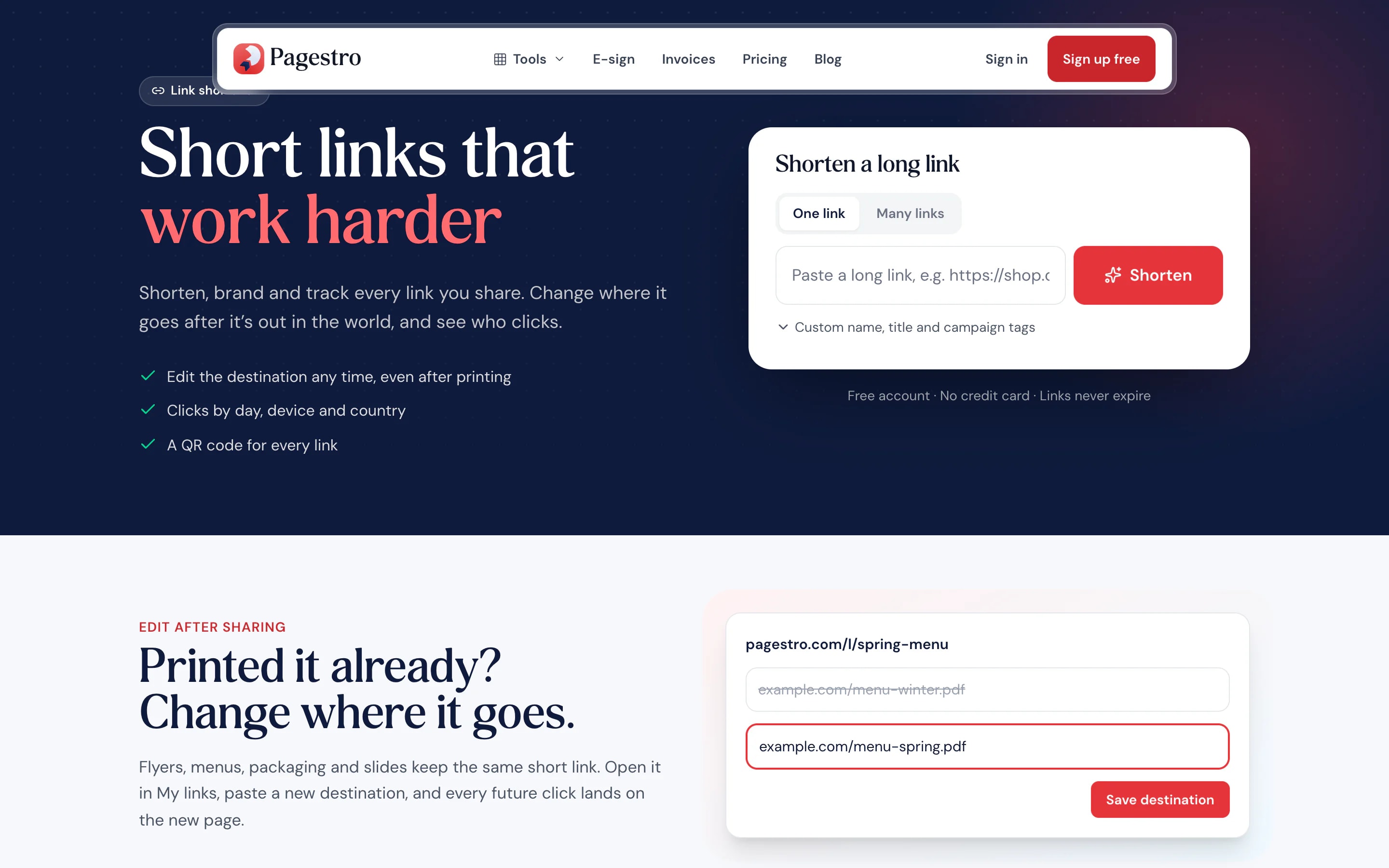
Printed a flyer with last season’s page? Point the short link at the new one. The link itself stays the same.
Clicks you can trust.
Bots and link previews aren’t counted.
Campaign tags built in.
Add source, medium and campaign without typing long URLs.
Share from your phone.
Copy, WhatsApp and email buttons right under every new link.
A QR code for every link.
Download any short link as a QR code, or design one in QR Studio.
Custom names from Starter.
pagestro.com/l/spring-sale reads better than random letters. Custom names come with Starter and up.
Shorten 100 links at once.
Paste one link per line and give them all the same campaign tags.
Click analytics
Useful stats, without tracking people
Every short link shows clicks by day, top countries, devices and browsers. Unique visitors are counted with a code that changes every day, so IP addresses are never stored. Pro adds CSV exports.
- Daily clicks for every link
- Country, device, browser and operating system
- Bots and link previews filtered out

On the go
Shorten and share in two taps
Posting from your phone? Paste the link, tap WhatsApp or email, and the short link is on its way. Your links and their clicks are in My links whenever you check.
- Copy, WhatsApp and email buttons
- Download a QR code on the spot
- Same account on phone and desktop
Who uses it
Links that fit on anything
Small shops
Flyers, bags and receipts.
A short link people can type, and change after printing.
Event organizers
One link for the schedule.
Share it early, then point it at the final program on the day.
Teachers
Long document links for class.
Write a short link on the board instead of a long one.
Marketers
One link per channel.
Campaign tags on each link show which post brought the clicks.
How Pagestro compares
 Pagestro
Change the destination later
- Pagestro
- Yes
- Separate link shortener
- Varies
- Full-length link
- No
Clicks by day, device and country
- Pagestro
- Yes
- Separate link shortener
- Varies
- Full-length link
- No
QR code for every link
- Pagestro
- Yes
- Separate link shortener
- Varies
- Full-length link
- No
Same account as QR codes, invoices and contracts
- Pagestro
- Yes
- Separate link shortener
- No
- Full-length link
- No
Cost to start
- Pagestro
- Free plan
- Separate link shortener
- Varies
- Full-length link
- Free
Pairs well with
 QR Code StudioGenerate custom branded vector QR codesOpen tool
 Email BuilderDesign responsive emails with drag and dropOpen tool
 Invoice GeneratorCreate, customize & export premium enterprise invoicesOpen tool
 Contracts & AgreementsCreate, customize & e-sign legal agreementsOpen tool
 Compress ImageReduce image file size without quality lossOpen tool