

At a glance
- uploaded: conversion runs on your device
- 0 bytes
- text sits where it was on the page
- Same layout
- fix text in the preview before you download
- Edit first
- no sign-up, no watermark
- Free
PDF to Word in three steps
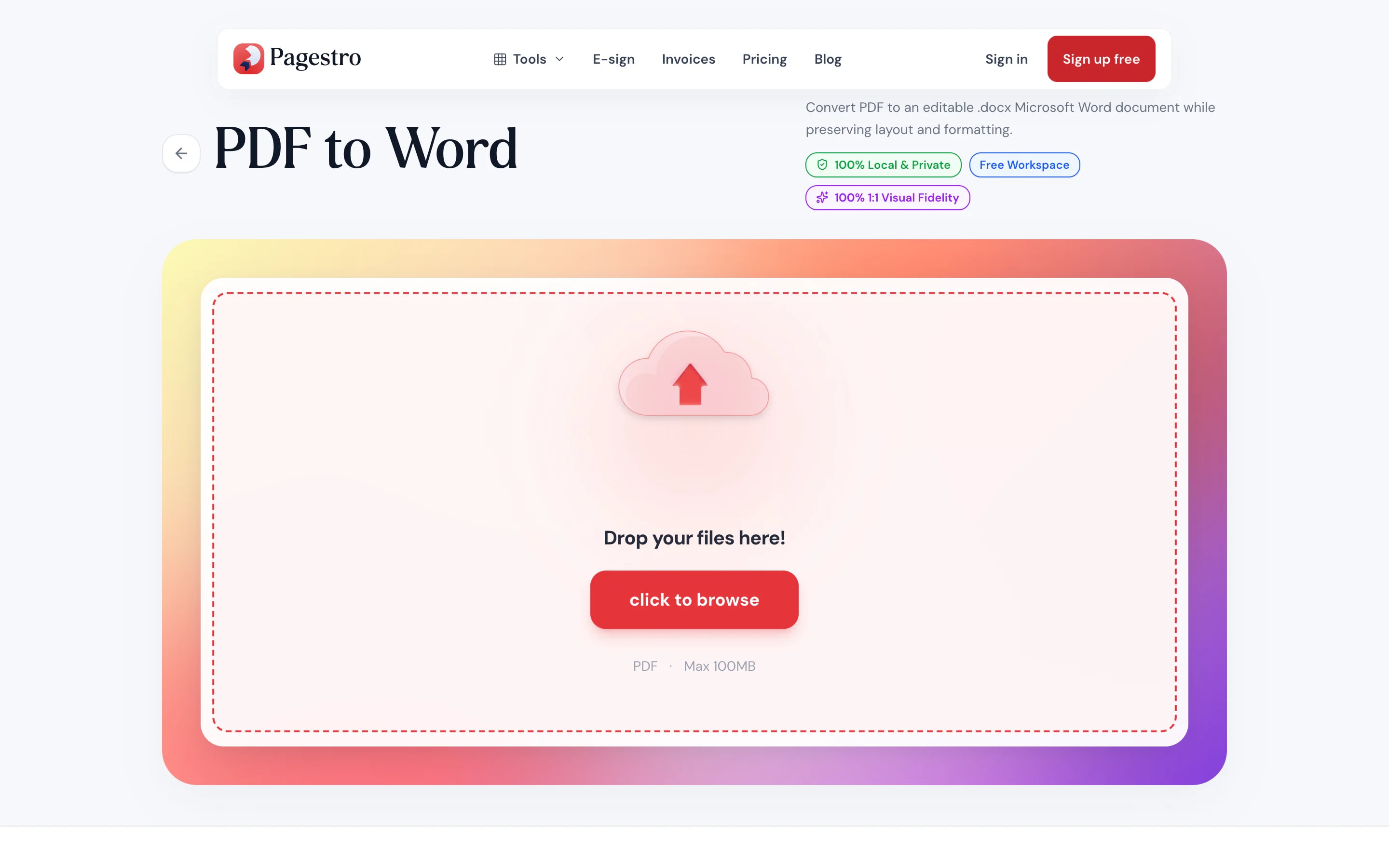
Drop in a PDF up to 100 MB. Pages are analyzed right away.
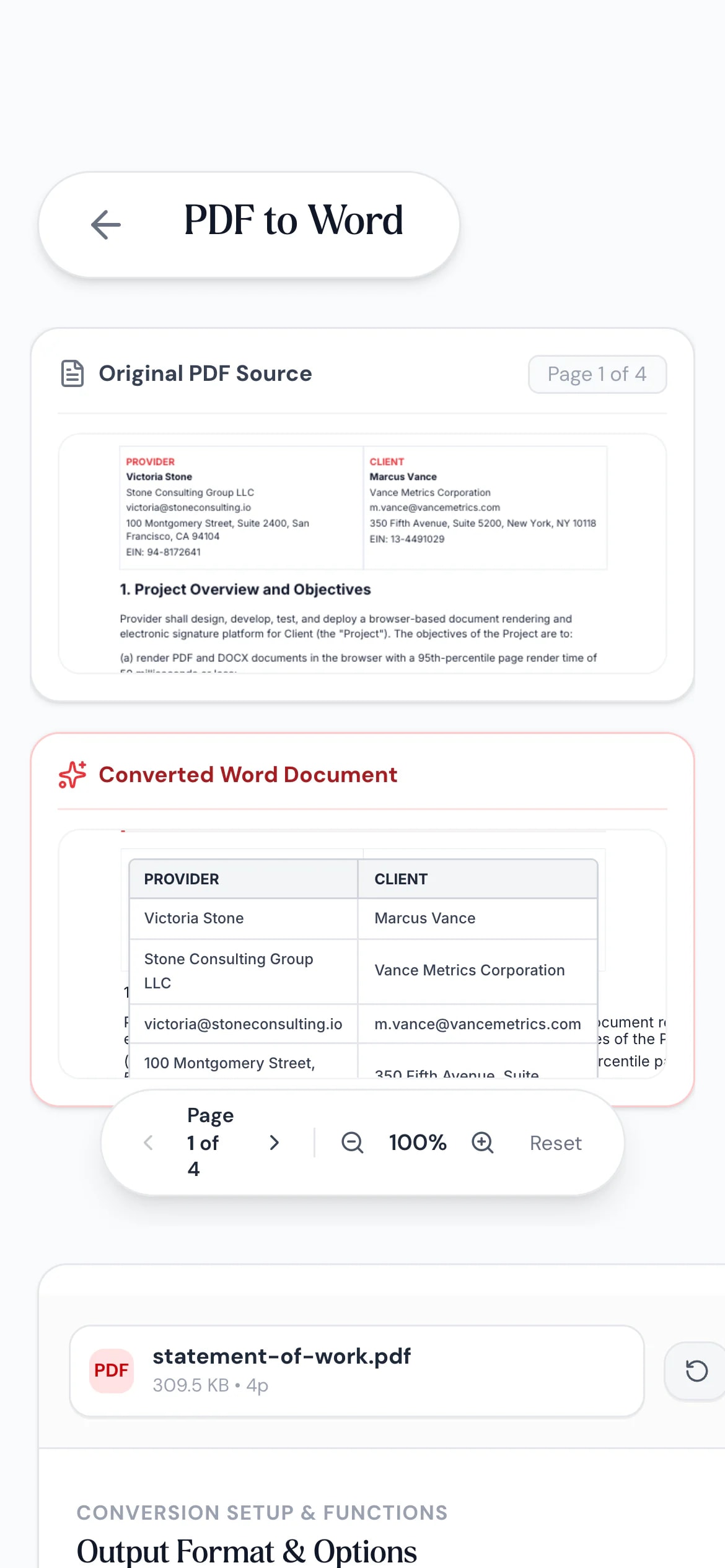
Compare the original with the converted page, and click a line of text to correct it.
Open it in Word, Google Docs or Pages and keep working.


- 1
Add your PDF
Drop in a PDF up to 100 MB. Pages are analyzed right away.
- 2
Check the preview
Compare the original with the converted page, and click a line of text to correct it.
- 3
Download the .docx
Open it in Word, Google Docs or Pages and keep working.
Looks like the PDF, edits like Word
No retyping, no starting over.
Layout that matches.
Each line of text is placed where it sat on the PDF page, with its font name, size, weight and color.
Tables become Word tables.
Detected tables are rebuilt with rows and cells you can edit.
Artwork kept behind the text.
Backgrounds, shapes and images stay on the page behind the editable text.
Fix it before you save.
Click a line in the preview to correct a typo before the .docx is built.
Switch formats.
Same screen also makes Excel or PowerPoint.
Private.
Nothing is uploaded.
Private conversion
Contracts and CVs stay on your laptop
PDFs you need to edit are often the sensitive ones: contracts, offer letters, CVs, forms. Pagestro reads the text and layout in your browser and writes the Word file there too, so nothing is sent to a server.
- Text, fonts and colors read on your device
- Images and backgrounds kept in place
- Works without Word installed

On your phone
Need to edit a PDF on the go?
Convert the PDF to Word in your phone’s browser and open the .docx in the Word or Google Docs app to make changes.
- Works in Safari and Chrome on iOS and Android
- Pick the PDF from Files, Drive or downloads
- The .docx saves straight to your phone

Edit what you were sent
Job seekers
Update an old CV.
Only have your CV as a PDF? Convert it and edit it in Word.
Legal and admin
Redline a received agreement.
Turn a PDF draft into a .docx so you can suggest changes.
Teachers
Adapt a worksheet.
Edit questions on a PDF worksheet instead of retyping it.
Marketers
Reuse a brochure’s copy.
Pull the text and layout of a PDF brochure into Word for a new version.
How Pagestro compares
 Pagestro
PDF stays on your device
- Pagestro
- Yes
- Desktop software
- Yes
- Upload-based sites
- No
Nothing to install
- Pagestro
- Yes
- Desktop software
- No
- Upload-based sites
- Yes
Fix text before download
- Pagestro
- Yes
- Desktop software
- Varies
- Upload-based sites
- Varies
No waiting for uploads
- Pagestro
- Yes
- Desktop software
- Yes
- Upload-based sites
- No
Price
- Pagestro
- Free
- Desktop software
- Often a paid license
- Upload-based sites
- Often free with limits
How do I convert a PDF to an editable Word document?
Add the PDF, check the preview and press Convert & Download. Open the .docx in Word, Google Docs or Pages.
Will the Word file look like my PDF?
Yes, closely. Each line keeps its position, font, size and color, tables are rebuilt as Word tables, and backgrounds and images stay on the page.
Can I rewrite whole paragraphs?
Every line is editable. Because each line is placed exactly where it was, long rewrites won’t reflow onto the next line. For free-flowing text, use OCR PDF and export to Word, or PDF to Markdown.
Does it work with scanned PDFs?
Scanned pages are pictures of text, so they come through as images. Run them through OCR PDF, which reads the text and can export straight to Word.
Why does a font look different in Word?
The .docx names the font from your PDF. If that font isn’t installed on your computer, Word substitutes a similar one.
Is my PDF uploaded?
No. The text and layout are read and the Word file is built in your browser, so the PDF never leaves your device.
Is PDF to Word free?
Yes. No sign-up, no watermark and no daily limit.
Related tools
 Word to PDFConvert DOCX Word documents to PDFOpen tool
 OCR PDFMake scanned PDFs searchable and selectableOpen tool
 PDF to ExcelConvert PDF tables to Excel spreadsheetOpen tool
 PDF to PowerPointConvert PDF slides to PowerPointOpen tool
 Edit PDFAdd text, images, shapes or freehand annotations to a PDFOpen tool
 PDF to MarkdownTurn PDF files into clean Markdown documentsOpen tool