

At a glance
- every pixel kept, no blurry artifacts
- Lossless
- kept, not filled in with white
- Transparency
- uploaded: conversion runs on your device
- 0 bytes
- no sign-up, no watermark
- Free
PNGs to PDF in three steps
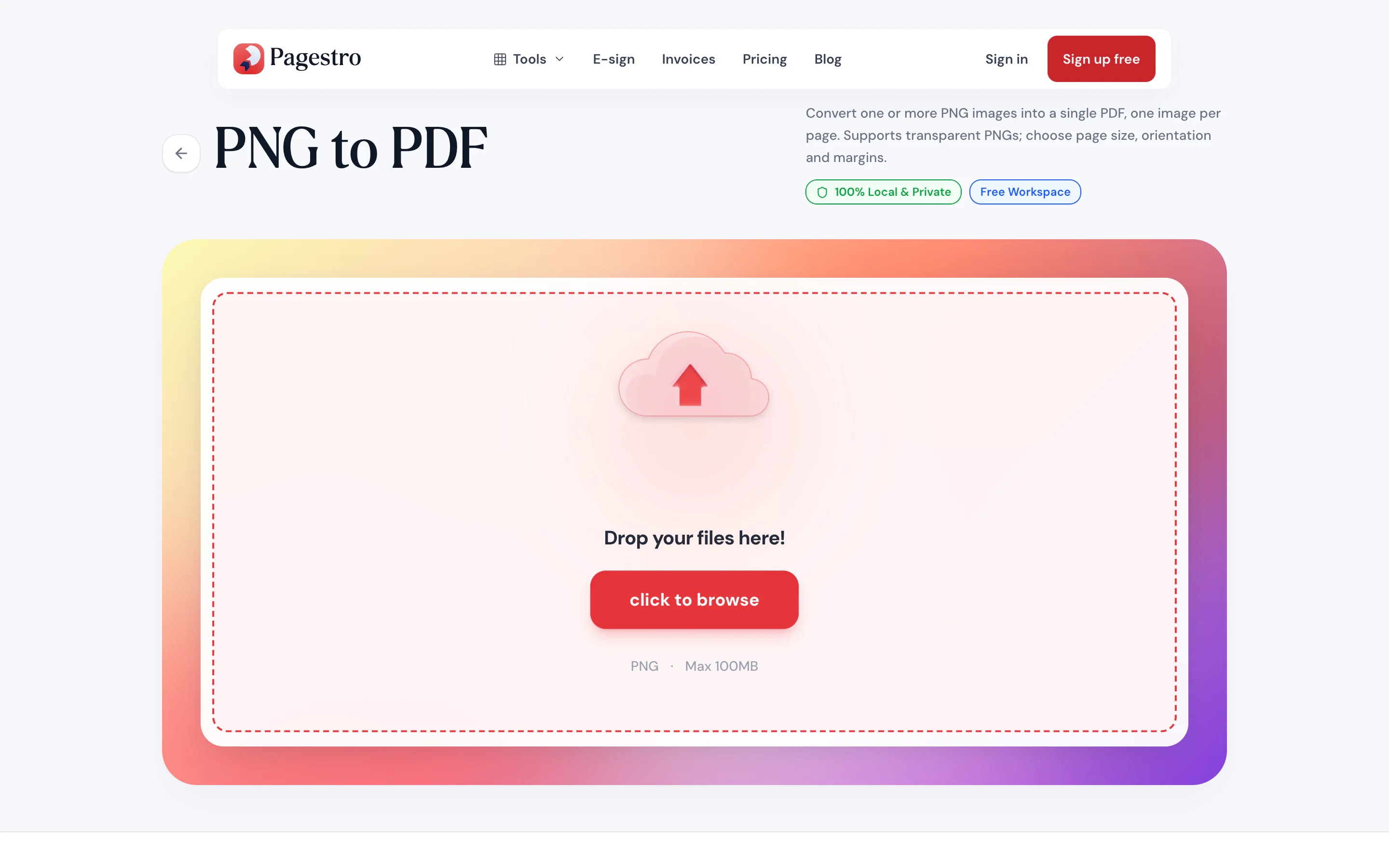
Drop in one image or many: screenshots, diagrams, scans or exported slides.
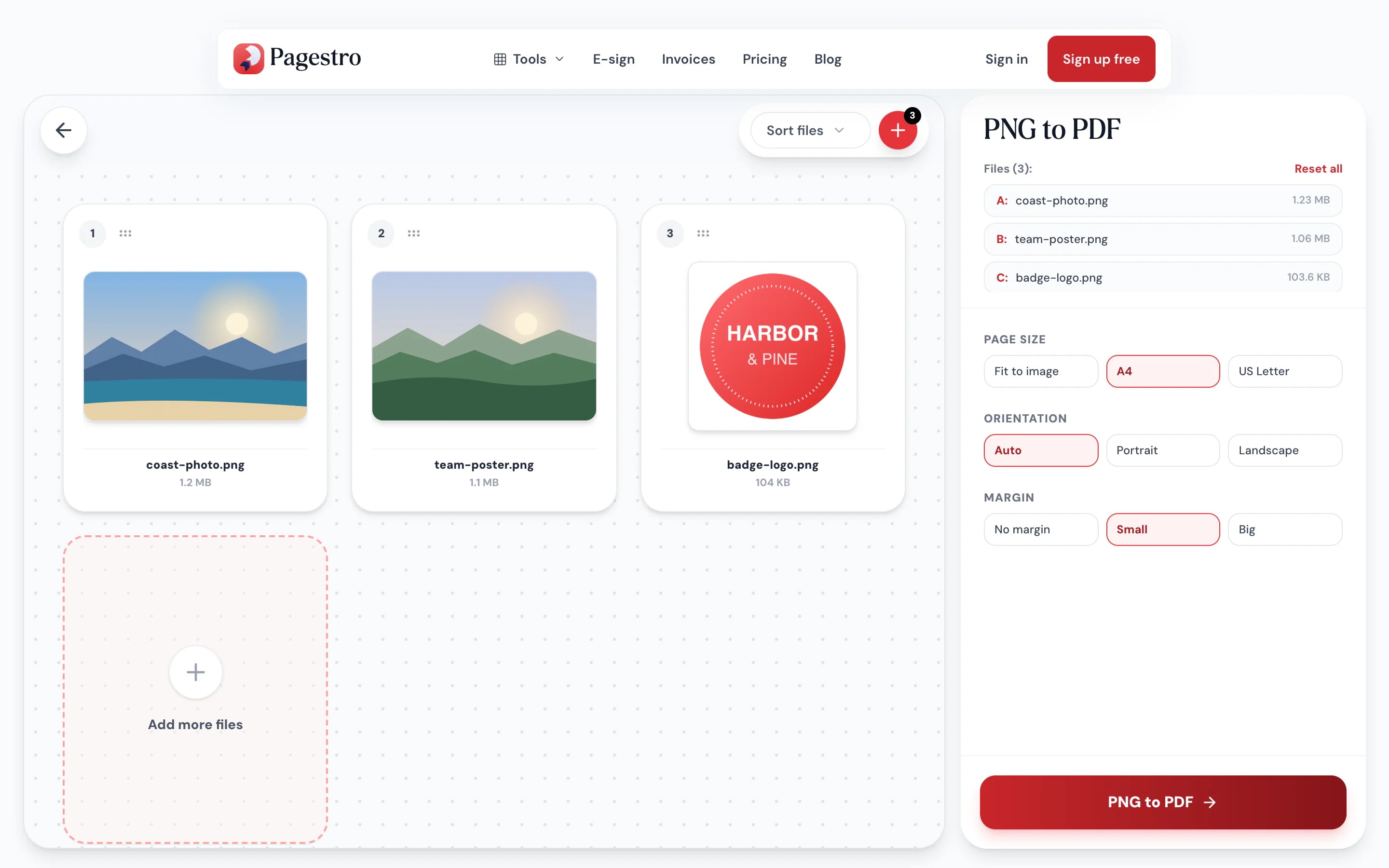
Drag images into order or sort by name. Remove any you added by mistake.
Each PNG becomes one page, at its own size or on A4 or Letter with the margin you pick.
- 1
Add your PNGs
Drop in one image or many: screenshots, diagrams, scans or exported slides.
- 2
Arrange them
Drag images into order or sort by name. Remove any you added by mistake.
- 3
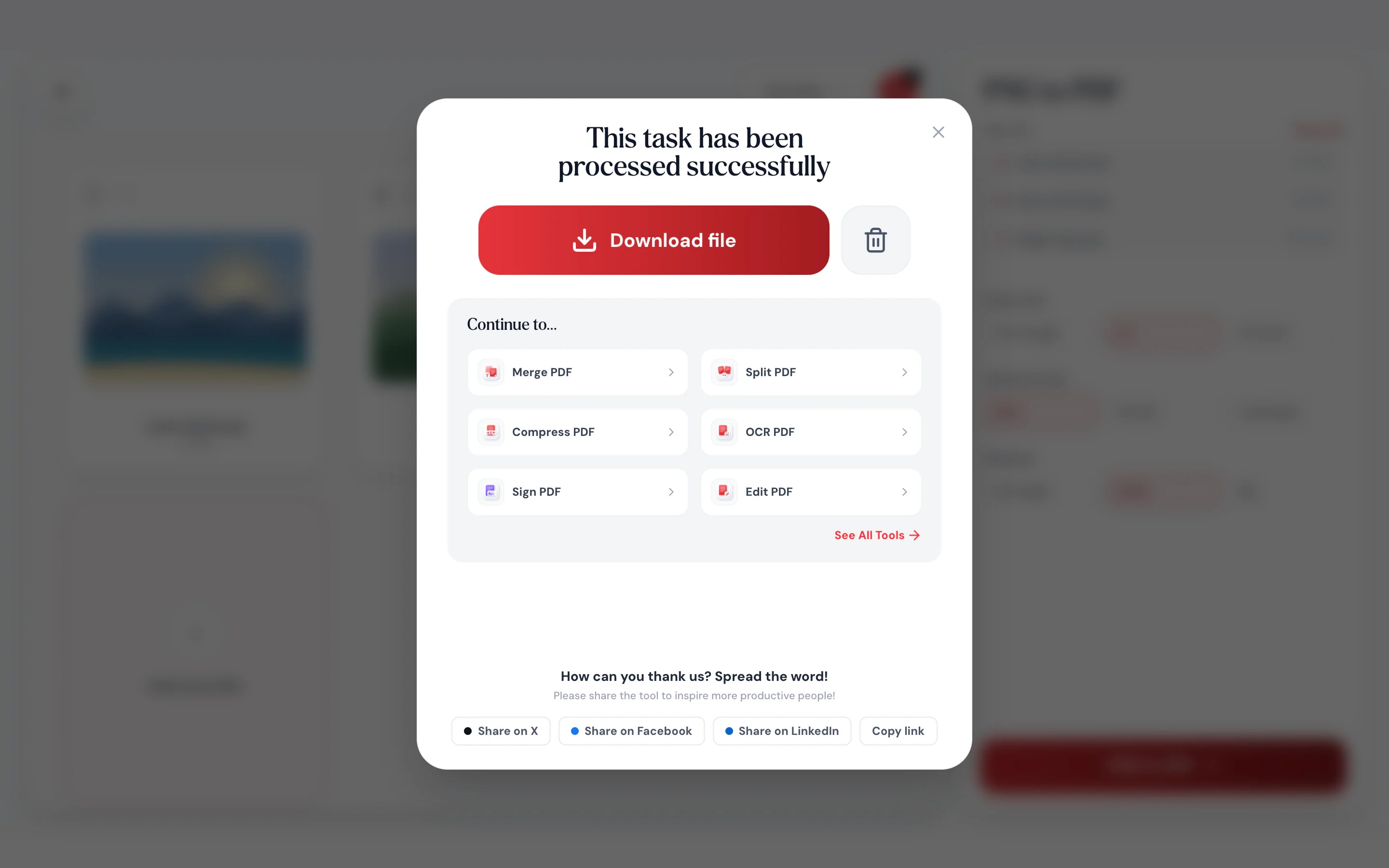
Save the PDF
Each PNG becomes one page, at its own size or on A4 or Letter with the margin you pick.
Sharp edges stay sharp
PNG is the format for text, lines and flat color. The PDF keeps it that way.
Pixel-perfect pages.
Images are stored losslessly, so small text in screenshots and thin lines in diagrams look the same as the original.
Transparent areas stay clear.
Logos and cut-out graphics keep their transparency in the PDF.
Many images, one file.
Combine a whole folder of screenshots into a single document.
From your phone too.
Turn phone screenshots into a PDF without a computer.
Page size your way.
Fit to the image, or A4 or Letter.
No upload.
Converted in your browser.
For screenshots and diagrams
Built for images with text in them
Bug reports, UI reviews, charts and flow diagrams are full of fine text and hard edges. Lossless pages keep every label readable, so whoever opens the PDF sees what you saw.
- No compression artifacts around text
- Transparent backgrounds preserved
- Pages sized to each image

On your phone
Phone screenshots, one PDF
Booking confirmations, chat threads, receipts in an app. Pick the screenshots in your phone’s browser and save them as a single PDF you can file or forward.
- Works in Safari and Chrome on iOS and Android
- Pick screenshots from your photo library
- Saves the PDF straight to your phone

Clear pages for detailed images
Designers
Mockups for client review.
Send a set of screens as one PDF with every detail intact.
Support teams
Step-by-step screenshot guides.
Turn a run of screenshots into a guide customers can download.
Engineers
Diagrams that print cleanly.
Keep thin lines and small labels crisp in architecture diagrams.
How Pagestro compares
 Pagestro
Images stay on your device
- Pagestro
- Yes
- Desktop software
- Yes
- Upload-based sites
- No
Nothing to install
- Pagestro
- Yes
- Desktop software
- No
- Upload-based sites
- Yes
Works in a phone browser
- Pagestro
- Yes
- Desktop software
- No
- Upload-based sites
- Yes
Lossless pages
- Pagestro
- Yes
- Desktop software
- Varies
- Upload-based sites
- Varies
Price
- Pagestro
- Free
- Desktop software
- Often a paid license
- Upload-based sites
- Often free with limits
How do I convert PNG to PDF?
Add your PNG files, drag them into order and press PNG to PDF. Each image becomes one page of a single PDF.
Does PNG to PDF keep transparency?
Yes. Transparent areas stay transparent in the PDF instead of being filled with white.
Will the images lose quality?
No. PNG images are stored losslessly, so every pixel matches the original.
Can I combine several PNGs into one PDF?
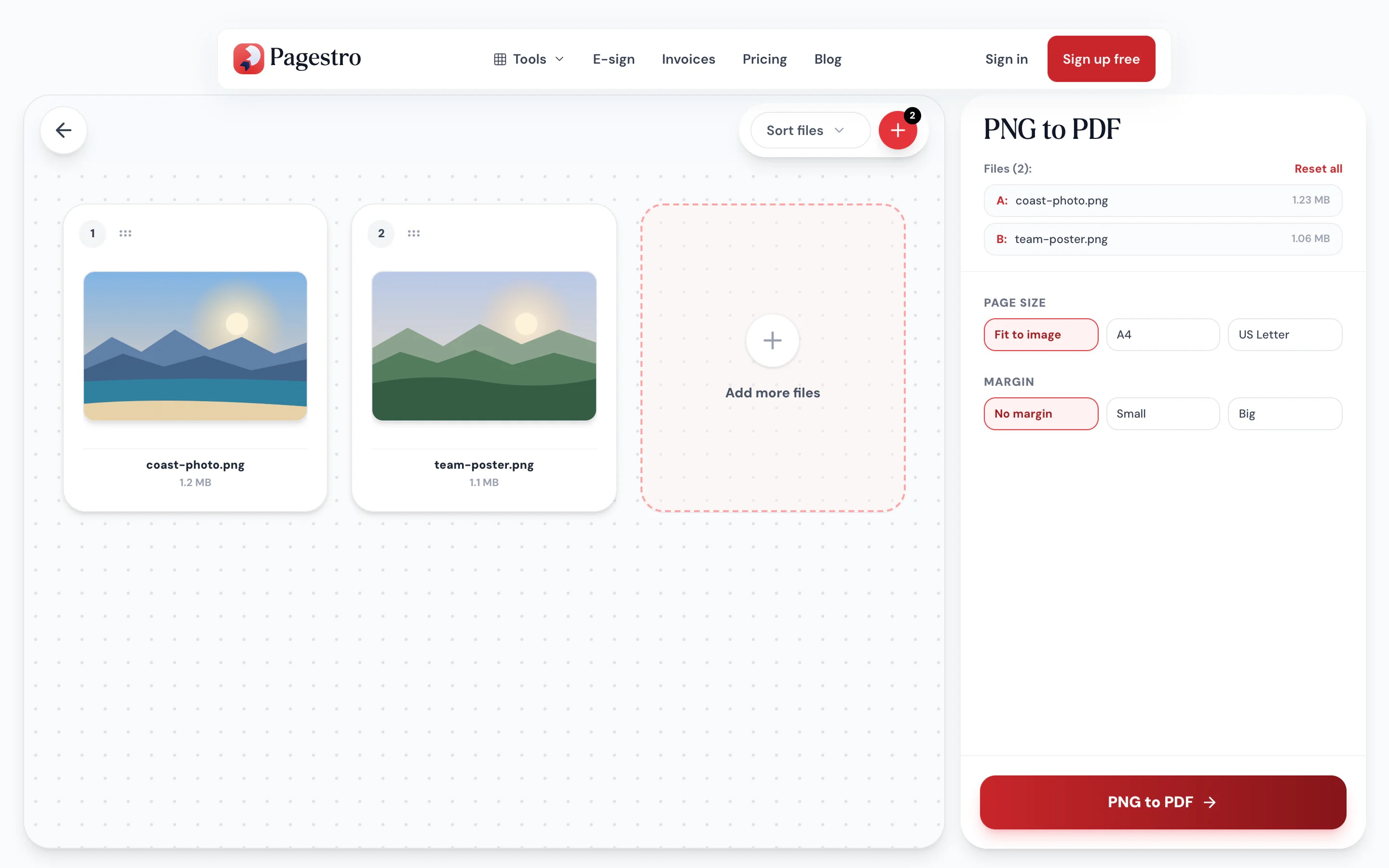
Yes. Add as many as you need at once, or use the plus button to add more, then download one PDF.
What size are the PDF pages?
Your choice. Fit to image makes each page match its image exactly; A4 or US Letter fits the image on a standard page, portrait or landscape, with no margin, a small one or a big one. Nothing is cropped or stretched.
Are my images uploaded?
No. Conversion happens in your browser and nothing is sent to a server.


