

Crop Image
Crop images with an interactive editor.
or drop a file here · JPG, PNG, WEBP up to 100 MB · files stay on your device
How it works
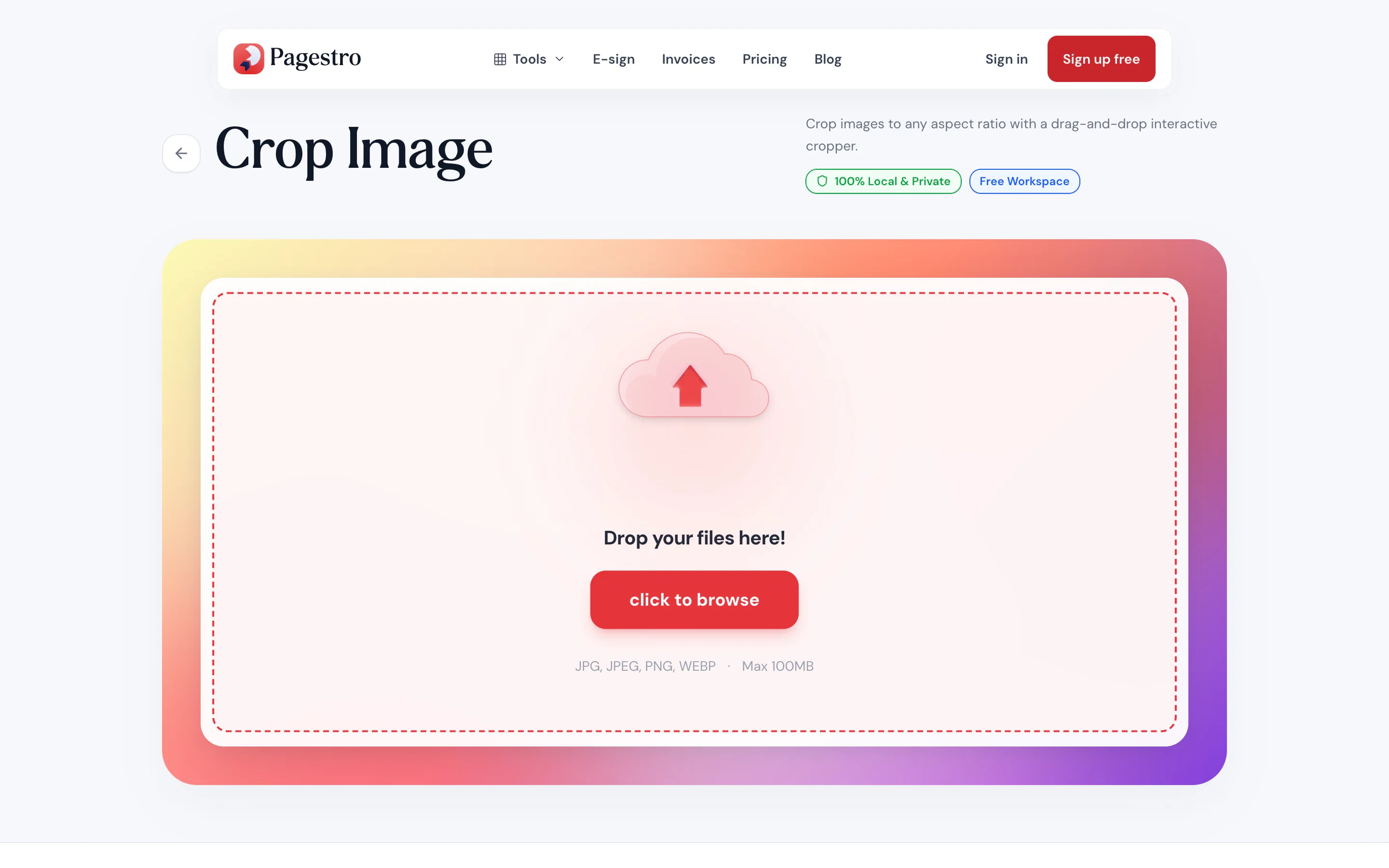
- 1Add your photoDrop in a JPG, PNG or WebP image, or pick one from your phone.
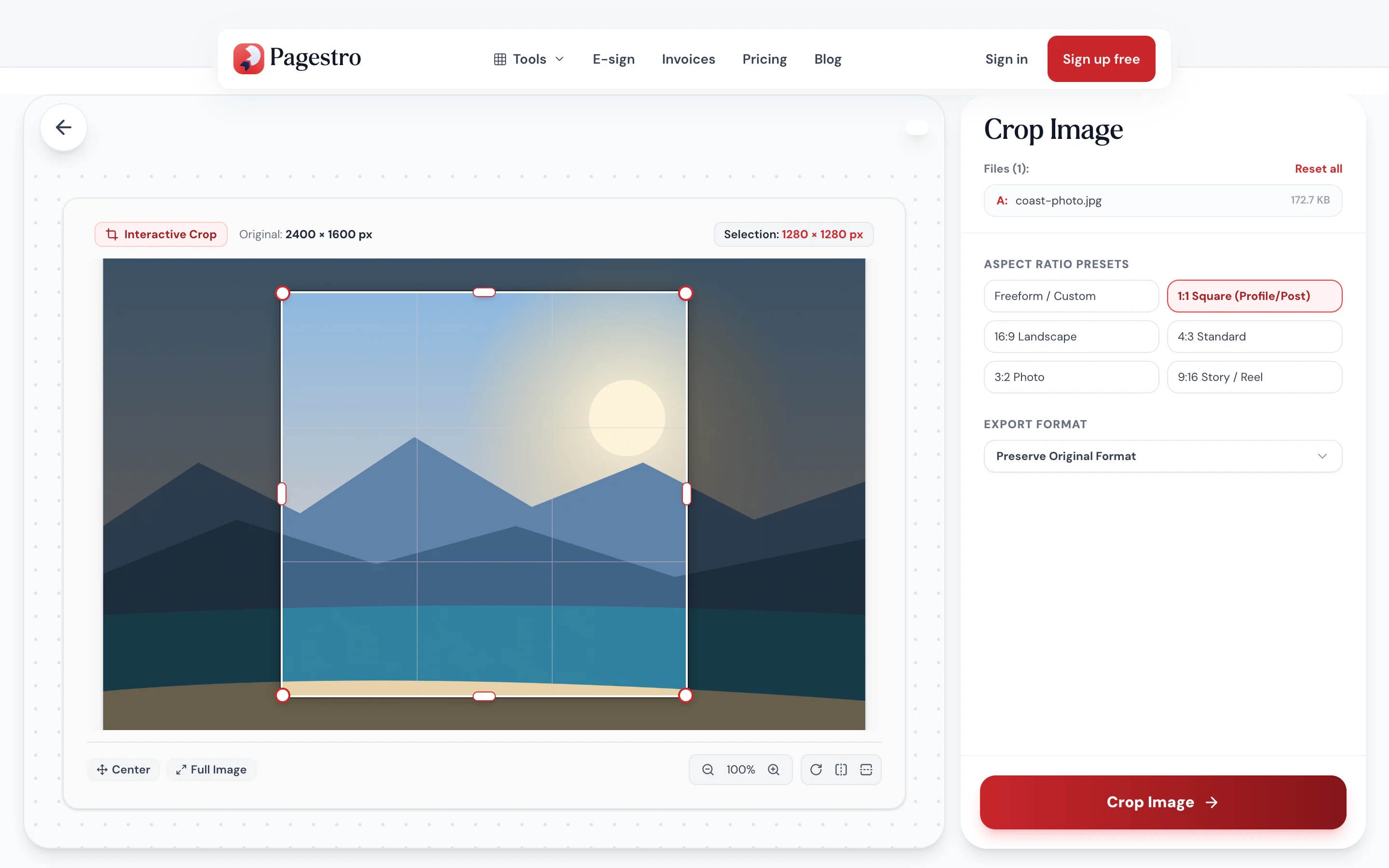
- 2Frame the shotChoose a ratio, drag the box, and rotate or flip if the photo is sideways.
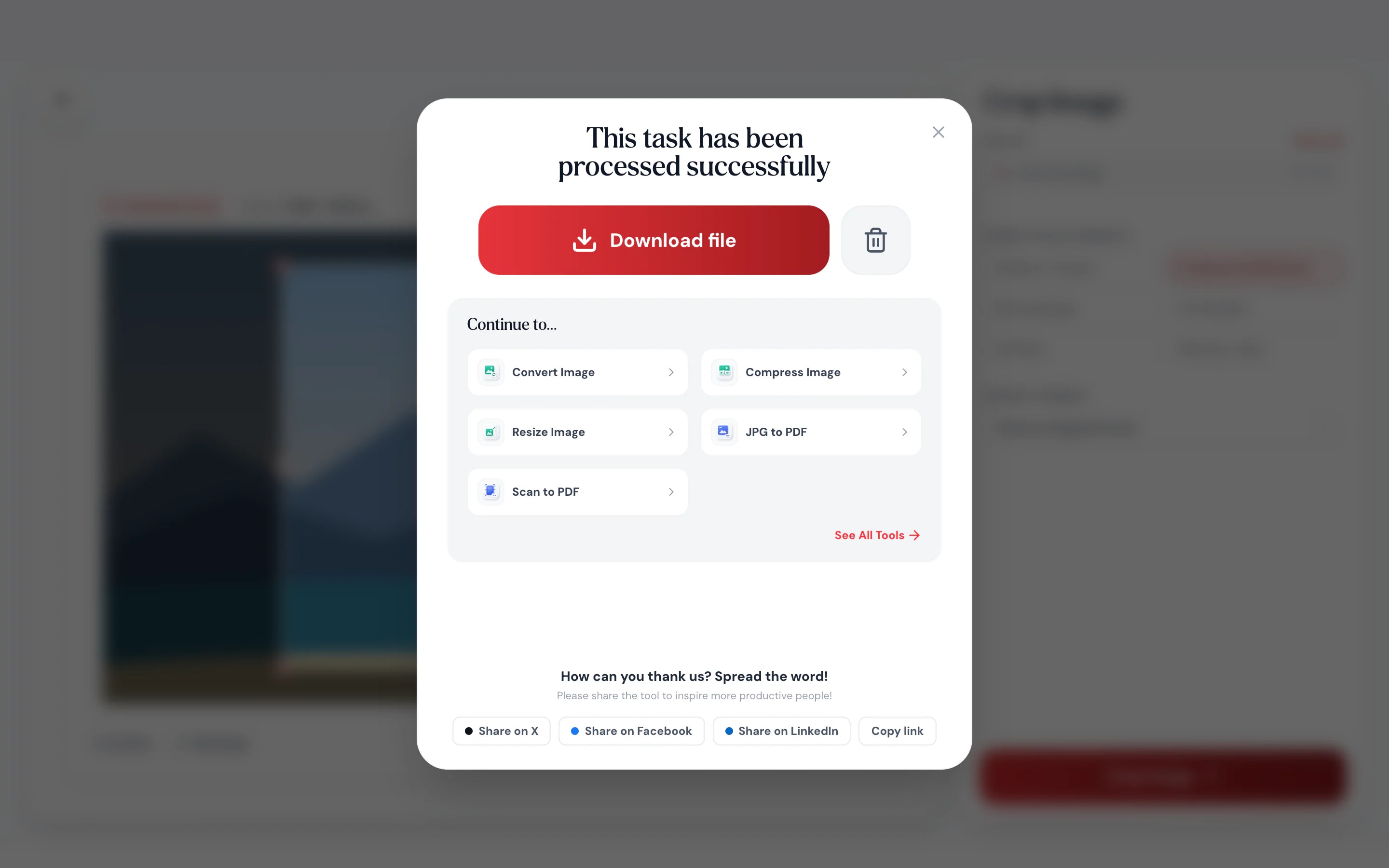
- 3Save itKeep the original format or save as PNG, JPG or WebP.
At a glance
- free, square, 16:9, 4:3, 3:2 and 9:16
- 6 ratios
- fix sideways photos while you crop
- Rotate + flip
- uploaded: cropping runs in your browser
- 0 bytes
- no sign-up and no watermark
- Free
Questions and answers
How do I crop an image to a square?
Add the image to the tool at the top of this page, choose 1:1, drag the box over the part you want and download.
How do I crop a photo for stories?
Choose the 9:16 ratio, position the box and download. The result is tall and fits phone screens.
Can I rotate or flip a photo?
Yes. Rotate it in 90° steps, or flip it horizontally or vertically, before you download.
Does cropping reduce quality?
The pixels you keep aren’t scaled. PNG stays lossless, and JPG and WebP are saved again at high quality.
Which formats are supported?
You can crop JPG, PNG and WebP images and save them in the original format or as PNG, JPG or WebP.
Are my photos uploaded?
No. Cropping happens in your browser on your own device, and nothing is sent to Pagestro.
More image tools


At a glance
- free, square, 16:9, 4:3, 3:2 and 9:16
- 6 ratios
- fix sideways photos while you crop
- Rotate + flip
- uploaded: cropping runs in your browser
- 0 bytes
- no sign-up and no watermark
- Free
How it works
Crop a photo in three steps
Drop in a JPG, PNG or WebP image, or pick one from your phone.
Choose a ratio, drag the box, and rotate or flip if the photo is sideways.
Keep the original format or save as PNG, JPG or WebP.
- 1
Add your photo
Drop in a JPG, PNG or WebP image, or pick one from your phone.
- 2
Frame the shot
Choose a ratio, drag the box, and rotate or flip if the photo is sideways.
- 3
Save it
Keep the original format or save as PNG, JPG or WebP.
Why Pagestro
Better framing in a few drags
Drag to crop
Move and resize the box over the photo and see exactly what you’ll keep.
Ratios for every feed
Square posts, 9:16 stories, 16:9 banners.
Rotate and flip
Turn in 90° steps, or mirror either way.
Crop on your phone
Frame a photo with your finger before you post it.
Pick the output format
Keep the original, or save as PNG, JPG or WebP.
Zoom for precision
Zoom in to line the edge up with a horizon or a face.
Private and free
Photos are cropped on your device and never uploaded. No sign-up, no watermark.
Private by design
Your photos stay on your device
Pagestro crops inside your browser, so personal photos aren’t uploaded anywhere. The part you keep is cut out at full resolution, with no rescaling.
- No upload and no account
- Full-resolution crop
- Close the tab and nothing is kept
On the go
Crop it before you post it
The best photo has a stranger in the corner. Open Pagestro in your phone’s browser, pick 9:16 or square, and crop them out before you share.
- Pick photos from your camera roll
- No app to install
- Saves straight back to your phone

Who uses it
Every photo has a better frame
- Cropped
Creators
Stories, reels and posts
Crop one photo to 9:16, square and 16:9 for each place you post.
- Cropped
Job seekers
A clean profile photo
Square-crop a portrait so your face sits in the center.
- Cropped
Online sellers
Products filling the frame
Cut away empty table space around the item.
- Cropped
Website editors
Banners at 16:9
Crop wide images to the shape your page layout expects.
How Pagestro compares
 Pagestro Pagestro | Desktop software | Upload-based sites | |
|---|---|---|---|
| Photos stay on your device | Yes | Yes | No |
| Nothing to install | Yes | No | Yes |
| Works on phones and tablets | Yes | No | Yes |
| Rotate and flip while cropping | Yes | Yes | Varies |
| Price | Free | Often a paid license | Varies by site |
How do I crop an image to a square?
Add the image to the tool at the top of this page, choose 1:1, drag the box over the part you want and download.
How do I crop a photo for stories?
Choose the 9:16 ratio, position the box and download. The result is tall and fits phone screens.
Can I rotate or flip a photo?
Yes. Rotate it in 90° steps, or flip it horizontally or vertically, before you download.
Does cropping reduce quality?
The pixels you keep aren’t scaled. PNG stays lossless, and JPG and WebP are saved again at high quality.
Which formats are supported?
You can crop JPG, PNG and WebP images and save them in the original format or as PNG, JPG or WebP.
Are my photos uploaded?
No. Cropping happens in your browser on your own device, and nothing is sent to Pagestro.


