

At a glance
- uploaded: the PDF is made on your device
- 0 bytes
- selectable and searchable in the PDF
- Real text
- page size and margins read from the file
- Your layout
- no sign-up, no watermark
- Free
Word to PDF in three steps
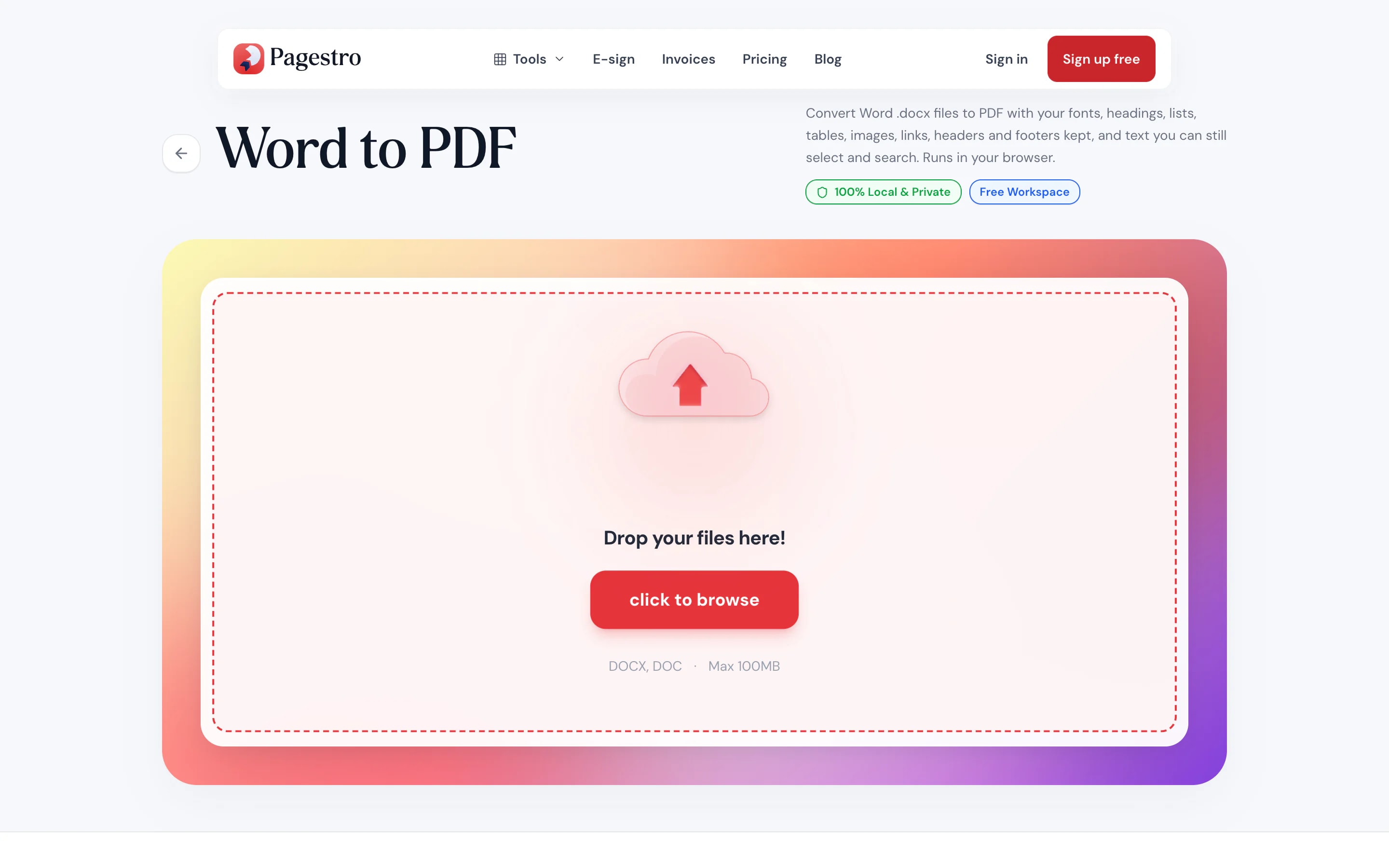
Drop in a Word document saved as .docx, up to 100 MB.
Headings, lists, tables and images are laid out on pages that match your document’s size and margins.
Save a PDF whose text can still be selected, searched and copied.

- 1
Add your .docx
Drop in a Word document saved as .docx, up to 100 MB.
- 2
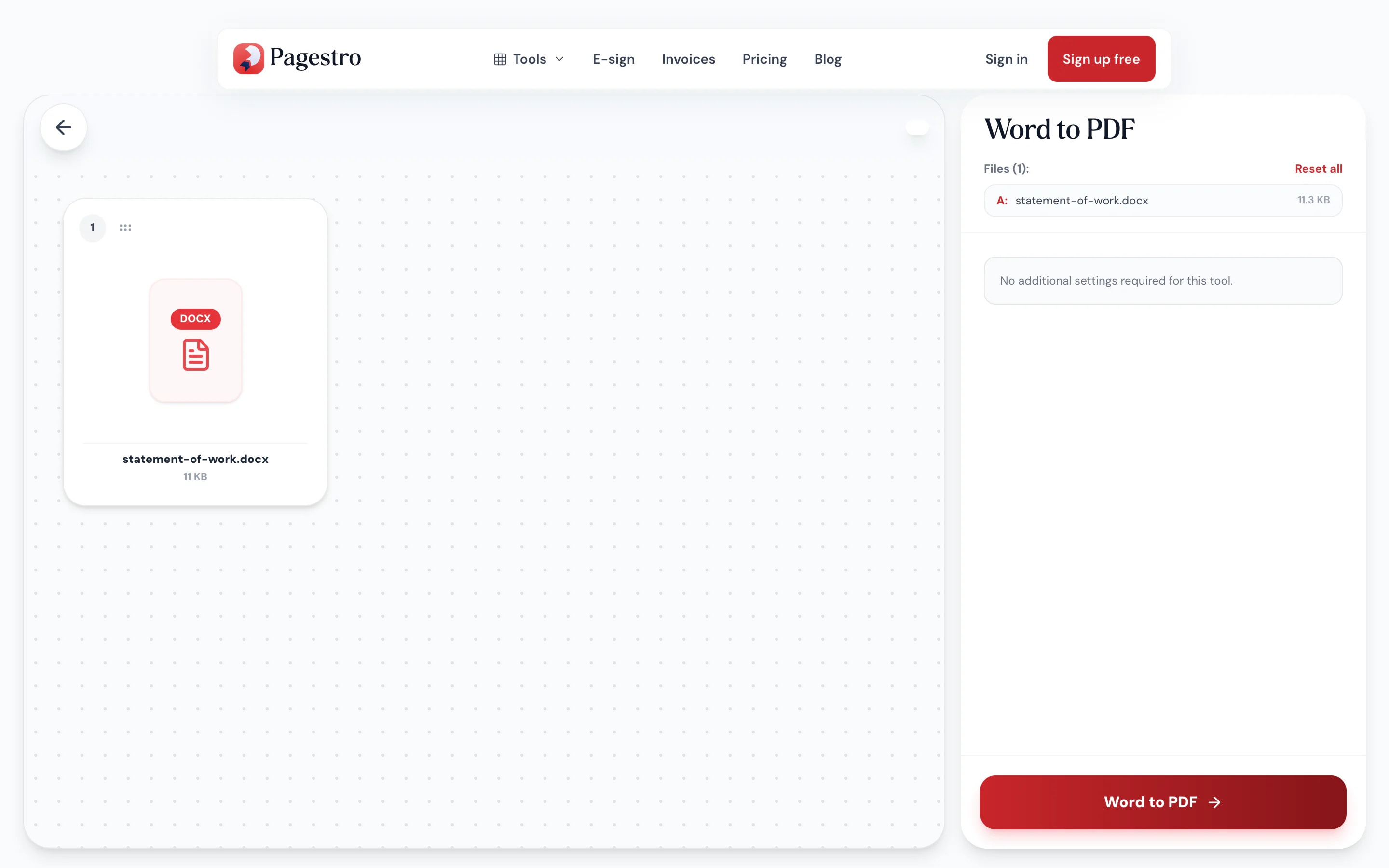
Convert
Headings, lists, tables and images are laid out on pages that match your document’s size and margins.
- 3
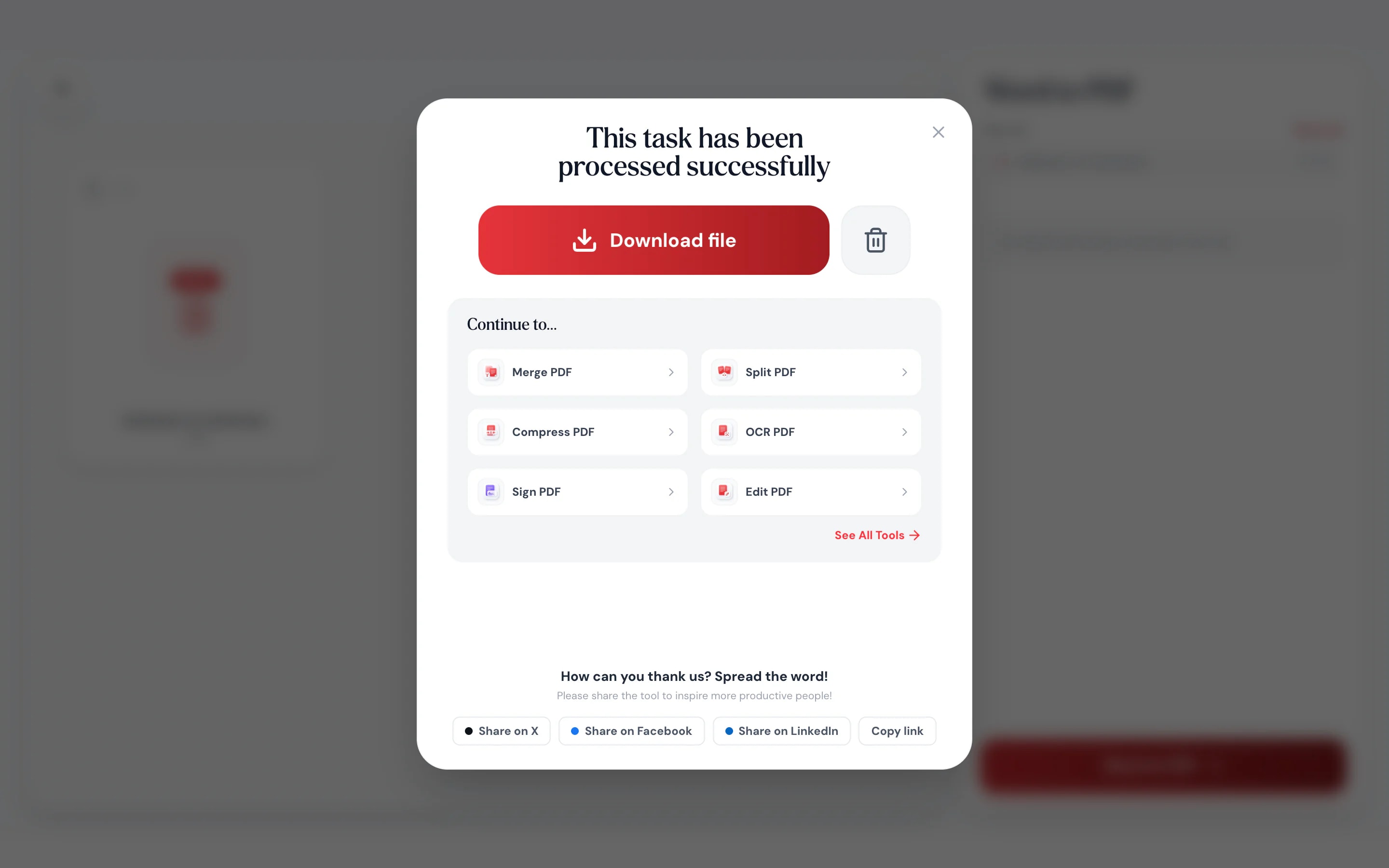
Download the PDF
Save a PDF whose text can still be selected, searched and copied.
Send a file that can’t shift around
A PDF looks the same for everyone, with or without Word installed.
Structure carries over.
Headings, bold and italic, bulleted and numbered lists, tables and pictures all come through.
Text, not pictures of text.
The PDF keeps real text, so readers can search it and copy from it.
Many scripts supported.
Bengali, Hindi, Chinese, Japanese and other scripts are set in matching fonts.
Convert on your phone.
Turn a .docx attachment into a PDF right in your phone’s browser.
Page setup kept.
Paper size and margins come from your file.
Nothing uploaded.
Your document stays on your device.
Private by design
Converted in your browser, not on a server
Cover letters, contracts and reports often hold details you’d rather not hand to a website. Pagestro lays out the PDF on your own device, so the document is never uploaded. If the text uses a script like Bengali or Japanese, only the matching font is downloaded.
- No upload of your document
- Selectable, searchable text in the PDF
- Works without Word installed
On your phone
No Word app needed
Someone sent a .docx and the form wants a PDF. Open Pagestro in your phone’s browser, pick the file and save the PDF. Nothing to install, no account to create.
- Works in Safari and Chrome on iOS and Android
- Pick the file from Files, Drive or your mail downloads
- The PDF saves straight to your phone
When it has to look right
Job seekers
Résumés that keep their layout.
Send a PDF so your résumé reads the same in every applicant system.
Freelancers
Proposals clients can’t edit by accident.
Share a fixed PDF version of a proposal or statement of work.
Teachers
Handouts for any device.
Post worksheets that open the same on phones, tablets and laptops.
How Pagestro compares
 Pagestro
Document stays on your device
- Pagestro
- Yes
- Desktop software
- Yes
- Upload-based sites
- No
Nothing to install
- Pagestro
- Yes
- Desktop software
- No
- Upload-based sites
- Yes
Works in a phone browser
- Pagestro
- Yes
- Desktop software
- No
- Upload-based sites
- Yes
Selectable text in the PDF
- Pagestro
- Yes
- Desktop software
- Varies
- Upload-based sites
- Varies
Price
- Pagestro
- Free
- Desktop software
- Often a paid license
- Upload-based sites
- Often free with limits
How do I convert a Word document to PDF without Word?
Open this page in any browser, drop in the .docx file and download the PDF. You don’t need Word or any other app installed.
Can I convert old .doc files?
Not directly. Open the .doc in Word, Pages or Google Docs, save it as .docx, then convert it here.
Will the PDF look exactly like my Word document?
Close, but not identical. Headings, lists, tables, images, page size and margins carry over, and so do headers and footers with page numbers. Text uses your document’s fonts: ones embedded in the file, the same font from Google Fonts, or a look-alike with the same spacing for Microsoft fonts such as Calibri, Arial and Times New Roman. Pictures in headers, text boxes and different odd and even page headers aren’t carried over. For an exact copy, use Save as PDF in Word itself.
Can people copy text from the PDF?
Yes. The PDF contains real text, so it can be selected, searched and copied.
Does it support languages other than English?
Yes. Text in scripts such as Bengali, Hindi, Chinese or Japanese is rendered with matching fonts, which your browser downloads when needed.
Is my document uploaded?
No. The PDF is created in your browser, so your document never leaves your device.
Is Word to PDF free?
Yes. No sign-up, no watermark and no daily limit.
More conversions
 PDF to WordConvert PDF to editable Word documentOpen tool
 Excel to PDFConvert XLSX spreadsheets to PDFOpen tool
 PowerPoint to PDFConvert PPTX presentations to PDFOpen tool
 HTML to PDFConvert web pages or HTML to PDFOpen tool
 Merge PDFCombine multiple PDFs into one documentOpen tool
 Compress PDFReduce PDF file size while keeping qualityOpen tool