

Watermark
Add text or image watermarks to PDF.
or drop a file here · PDF up to 100 MB · files stay on your device
How it works
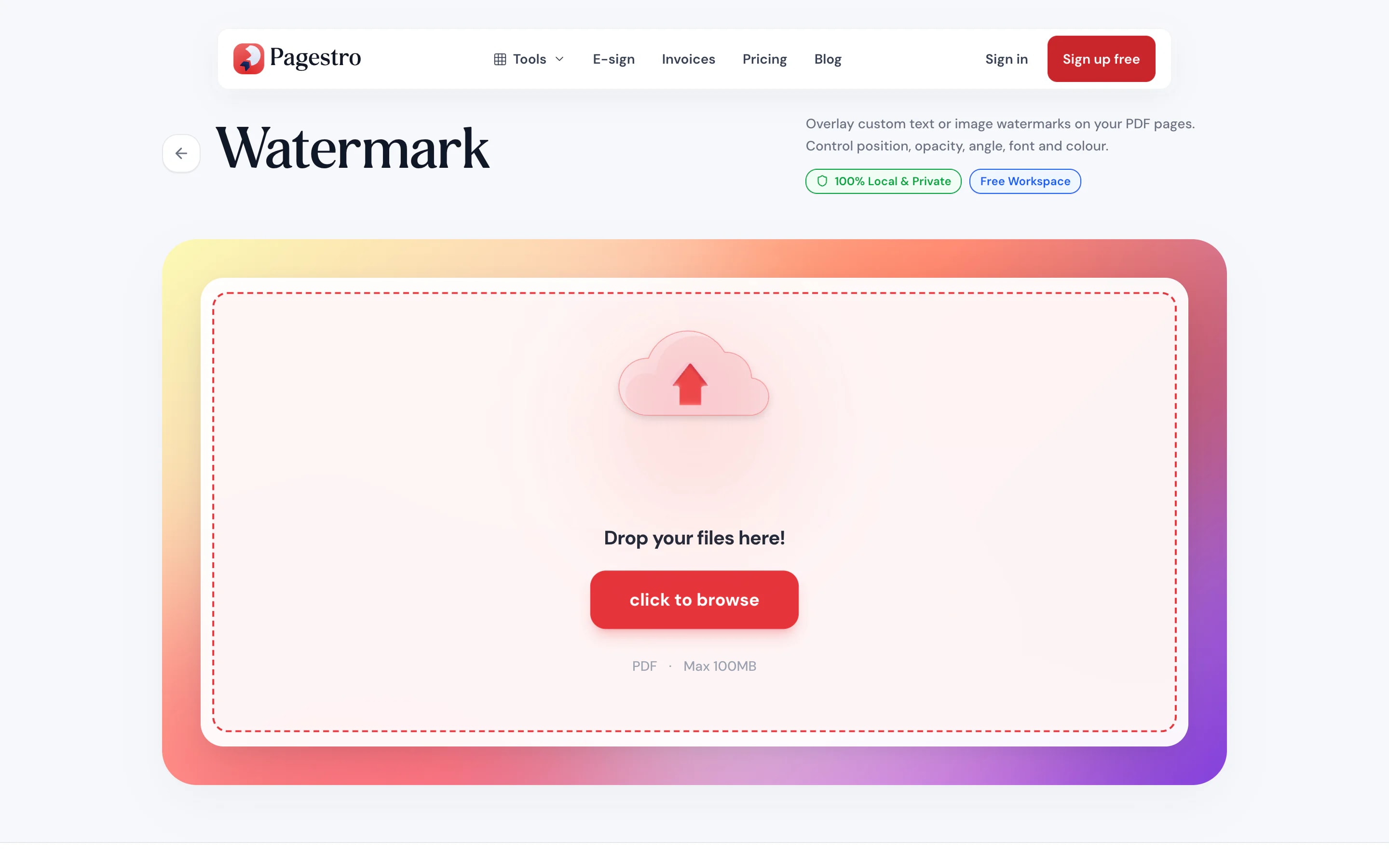
- 1Add your PDFDrop in one PDF of up to 100 pages, or pick it from your computer or phone.
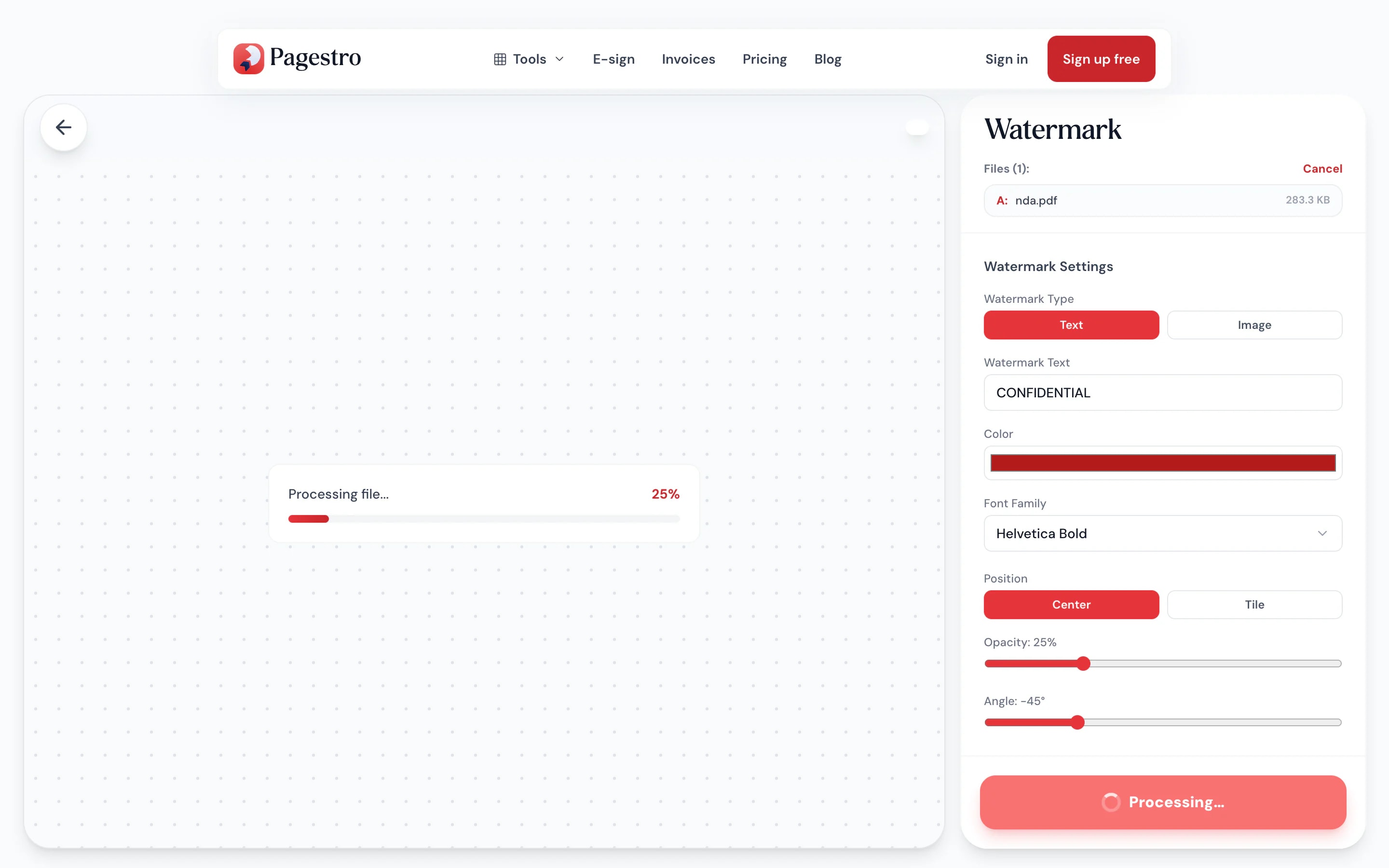
- 2Type the watermarkEnter the words you need, such as DRAFT or a client name, and set the opacity.
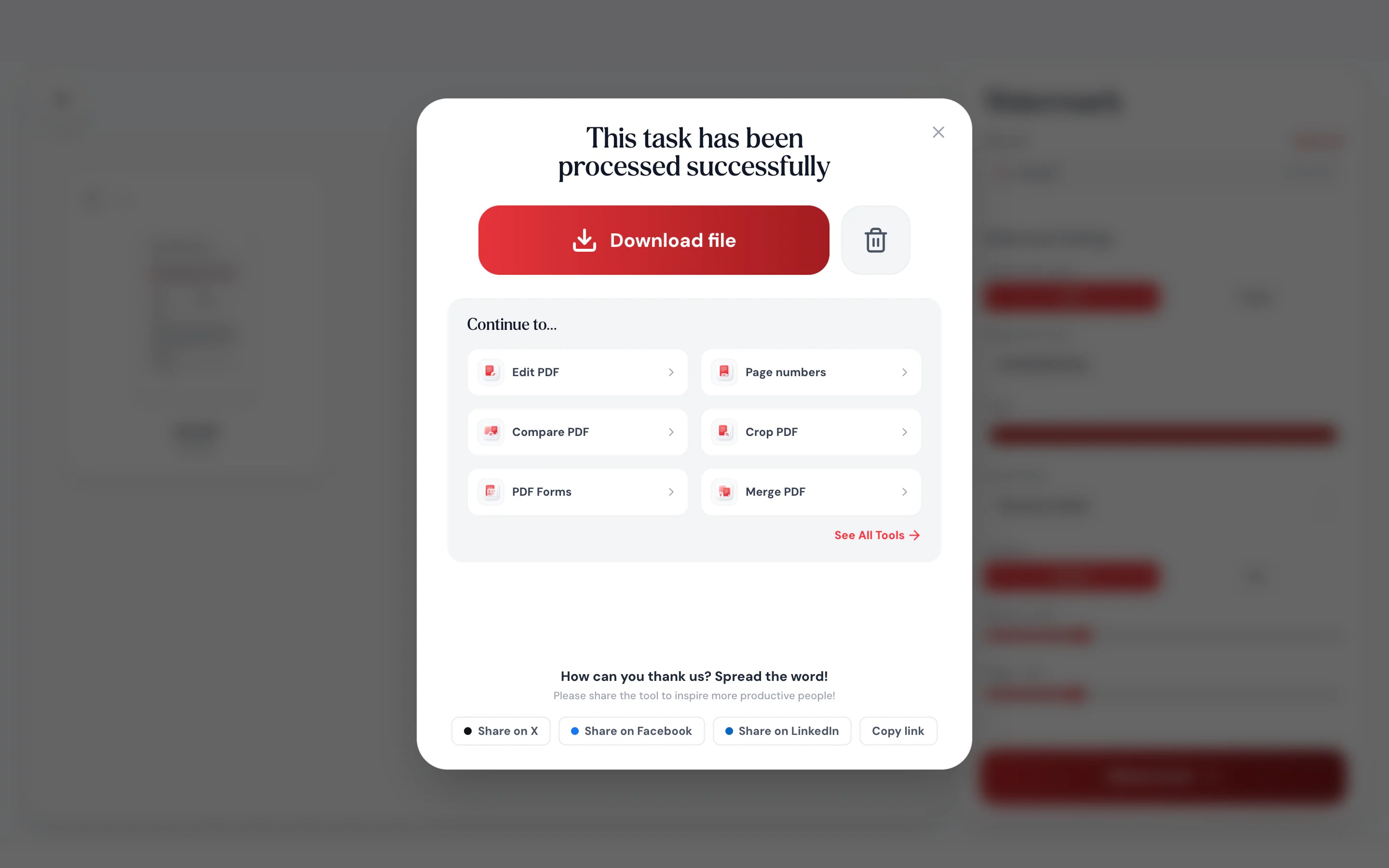
- 3Download the stamped fileEach page gets the same stamp, centred or tiled, at the angle you chose. Save it and send it on.
At a glance
- uploaded: the stamp is added on your device
- 0 bytes
- stamped in one pass
- Every page
- opacity, from faint to bold
- 5–80%
- no sign-up, and no Pagestro logo on your pages
- Free
Questions and answers
How do I add a watermark to a PDF for free?
Drop your PDF into the tool at the top of this page, type the watermark text, set the opacity and download. It’s free, with no sign-up.
Where does the watermark go on the page?
In the center of every page, or tiled across the whole page. You choose the angle, the font and colour, and the opacity slider decides how strong it looks.
Will the watermark cover my text?
It sits on top of the page at the opacity you choose. Around 20–30% keeps the text underneath easy to read.
Can I use an image or logo as the watermark?
Yes. Choose Image as the watermark type and pick a PNG or JPG, such as your logo. It’s placed in the center or tiled, with the same angle and opacity controls.
Can I remove the watermark later?
The watermark is drawn into the page, so it can’t be switched off like a layer. Keep your original file if you might need a clean copy.
Can I watermark a password-protected PDF?
Yes, if you know the password. Pagestro asks for it and opens the file in memory. The stamped copy has no password, so run it through Protect PDF if it needs one.
Is my PDF uploaded?
No. The watermark is added by your browser on your own device, so the file is never sent to Pagestro.
More ways to finish your PDF
At a glance
- uploaded: the stamp is added on your device
- 0 bytes
- stamped in one pass
- Every page
- opacity, from faint to bold
- 5–80%
- no sign-up, and no Pagestro logo on your pages
- Free
How it works
Your words on every page
Drop in one PDF of up to 100 pages, or pick it from your computer or phone.
Enter the words you need, such as DRAFT or a client name, and set the opacity.
Each page gets the same stamp, centred or tiled, at the angle you chose. Save it and send it on.
- 1
Add your PDF
Drop in one PDF of up to 100 pages, or pick it from your computer or phone.
- 2
Type the watermark
Enter the words you need, such as DRAFT or a client name, and set the opacity.
- 3
Download the stamped file
Each page gets the same stamp, centred or tiled, at the angle you chose. Save it and send it on.
What you get
A clear mark, without the fuss
Stamped on your device
Your browser draws the watermark into the PDF. Drafts, offers and private records are never uploaded.
Any words you need
DRAFT, SAMPLE, COPY, a client name or a date.
Readable underneath
Set the opacity low and the page text stays easy to read.
Works on your phone
Stamp a file from your mail app without waiting for a laptop.
Text stays text
The stamp sits on top. Words underneath can still be searched and copied.
Password-protected files
Enter the password and the file opens in memory first. The stamped copy has no password.
Free to use, as often as you like
No sign-up and no daily limit. Pagestro never adds its own logo to your pages.
Private by design
Mark the draft before it leaves you
A watermark matters most on the files you’d rather not upload anywhere: a contract still in review, a salary offer, a set of proofs. Pagestro adds the stamp inside your browser, so the only copy is the one you download.
- No upload and no server copy
- The same stamp on every page, in one go
- Close the tab and nothing is left behind
On the go
Stamp a PDF from your phone
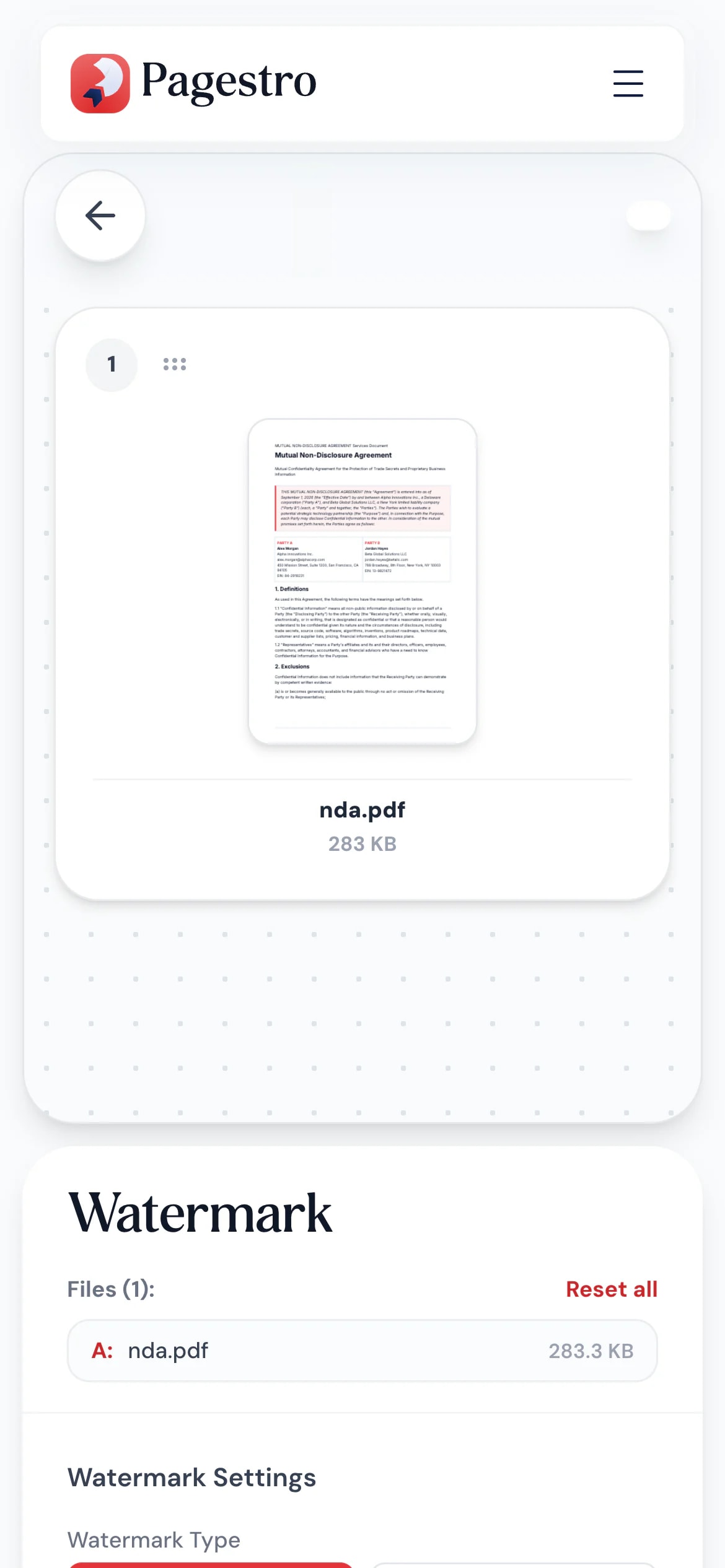
Someone asks for the draft while you’re out. Open Pagestro in your phone’s browser, type DRAFT, and send back a marked copy in a minute.
- Works in mobile Safari, Chrome and Firefox
- No app to install
- The stamped PDF saves straight to your phone
Who uses it
Say what a document is, up front
- Watermark added
Agencies
Client drafts marked DRAFT
Nobody mistakes the second round for the final file.
- Watermark added
HR teams
Offers marked CONFIDENTIAL
A clear reminder on every page of an offer letter or review.
- Watermark added
Designers
Proofs marked SAMPLE
Share the layout for approval without handing over a clean final.
- Watermark added
Teachers
Answer keys marked TEACHER COPY
Keep the marked set apart from the student handouts.
How Pagestro compares
 Pagestro Pagestro | Desktop software | Upload-based sites | |
|---|---|---|---|
| File stays on your device | Yes | Yes | No |
| Nothing to install | Yes | No | Yes |
| Works on phones and tablets | Yes | No | Yes |
| No waiting for uploads | Yes | Yes | No |
| Price | Free | Often a paid license | Varies by site |
How do I add a watermark to a PDF for free?
Drop your PDF into the tool at the top of this page, type the watermark text, set the opacity and download. It’s free, with no sign-up.
Where does the watermark go on the page?
In the center of every page, or tiled across the whole page. You choose the angle, the font and colour, and the opacity slider decides how strong it looks.
Will the watermark cover my text?
It sits on top of the page at the opacity you choose. Around 20–30% keeps the text underneath easy to read.
Can I use an image or logo as the watermark?
Yes. Choose Image as the watermark type and pick a PNG or JPG, such as your logo. It’s placed in the center or tiled, with the same angle and opacity controls.
Can I remove the watermark later?
The watermark is drawn into the page, so it can’t be switched off like a layer. Keep your original file if you might need a clean copy.
Can I watermark a password-protected PDF?
Yes, if you know the password. Pagestro asks for it and opens the file in memory. The stamped copy has no password, so run it through Protect PDF if it needs one.
Is my PDF uploaded?
No. The watermark is added by your browser on your own device, so the file is never sent to Pagestro.
More ways to finish your PDF
 Protect PDFPassword-protect your PDF with 256-bit AESOpen tool
 Page numbersInsert page numbers into your PDFOpen tool
 Edit PDFAdd text, images, shapes or freehand annotations to a PDFOpen tool
 Sign PDFDraw, type or upload your signature and place it on a PDFOpen tool
 Compress PDFReduce PDF file size while keeping qualityOpen tool
 Merge PDFCombine multiple PDFs into one documentOpen tool


