
At a glance
- of free static codes, no account needed
- 13 types
- downloads, PNG up to 4,000 px
- SVG · PNG · PDF
- dynamic codes you can change after printing
- Editable
- 5 dynamic codes and 1,000 scans a month
- Free plan
How it works
Choose it, style it, print it
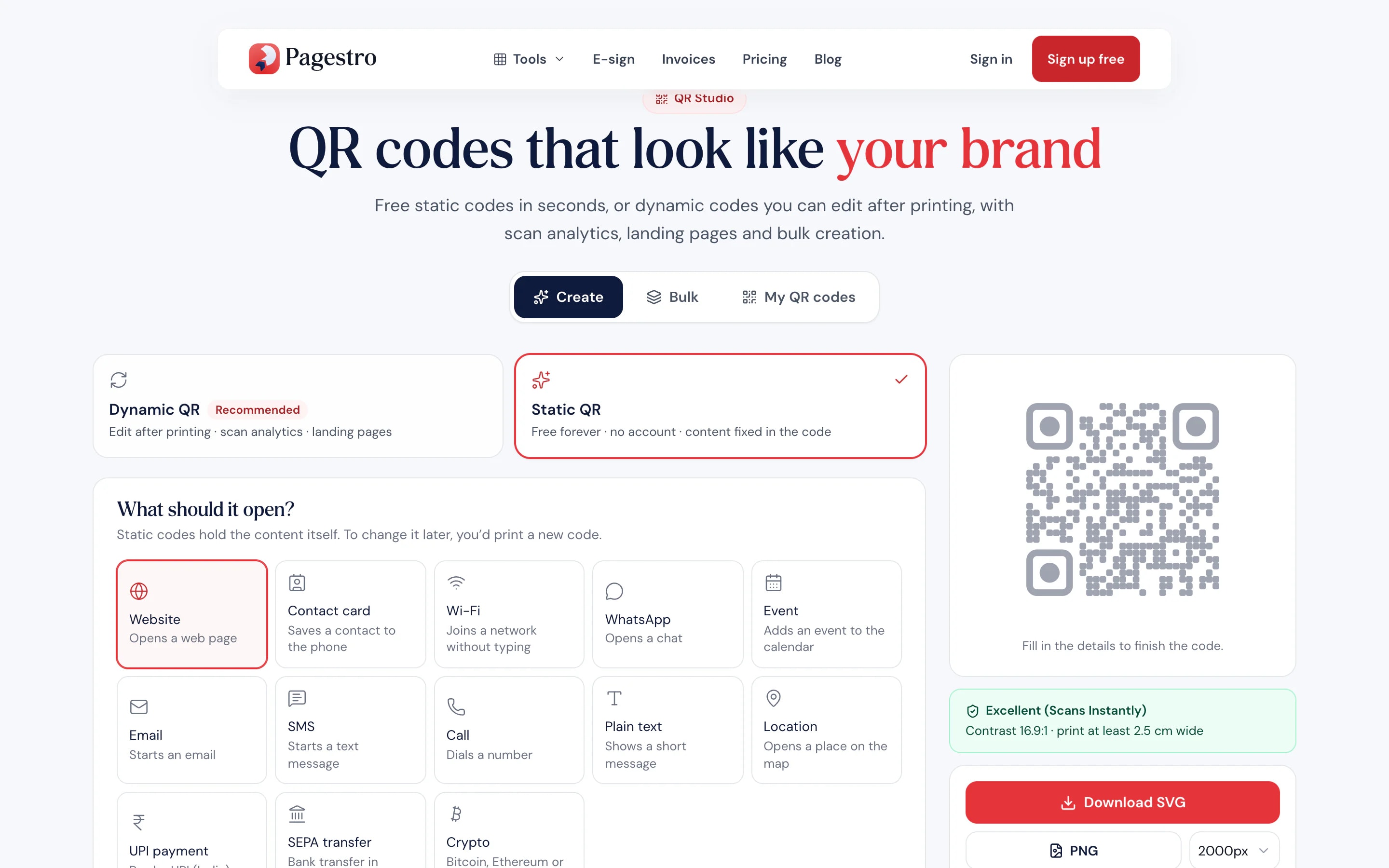
A website, Wi-Fi network, contact card, event, email, text message and more.
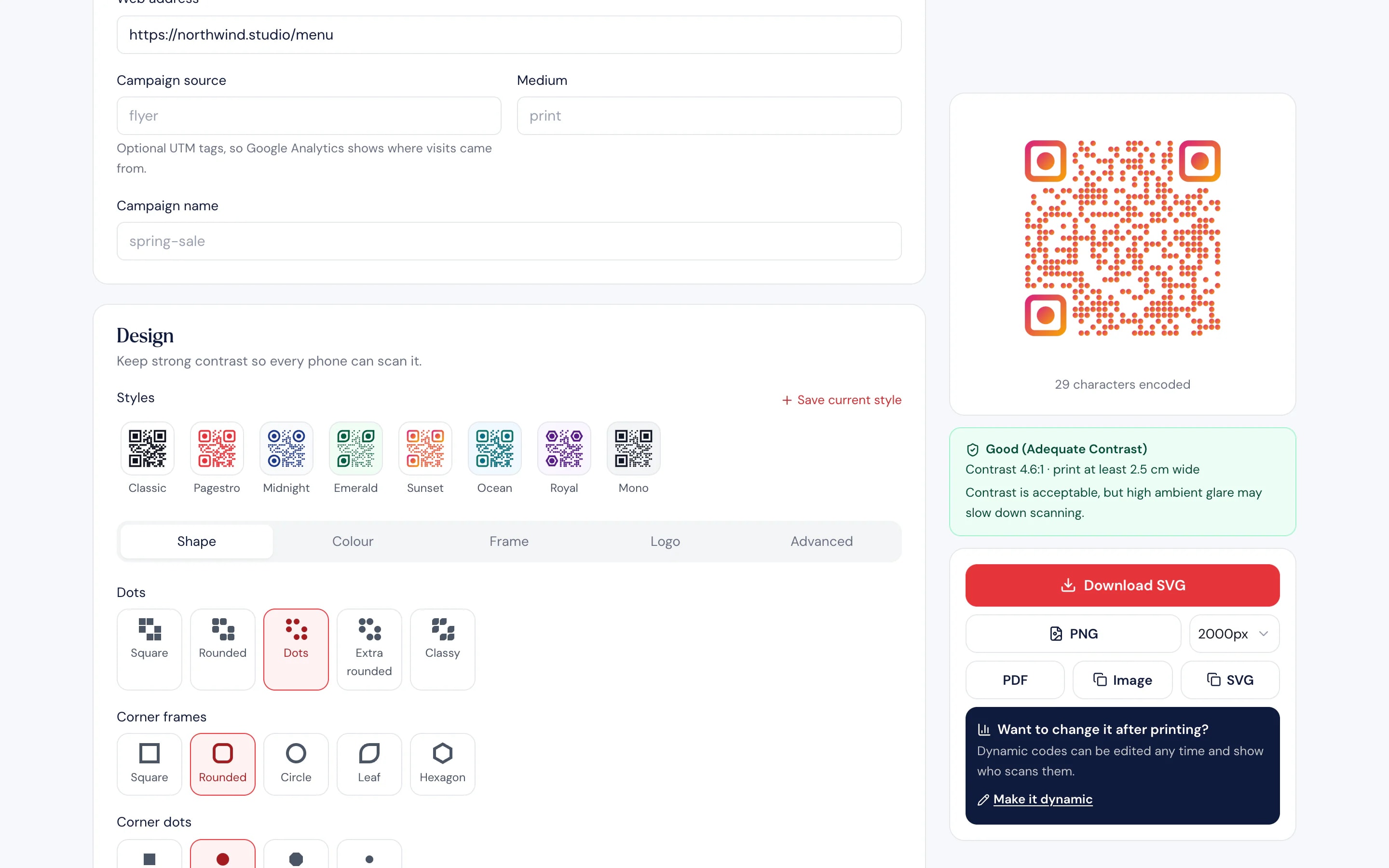
Pick colors, dot and corner styles, add a logo and a “Scan me” frame. The preview updates as you go.
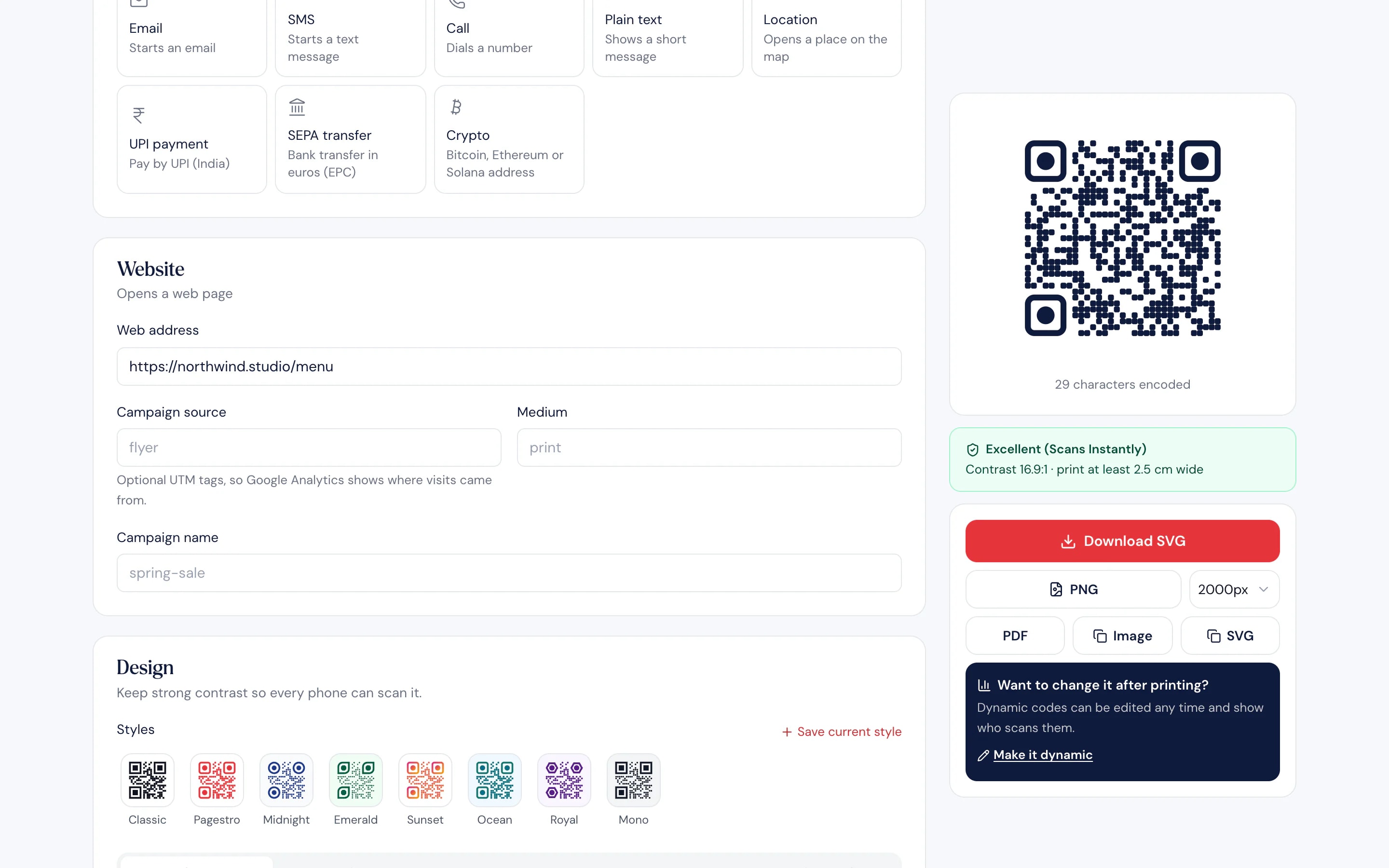
Get SVG, PNG or PDF, or save it as a dynamic code you can edit later.

- 1
Choose what it opens
A website, Wi-Fi network, contact card, event, email, text message and more.
- 2
Make it yours
Pick colors, dot and corner styles, add a logo and a “Scan me” frame. The preview updates as you go.
- 3
Download or save
Get SVG, PNG or PDF, or save it as a dynamic code you can edit later.
QR Studio
Codes people want to scan
Codes that match your brand.
Your colors, your logo in the middle and a frame that tells people what they’ll get.
Static or dynamic.
Static codes hold the content. Dynamic codes can change later.
Scan stats.
Dynamic codes show scans by day, device and country.
Made for the phone that scans it.
Contact cards, Wi-Fi and event codes open clean mobile pages.
Bulk from a list.
Paste rows or a CSV and download a ZIP of codes. Free static batches start at 50; dynamic bulk comes with Pro.
Landing pages built in.
Contact card, Wi-Fi and event pages from Starter; link-in-bio and PDF pages on Pro.
Access controls on Pro.
Add a password, an expiry date or a scan limit to a dynamic code, and export scans to CSV.
Dynamic codes
Printed already? Change it anyway
A dynamic code points to a short link you control. Change the page, the Wi-Fi password or the event details whenever you need, and every printed copy follows. Scan stats count real scans, with bots filtered out and no IP addresses stored.
- Edit the content without reprinting
- Scans by day, device and country
- Pause a code at any time
On the go
Make a code from your phone
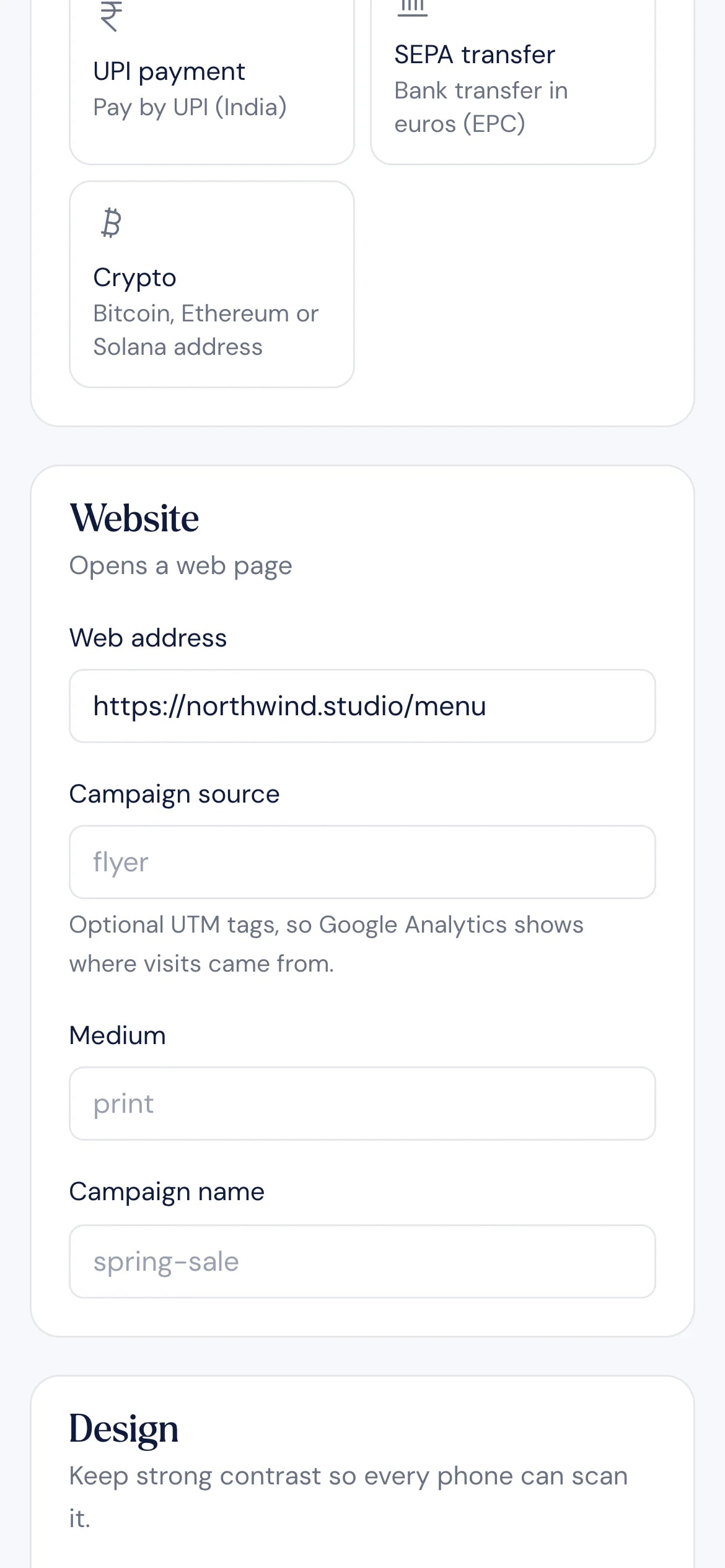
Need a Wi-Fi code for the guest room or a quick link for a sign? Open QR Studio in your phone’s browser, fill in the details and download it, with no account for static codes.
- Static codes free, with no account
- Logo, colors and frames included
- Test it with your phone’s camera
Who uses it
Wherever people have a phone
Restaurants and cafes
Menus on the table.
Point a dynamic code at your menu and update it without reprinting.
Event organizers
Tickets, schedules and calendars.
An event code adds the date and place to the guest’s calendar.
Hosts and offices
Guest Wi-Fi.
Guests scan and join without typing a password.
Shops and brands
Packaging and flyers.
Link a product to its page, and change it when the page moves.
How Pagestro compares
 Pagestro
Free static codes, no account
- Pagestro
- Yes
- Basic QR generator
- Yes
- Dedicated QR platform
- Varies
Logo, colors and frames on free codes
- Pagestro
- Yes
- Basic QR generator
- Varies
- Dedicated QR platform
- Varies
Edit after printing
- Pagestro
- Dynamic codes
- Basic QR generator
- No
- Dedicated QR platform
- Yes
Scan stats without storing IP addresses
- Pagestro
- Yes
- Basic QR generator
- No
- Dedicated QR platform
- Varies
Same account as short links, invoices and contracts
- Pagestro
- Yes
- Basic QR generator
- No
- Dedicated QR platform
- No
Are Pagestro QR codes free?
Static codes are free, with no account and no expiry. Dynamic codes need a free account, which includes 5 dynamic codes or short links and 1,000 scans a month.
Do static QR codes expire?
No. The content is stored in the code itself, so it works as long as the website or details it holds are still valid.
What’s the difference between static and dynamic QR codes?
A static code holds its content, so it can’t be changed or tracked. A dynamic code points to a short link you control, so you can change where it goes and see scans after printing.
Can I add my logo to a QR code?
Yes. Logos, colors, gradients and frames are free on static codes. On dynamic codes they’re included from the Starter plan.
Which file format is best for printing?
SVG or PDF, because they stay sharp at any size. PNG works too, up to 4,000 pixels wide.
What happens if a dynamic code goes over its scan limit?
Over your plan’s monthly scans, the code pauses until the next month starts. Pro and Business include unlimited scans.
Can I make many QR codes at once?
Yes. Paste a list or a CSV in the Bulk tab and download a ZIP. Static batches go up to 20 codes without an account and 50 on the free plan; dynamic bulk creation is on Pro.
Pairs well with
 Link ShortenerShorten links and track every clickOpen tool
 Invoice GeneratorCreate, customize & export premium enterprise invoicesOpen tool
 Email BuilderDesign responsive emails with drag and dropOpen tool
 Contracts & AgreementsCreate, customize & e-sign legal agreementsOpen tool
 SVG OptimizerClean and minify SVG filesOpen tool