

At a glance
- uploaded: slides are drawn on your device
- 0 bytes
- per slide, in the slide’s own shape
- 1 page
- left out automatically
- Hidden slides
- no sign-up, no watermark
- Free
Slides to PDF in three steps
Drop in a PowerPoint deck saved as .pptx, up to 100 MB.
Each visible slide is drawn with its layout, theme colors, pictures, shapes and tables.
Get one sharp page per slide, ready to email, print or post.

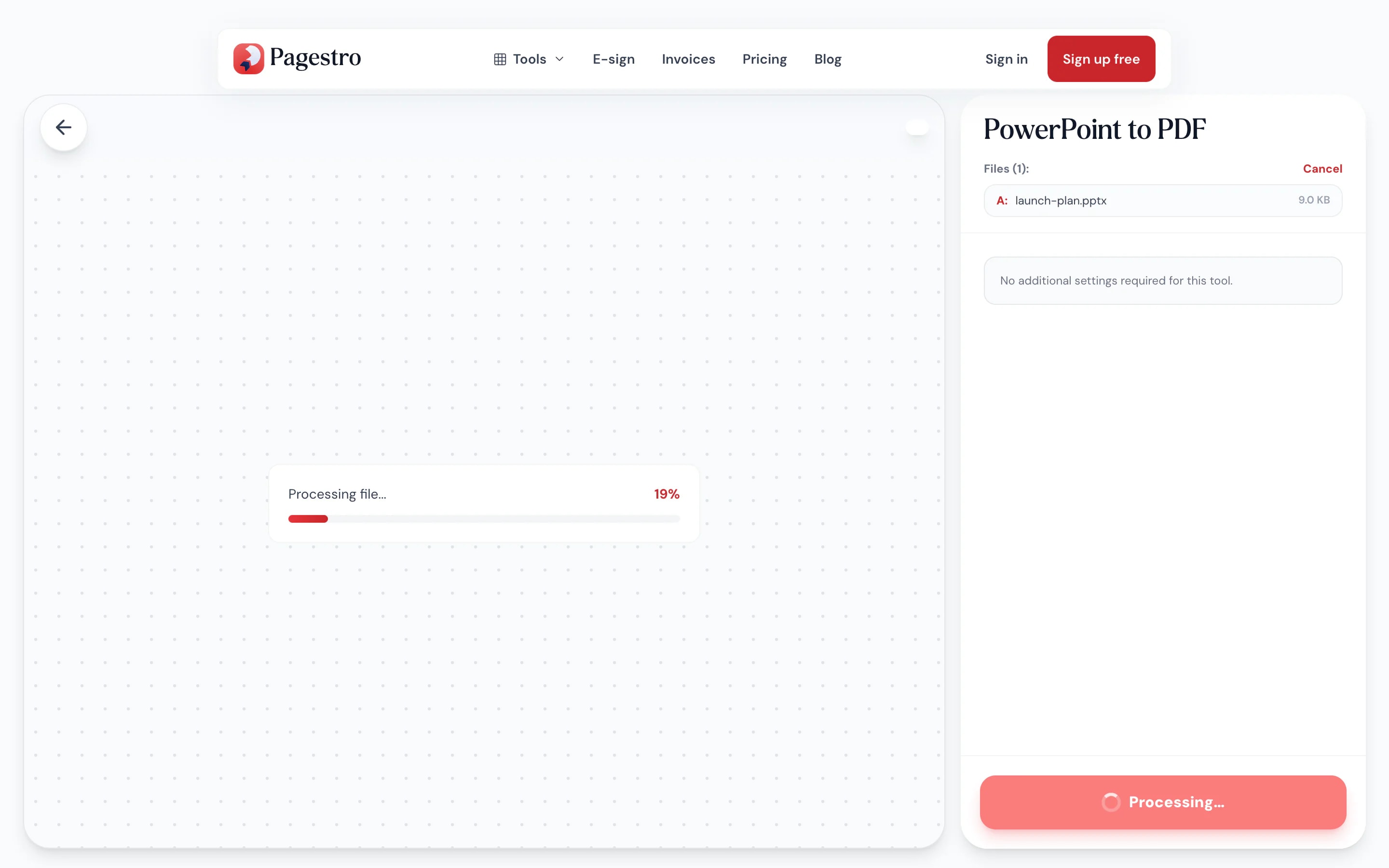
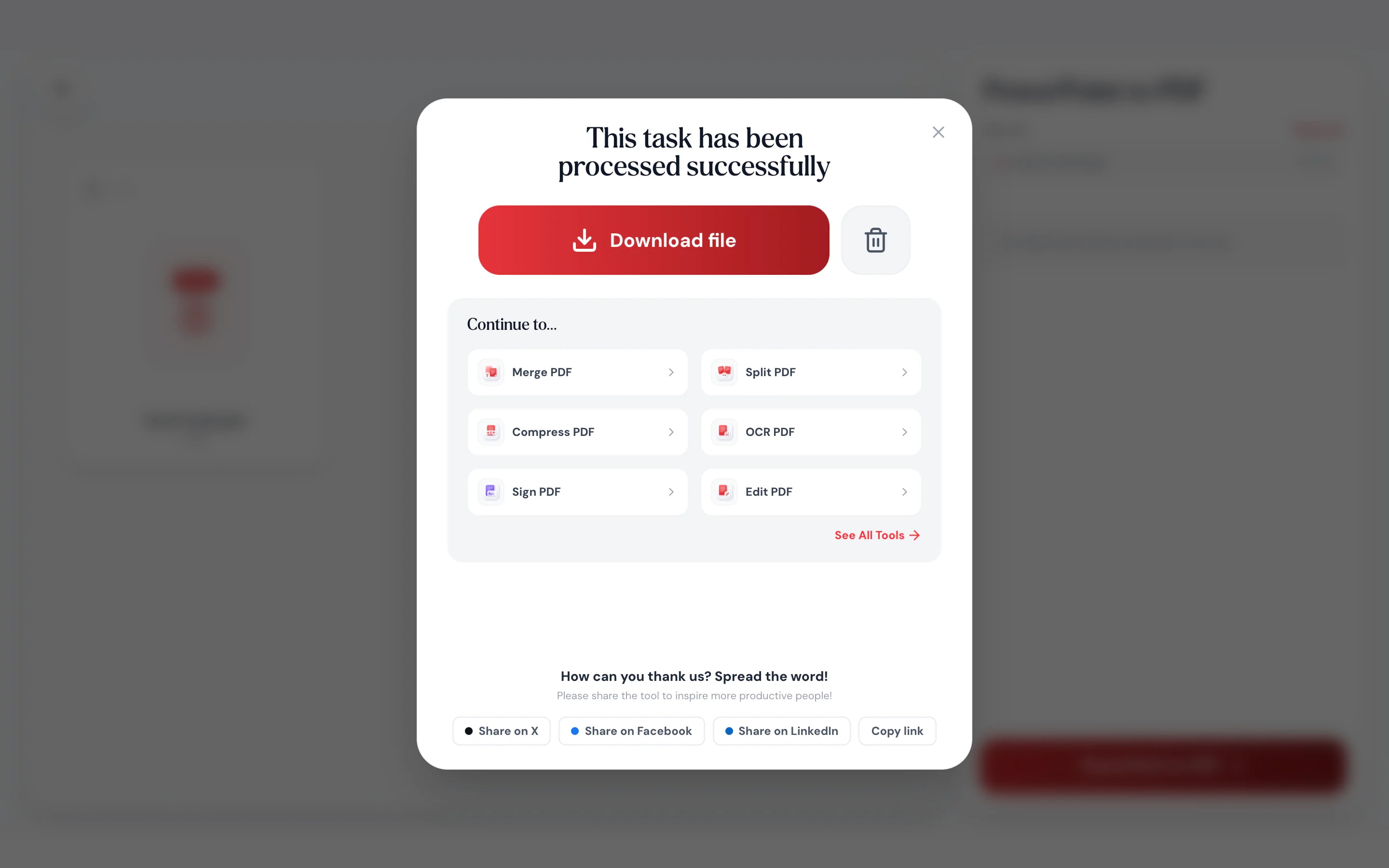
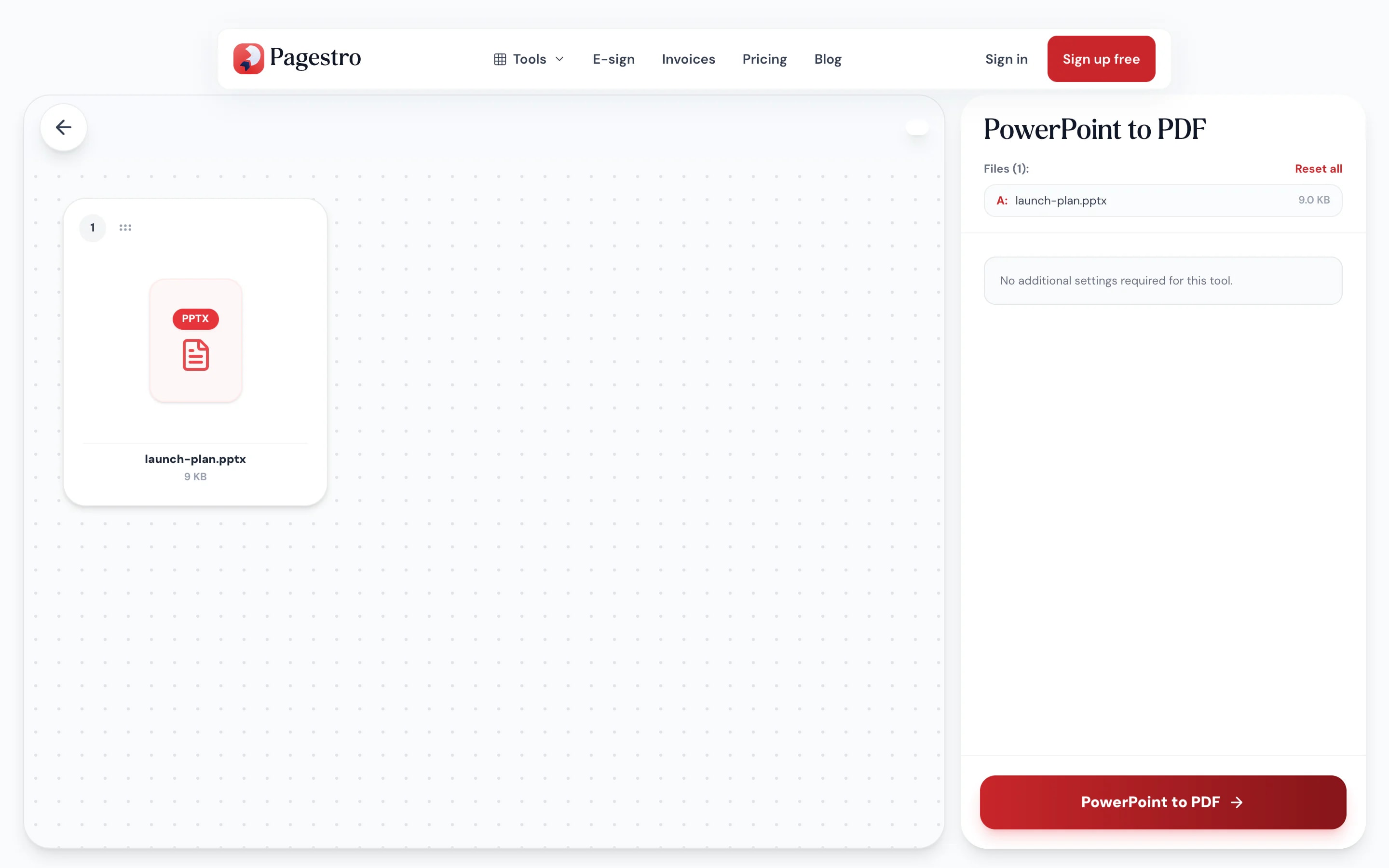
- 1
Add your .pptx
Drop in a PowerPoint deck saved as .pptx, up to 100 MB.
- 2
Convert the deck
Each visible slide is drawn with its layout, theme colors, pictures, shapes and tables.
- 3
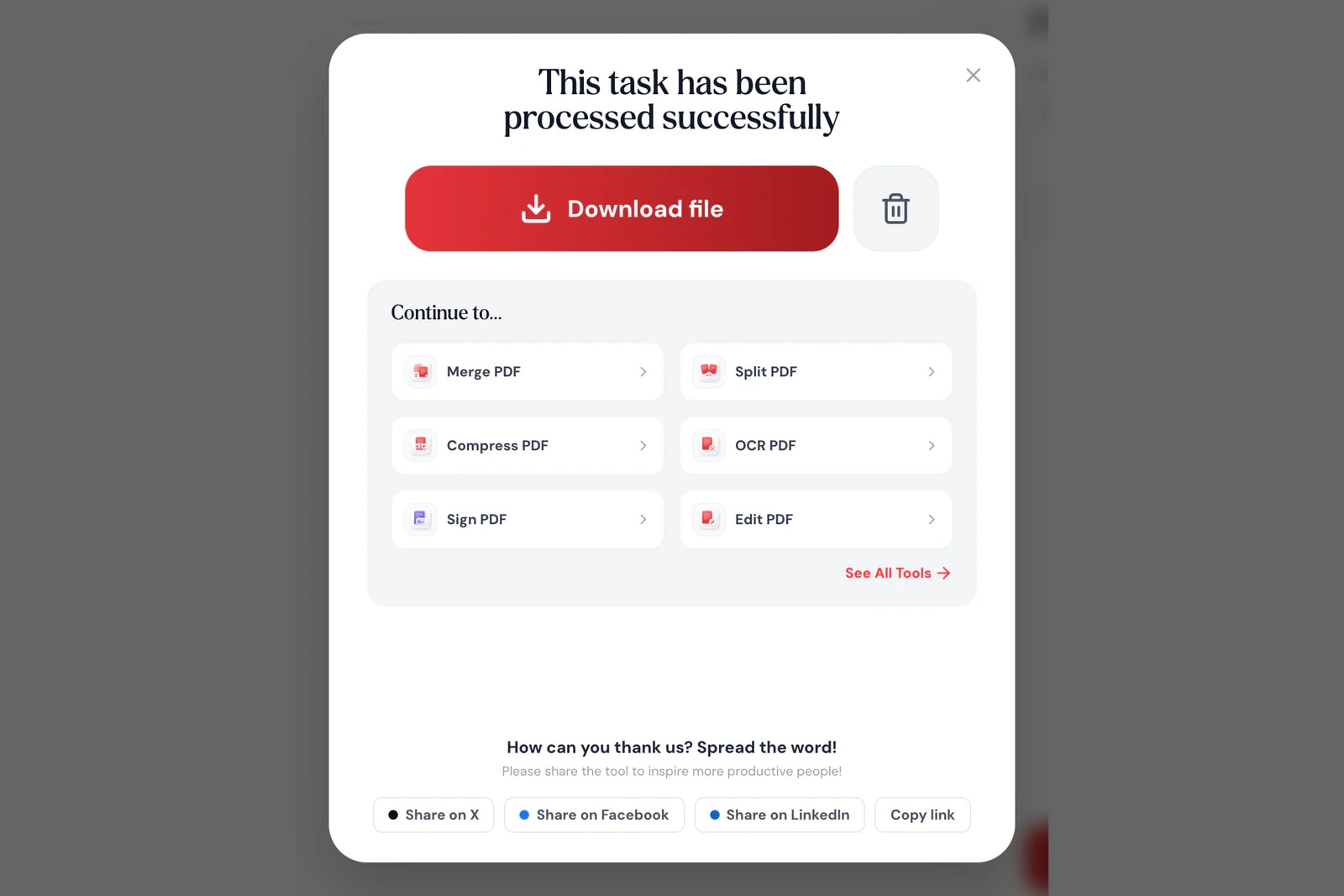
Download the PDF
Get one sharp page per slide, ready to email, print or post.
Your slides, ready for anyone
People without PowerPoint see exactly what you designed.
Every slide, page for page.
Master layouts, theme colors, backgrounds, pictures, shapes and tables are all drawn onto each page.
Sharp for print.
Slides are rendered up to about 2,400 pixels wide, crisp on screen and paper.
Hidden slides stay hidden.
Backup slides you hid in the deck don’t end up in the PDF.
From your phone.
Convert a deck someone sent you, right in your phone’s browser.
Same shape.
16:9 decks stay 16:9.
Private.
Your deck is never uploaded.
Share with confidence
Pitch decks that stay confidential
Board updates, sales decks and unreleased product plans are exactly the files you shouldn’t upload to a stranger’s server. Pagestro draws each slide in your browser, so the deck never leaves your laptop.
- No upload of your slides
- Page size matches your slide size
- Works without PowerPoint installed
On your phone
Got a .pptx you can’t open?
Not every phone has an app for PowerPoint files. Convert the deck to PDF in your phone’s browser and read it, forward it or print it from there.
- Works in Safari and Chrome on iOS and Android
- Pick the file from Files, Drive or your downloads
- The PDF saves straight to your phone

Decks people can open anywhere
Speakers
Handouts after the talk.
Share your slides as a PDF attendees can open on any device.
Founders
A pitch deck investors can open.
Send a PDF that looks the same in every inbox and viewer.
Teachers
Lecture slides for students.
Post the week’s slides as a PDF students can annotate and print.
How Pagestro compares
 Pagestro
Deck stays on your device
- Pagestro
- Yes
- Desktop software
- Yes
- Upload-based sites
- No
Nothing to install
- Pagestro
- Yes
- Desktop software
- No
- Upload-based sites
- Yes
Works in a phone browser
- Pagestro
- Yes
- Desktop software
- No
- Upload-based sites
- Yes
Skips hidden slides
- Pagestro
- Yes
- Desktop software
- Varies
- Upload-based sites
- Varies
Price
- Pagestro
- Free
- Desktop software
- Often a paid license
- Upload-based sites
- Often free with limits
PowerPoint to PDF questions
Didn't find your answer? Write to us and we'll reply by email.
How do I convert PowerPoint to PDF without PowerPoint?
Open this page in any browser, drop in the .pptx file and download the PDF. No PowerPoint or other app is needed.
Can I convert old .ppt files?
Not directly. Open the .ppt in PowerPoint, Keynote or Google Slides, save it as .pptx, then convert it here.
Can I select the text in the PDF?
Yes. Each slide is drawn as a high-resolution page so the design stays exact, and the slide text sits on top as an invisible layer in the same place, so you can select, copy and search it.
Are charts and SmartArt included?
Not yet. Charts and SmartArt graphics aren’t drawn. If your deck relies on them, paste them into the slides as pictures before converting.
Are animations and speaker notes kept?
No. The PDF shows each slide in its final state, without animations, transitions or notes.
Why does a font look different?
Slides are drawn with the fonts available on your device. If a font from the deck isn’t installed, a similar one is used.
Is my presentation uploaded?
No. Slides are drawn in your browser, so the deck never leaves your device.
Related tools
 PDF to PowerPointConvert PDF slides to PowerPointOpen tool
 Word to PDFConvert DOCX Word documents to PDFOpen tool
 Excel to PDFConvert XLSX spreadsheets to PDFOpen tool
 Compress PDFReduce PDF file size while keeping qualityOpen tool
 Merge PDFCombine multiple PDFs into one documentOpen tool
 OCR PDFMake scanned PDFs searchable and selectableOpen tool