

At a glance
- uploaded: the PDF is built on your device
- 0 bytes
- photos go in exactly as they are
- No recompression
- combine any number of JPGs into one PDF
- Many to one
- no sign-up, no watermark
- Free
Photos to PDF in three steps
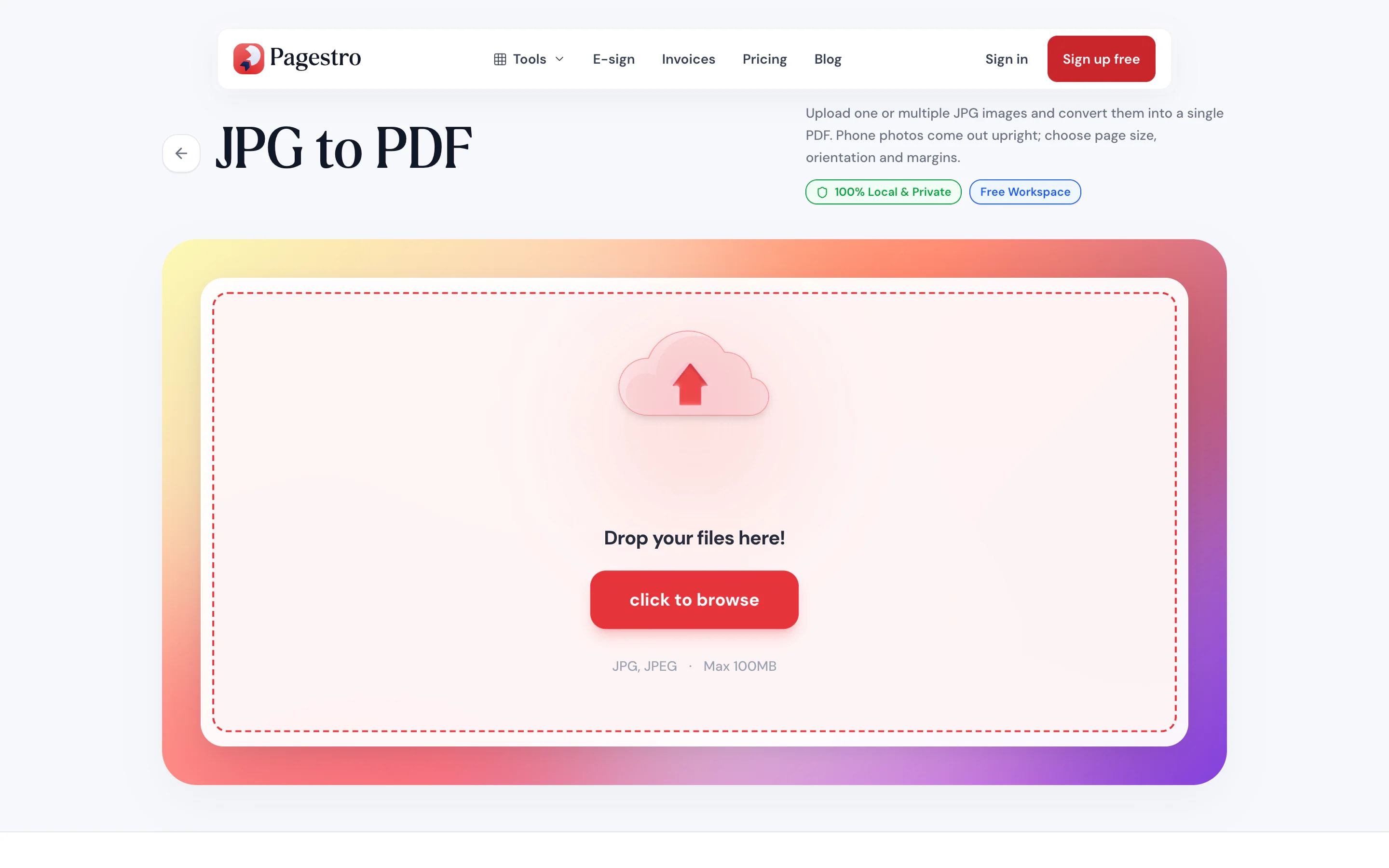
Drop in one photo or a whole batch, or pick them from your camera roll.
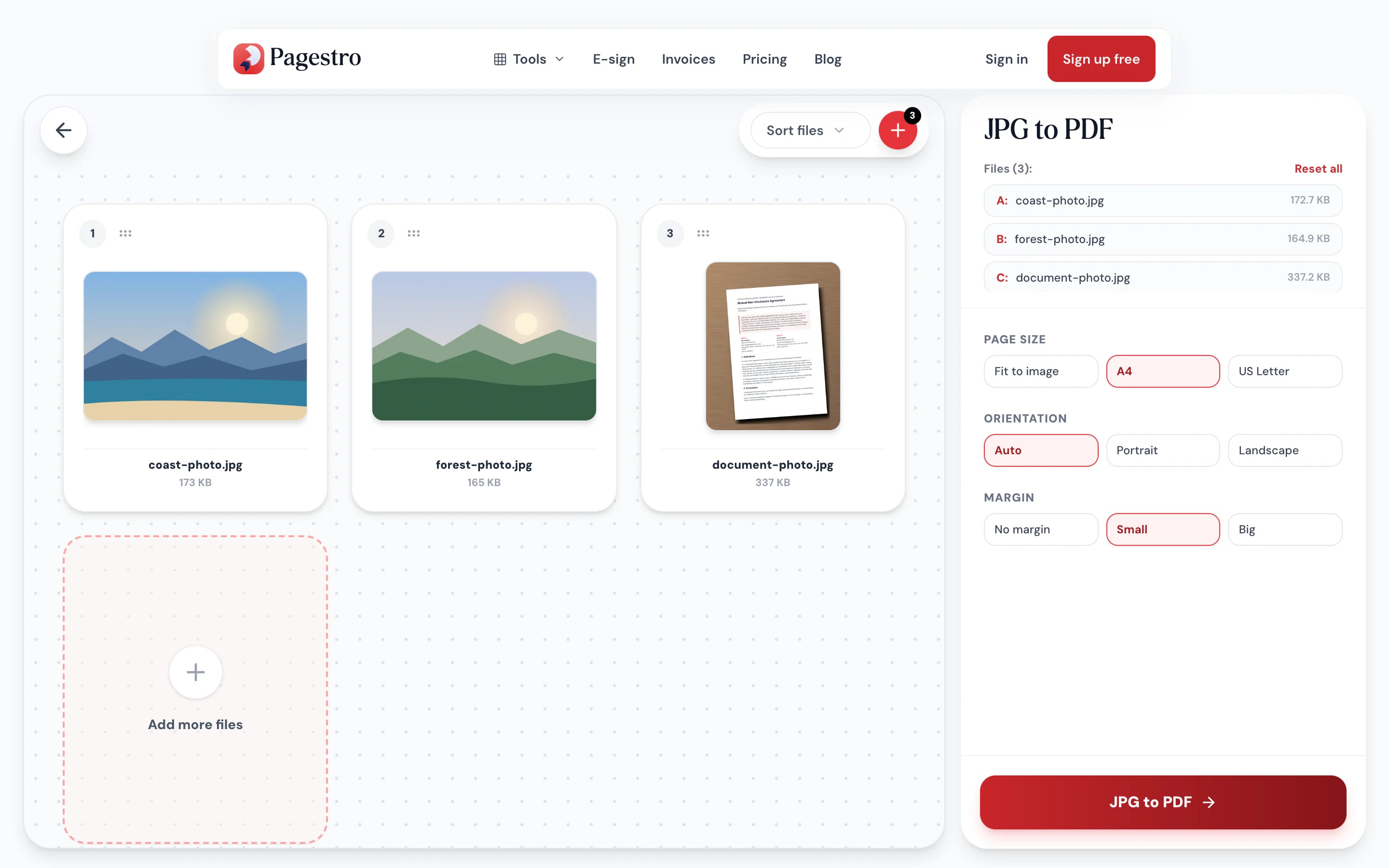
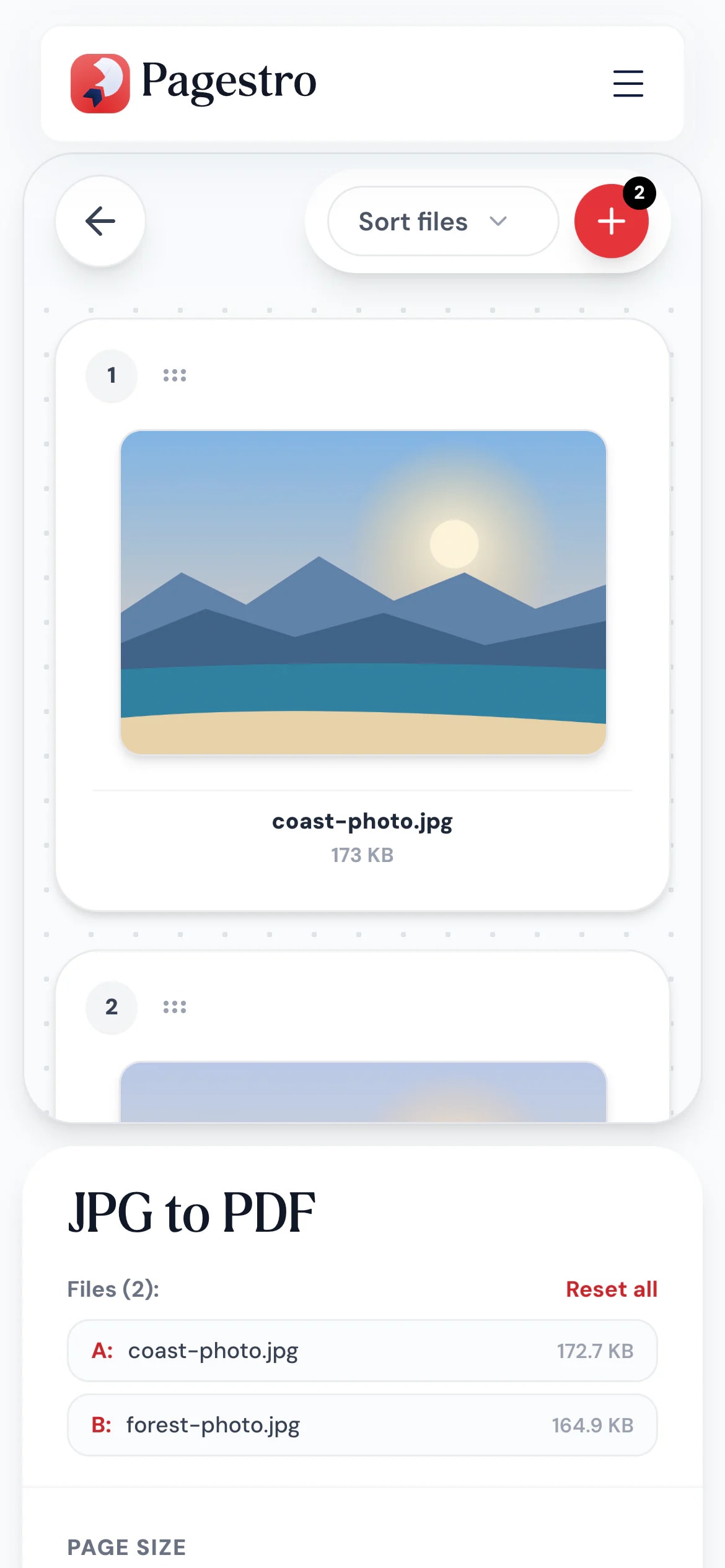
Drag photos into place, or sort them by name or size. Add or remove photos as you go.
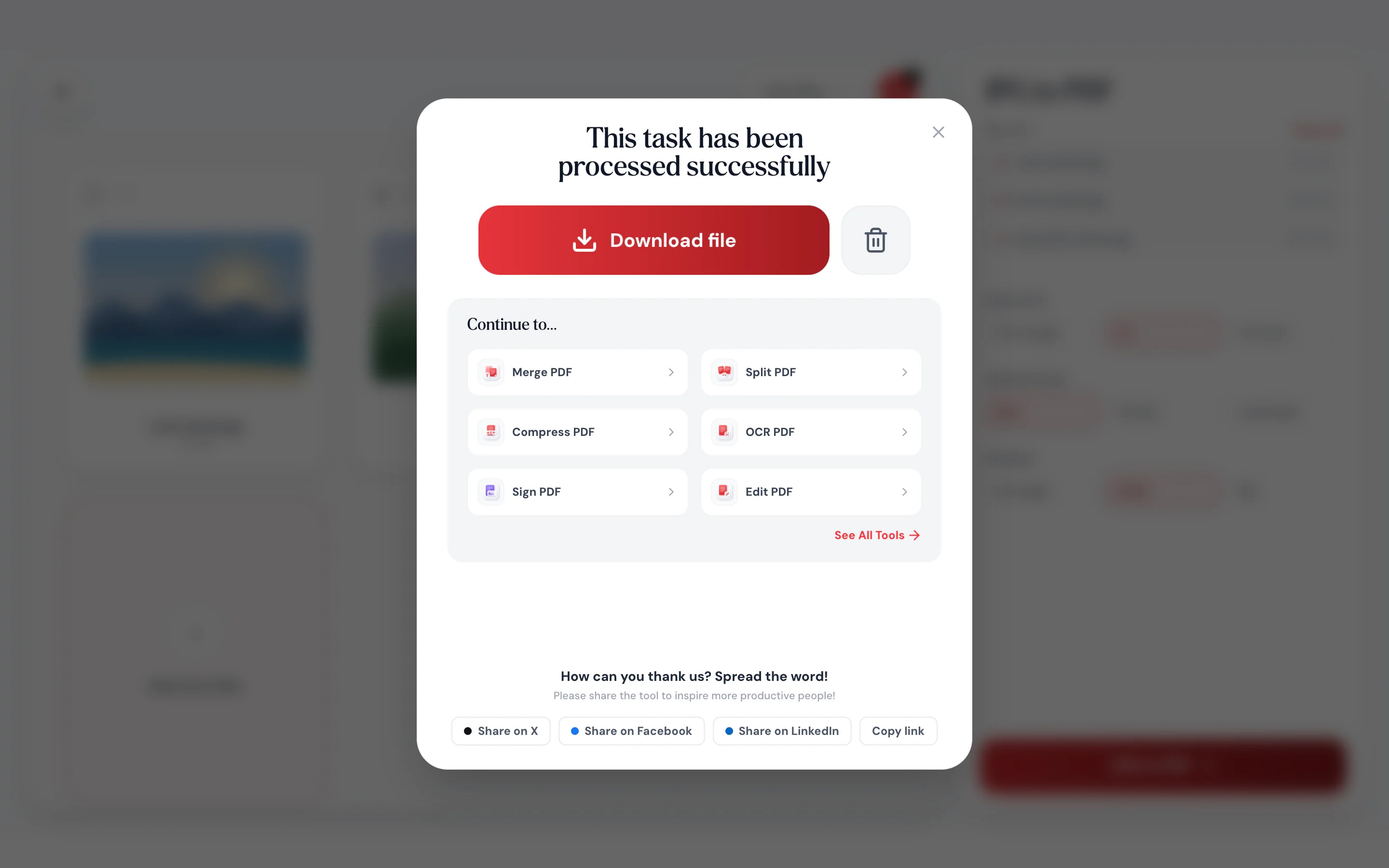
Each photo becomes one page, in the order you set.
- 1
Add your JPGs
Drop in one photo or a whole batch, or pick them from your camera roll.
- 2
Set the order
Drag photos into place, or sort them by name or size. Add or remove photos as you go.
- 3
Download one PDF
Each photo becomes one page, in the order you set.
Your photos, exactly as you took them
Drag photos into order.
Card and list views show every photo, so receipts, pages and pictures land in the right sequence.
No quality loss.
JPG data is placed in the PDF without being recompressed.
Your page, your way.
Fit each page to its photo, or use A4 or Letter with margins.
Straight from your camera roll.
Pick photos on your phone and save the PDF there too.
Sort in one click.
Order by file name or size, then fine-tune by dragging.
Private photos stay private.
ID cards, receipts and family pictures are converted in your browser, never uploaded.
Batch it
One file instead of twenty attachments
Expense receipts, pages of a handwritten letter, photos for a claim. Add them all at once, put them in order and send a single PDF that opens on any device.
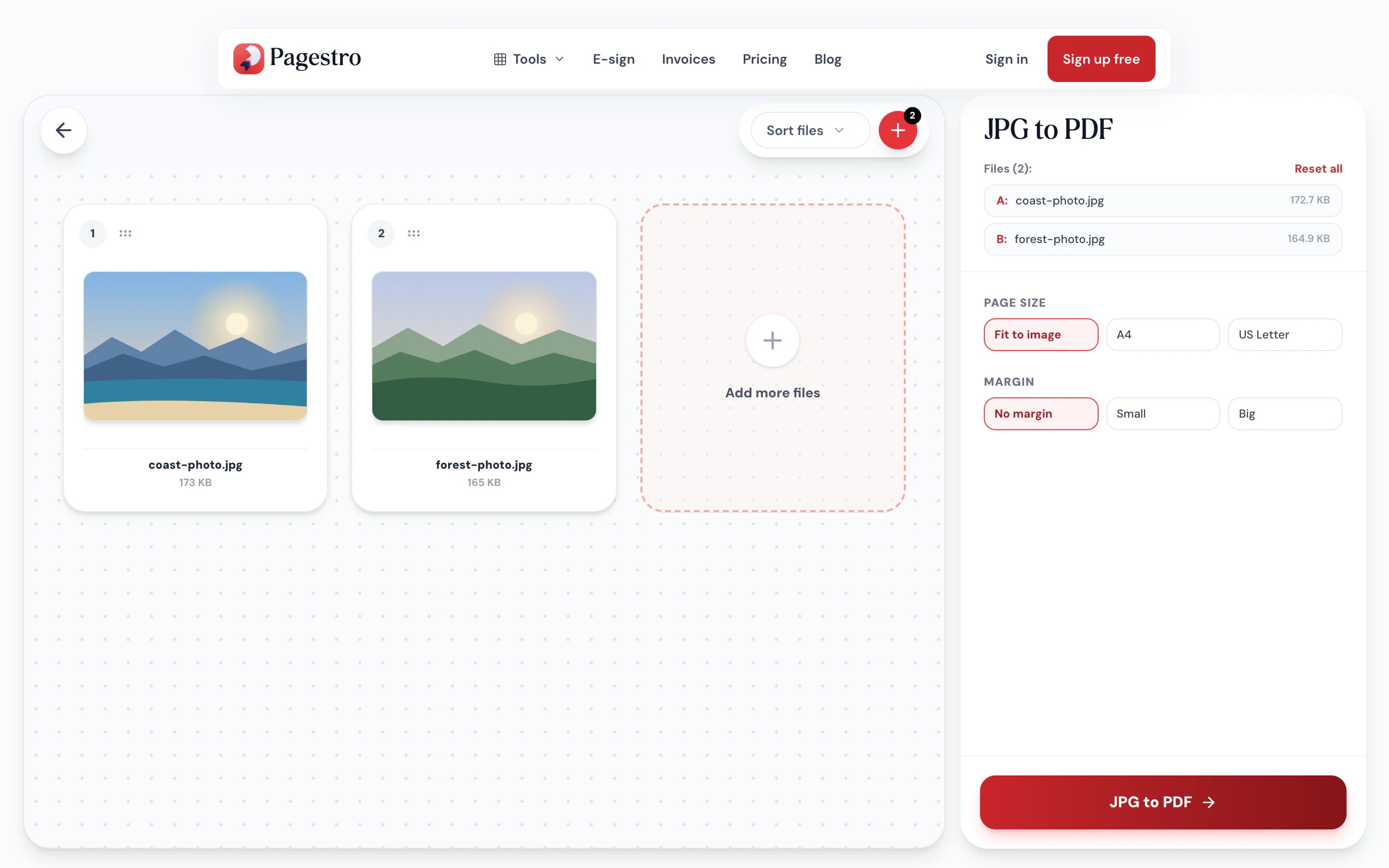
- Add as many JPGs as you need
- Sort by name, then drag to fine-tune
- One photo per page, no margins

On your phone
Make the PDF where your photos are
Open Pagestro in your phone’s browser, choose photos from your library or take new ones, and save a PDF without moving anything to a computer.
- Works in Safari and Chrome on iOS and Android
- Choose photos from your library or camera
- The PDF saves straight to your phone
Loose photos, one clean document
Employees
Expense receipts in one file.
Photograph each receipt and send finance a single PDF.
Insurance claims
Damage photos, in order.
Put before-and-after photos in sequence for a claim or a landlord.
Students
Handwritten work as one PDF.
Photograph each page of homework and hand in one file.
How Pagestro compares
 Pagestro
Photos stay on your device
- Pagestro
- Yes
- Desktop software
- Yes
- Upload-based sites
- No
Nothing to install
- Pagestro
- Yes
- Desktop software
- No
- Upload-based sites
- Yes
Works in a phone browser
- Pagestro
- Yes
- Desktop software
- No
- Upload-based sites
- Yes
No waiting for uploads
- Pagestro
- Yes
- Desktop software
- Yes
- Upload-based sites
- No
Price
- Pagestro
- Free
- Desktop software
- Often a paid license
- Upload-based sites
- Often free with limits
How do I combine multiple JPGs into one PDF?
Add all the photos at once (or add more with the plus button), drag them into order and press JPG to PDF. You get one PDF with one photo per page.
Does converting reduce photo quality?
No. The JPG data goes into the PDF as it is, without being recompressed.
What page size will the PDF have?
Your choice. Fit to image gives each page its photo’s exact shape; A4 or US Letter fits the photo on a standard page, portrait or landscape. Add a small or big margin if you like. Nothing is cropped or stretched.
Will my phone photos come out sideways?
No. Phones often save photos sideways with a note telling apps to turn them. Pagestro reads that note, so every page comes out upright, still without recompressing the photo.
Can I convert JPG to PDF on iPhone?
Yes. Open this page in Safari, tap the drop zone and pick photos from your library. The PDF downloads to your Files app.
Are my photos uploaded?
No. The PDF is built in your browser, so your photos never leave your device.
Can I add PNG images too?
This tool takes JPG files. For PNGs, use PNG to PDF. To slot images into an existing PDF, use Organize PDF.
Related tools
 PNG to PDFConvert PNG images to PDFOpen tool
 Scan to PDFCapture document scans from your mobile deviceOpen tool
 Merge PDFCombine multiple PDFs into one documentOpen tool
 Compress PDFReduce PDF file size while keeping qualityOpen tool
 PDF to JPGExtract PDF pages as JPG imagesOpen tool
 Rotate PDFRotate pages 90°, 180°, or 270°Open tool