

At a glance
- uploaded: your spreadsheet stays on your device
- 0 bytes
- on its own page, hidden ones skipped
- Every sheet
- for sheets too wide for portrait
- Auto landscape
- no sign-up, no watermark
- Free
Excel to PDF in three steps
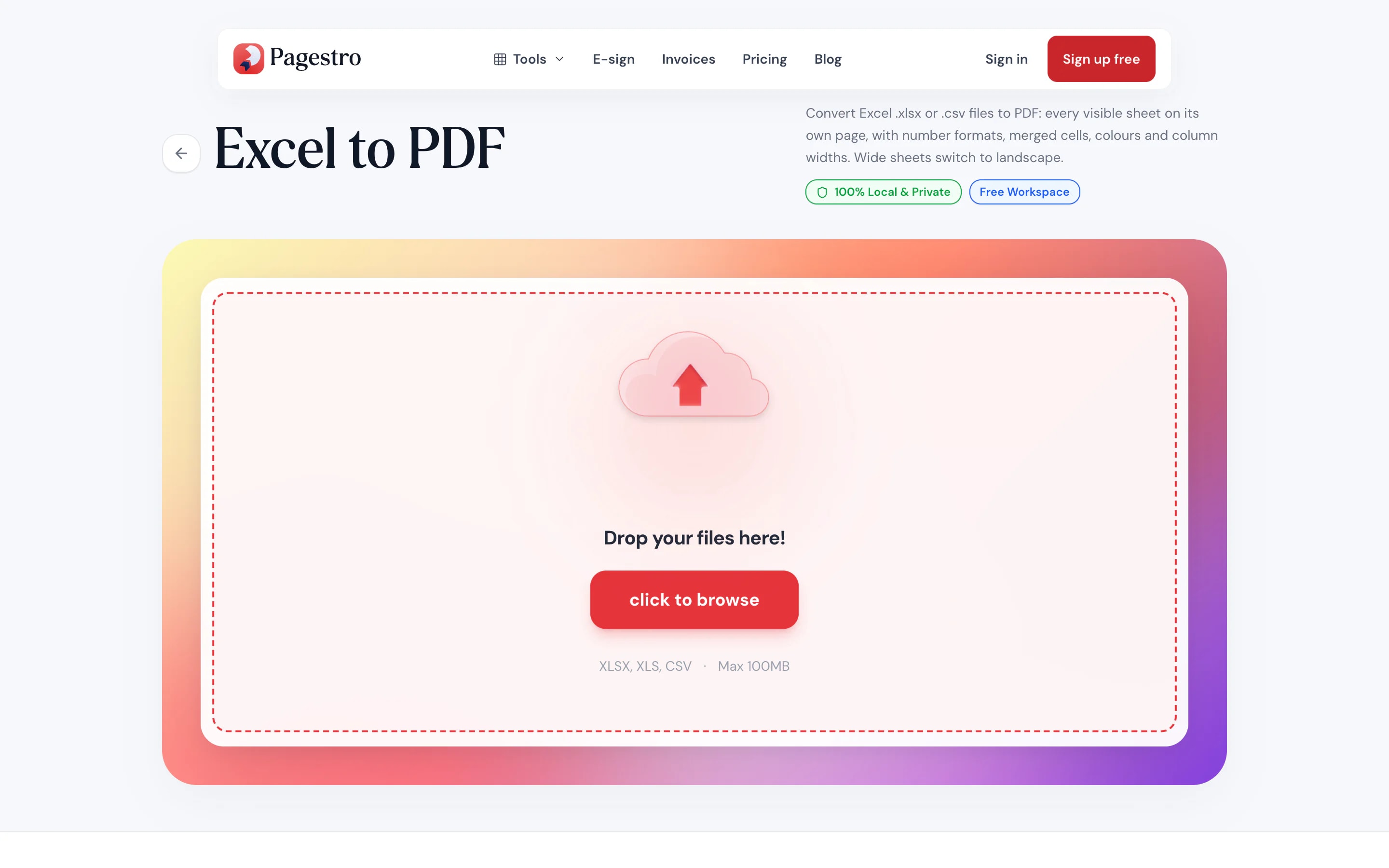
Drop in an .xlsx workbook or a .csv file, up to 100 MB.
Each visible sheet is laid out on its own page, with formats, colors and column widths kept.
Share a report that reads the same on every screen and printer.


- 1
Add your spreadsheet
Drop in an .xlsx workbook or a .csv file, up to 100 MB.
- 2
Convert
Each visible sheet is laid out on its own page, with formats, colors and column widths kept.
- 3
Download the PDF
Share a report that reads the same on every screen and printer.
Numbers that look like numbers
Your formatting comes along, so nobody squints at 45292 wondering if it’s a date.
Formats stay readable.
Currency, percentages, dates and thousands separators appear just as they do in your cells.
Wide sheets fit.
Wide sheets switch to landscape and text scales down to fit the page width.
Hidden stays hidden.
Hidden sheets, rows and columns are left out of the PDF.
Works on your phone.
Turn a spreadsheet attachment into a PDF in your phone’s browser.
Merged cells.
Headers spanning columns stay merged.
CSV too.
Commas, semicolons or tabs, detected for you.
Financial data stays private.
Budgets, payroll and price lists are converted in your browser and never uploaded.
Sheet by sheet
Each sheet starts on a fresh page
A workbook with a summary, monthly tabs and a notes sheet becomes a PDF in the same order, with each sheet starting on a new page and its name at the top. Each sheet gets its own orientation, so a narrow summary stays portrait while a wide data tab turns landscape.
- Sheet names printed as titles
- Portrait or landscape per sheet
- Bold, italic, fills and font colors kept
On your phone
Read a spreadsheet without a spreadsheet app
An .xlsx attachment can be hard to read on a phone. Convert it to PDF in your browser and every sheet is laid out as pages you can scroll, zoom and forward.
- Works in Safari and Chrome on iOS and Android
- Pick the file from Files, Drive or downloads
- The PDF saves straight to your phone

Figures people can’t accidentally change
Finance teams
Monthly reports for leadership.
Send a fixed PDF of the numbers instead of an editable workbook.
Small businesses
Price lists and quotes.
Share a price list customers can open on any phone.
Event organizers
Schedules and seating plans.
Turn planning sheets into PDFs that print the way you expect.
How Pagestro compares
 Pagestro
Spreadsheet stays on your device
- Pagestro
- Yes
- Desktop software
- Yes
- Upload-based sites
- No
Nothing to install
- Pagestro
- Yes
- Desktop software
- No
- Upload-based sites
- Yes
Works in a phone browser
- Pagestro
- Yes
- Desktop software
- No
- Upload-based sites
- Yes
Landscape picked per sheet
- Pagestro
- Yes
- Desktop software
- Varies
- Upload-based sites
- Varies
Price
- Pagestro
- Free
- Desktop software
- Often a paid license
- Upload-based sites
- Often free with limits
How do I convert Excel to PDF without Excel?
Open this page in any browser, drop in the .xlsx or .csv file and download the PDF. No spreadsheet app is needed.
How do I fit a wide Excel sheet on the page?
It’s automatic. Wide sheets switch to landscape and the text is scaled down so the columns fit the page width. Long sheets continue onto more pages.
Are all sheets converted?
Every visible sheet is converted, each starting on a new page. Hidden sheets, rows and columns are left out.
Are formulas kept?
The PDF shows each formula’s last saved result, the same value you see in the cell.
Are charts and pictures included?
No. The PDF contains your cells and their formatting. Charts and images placed on a sheet aren’t included.
Can I convert .xls or CSV files?
CSV files work, with commas, semicolons or tabs detected automatically. For old .xls files, save them as .xlsx first in Excel, Numbers or Google Sheets.
What paper size does the PDF use?
Pages are A4, in portrait or landscape depending on how wide each sheet is.
Is my spreadsheet uploaded?
No. The conversion runs in your browser, so the file never leaves your device.
Related tools
 PDF to ExcelConvert PDF tables to Excel spreadsheetOpen tool
 Word to PDFConvert DOCX Word documents to PDFOpen tool
 PowerPoint to PDFConvert PPTX presentations to PDFOpen tool
 Merge PDFCombine multiple PDFs into one documentOpen tool
 Compress PDFReduce PDF file size while keeping qualityOpen tool
 Protect PDFPassword-protect your PDF with 256-bit AESOpen tool