

Merge PDF
Combine multiple PDFs into one document.
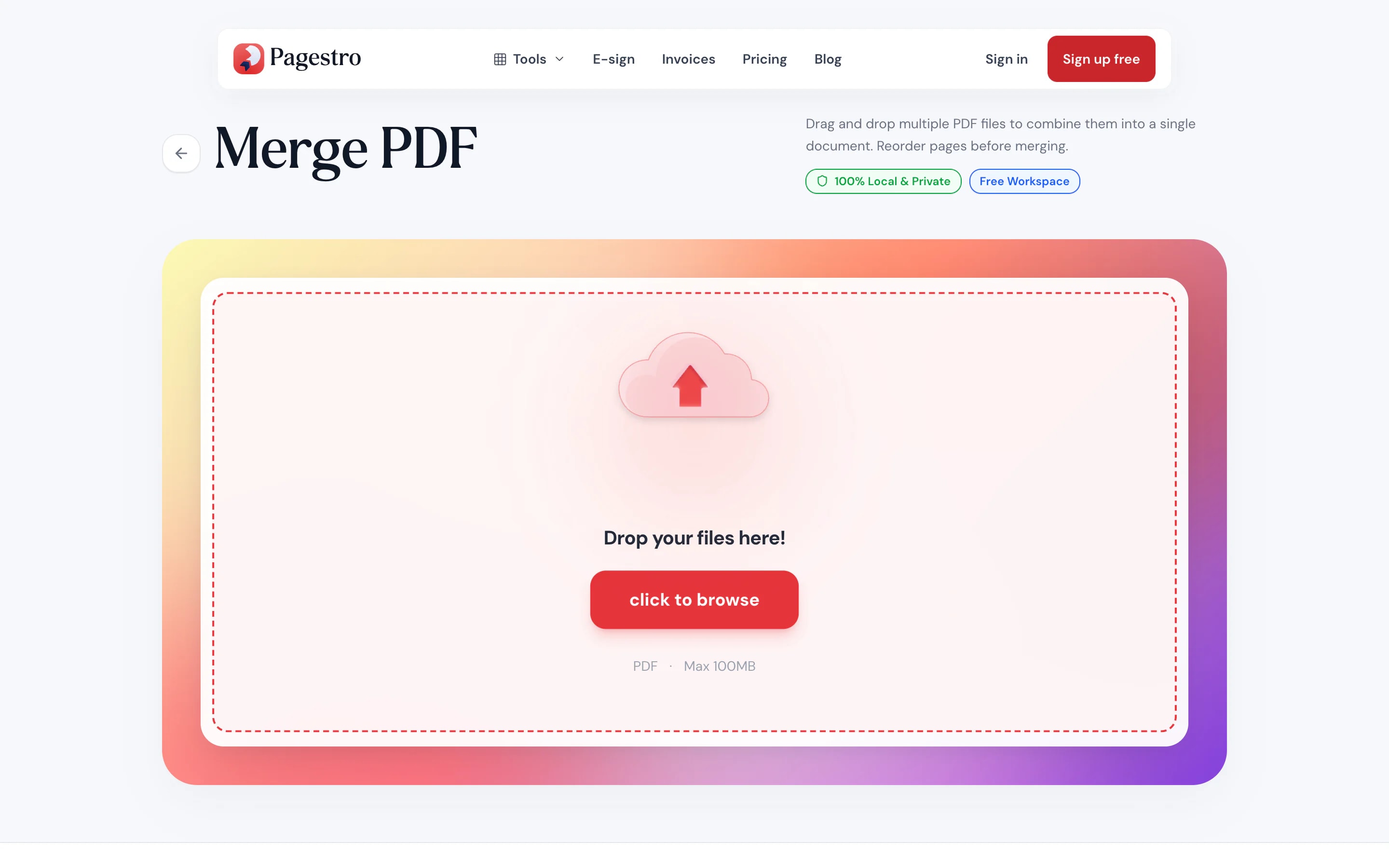
or drop files here · PDF up to 100 MB · files stay on your device
How it works
- 1Add your PDFsDrop two or more files onto the page, or pick them from your computer or phone.
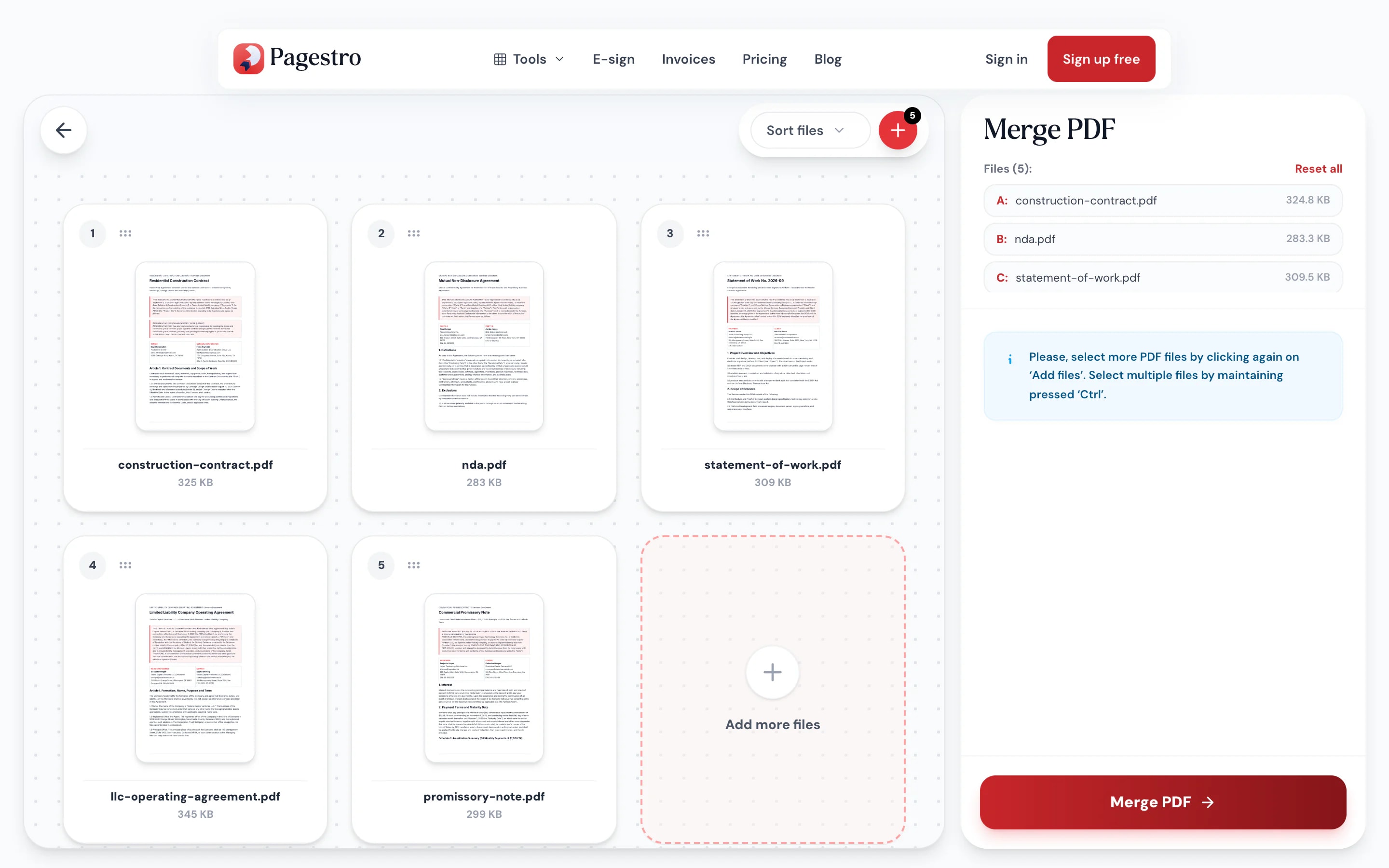
- 2Put them in orderDrag the file cards into the order you want the pages to appear. Remove any you don’t need.
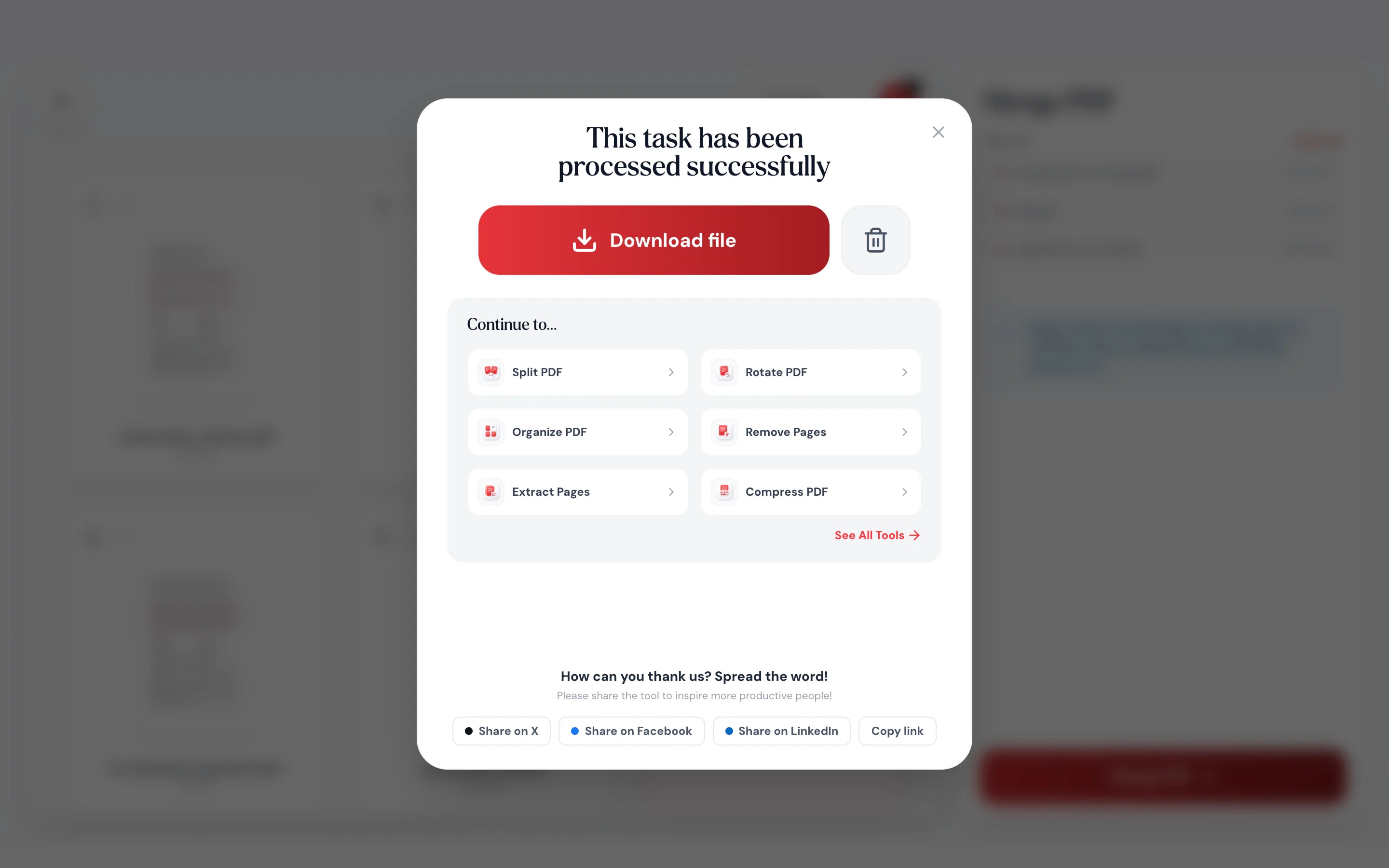
- 3Merge and downloadOne click combines everything into a single PDF that you save straight to your device.
At a glance
- uploaded: merging runs on your device
- 0 bytes
- no sign-up and no watermark
- Free
- per file, up to 300 pages
- 100 MB
- phone, tablet or desktop browser
- Any device
Questions and answers
Is it safe to merge PDFs online with Pagestro?
Yes. Pagestro merges your files inside your browser, so they are never uploaded to a server. Nobody else can see them, and nothing is stored after you close the tab.
How many PDFs can I merge at once?
There is no fixed file count. Each file can be up to 100 MB and a merge can contain up to 300 pages. Very large jobs depend on your device’s memory.
Can I change the order of the files?
Yes. After adding files, drag the cards (or rows in list view) into the order you want before you merge.
Will merging reduce the quality of my PDF?
No. Pages are copied as they are, so text stays sharp and images are not recompressed. If the result is too large, run it through Compress PDF afterwards.
Can I merge password-protected PDFs?
Yes, if you know the password. Pagestro asks for it, opens the file in memory and then merges it. The merged PDF has no password.
Does it work on iPhone and Android?
Yes. Open the page in Safari, Chrome or Firefox, add files from your phone and download the merged PDF. There is no app to install.
Is Merge PDF really free?
Yes. Merging is free with no sign-up, no watermark and no daily limit.
Keep going with your PDF
At a glance
- uploaded: merging runs on your device
- 0 bytes
- no sign-up and no watermark
- Free
- per file, up to 300 pages
- 100 MB
- phone, tablet or desktop browser
- Any device
Three steps to one tidy PDF
No installs, no accounts, no waiting for an upload to finish.
Drop two or more files onto the page, or pick them from your computer or phone.
Drag the file cards into the order you want the pages to appear. Remove any you don’t need.
One click combines everything into a single PDF that you save straight to your device.
- 1
Add your PDFs
Drop two or more files onto the page, or pick them from your computer or phone.
- 2
Put them in order
Drag the file cards into the order you want the pages to appear. Remove any you don’t need.
- 3
Merge and download
One click combines everything into a single PDF that you save straight to your device.
Everything a merge should be
Built for the five-minute job you do between meetings.
Your files never leave your device
Pages are combined by your browser, so there is no upload, no server copy and nothing to delete afterwards.
Original quality
Pages are copied as they are. Text stays sharp and images aren’t recompressed.
Fast on any connection
Nothing to upload first, so the result is ready in seconds.
Works on your phone
Merge attachments from your mail app without switching to a laptop.
Drag to reorder
Card and list views make it easy to put twenty files in the right order.
Password-protected files
Enter the password once and the file is opened in memory before merging.
Free, with no watermark
Use it as often as you like. No sign-up, no daily limit and no logo stamped on your pages.
Private by design
Merged in your browser, never on our servers
Most merge sites upload your documents, process them on a server and ask you to trust that they’re deleted. Pagestro joins them right here in your browser instead, so contracts, payslips and medical forms stay on your device the whole time.
- No upload, so no copy on anyone’s server
- The joining happens in this browser tab
- Close the tab and nothing is left behind
Merge on your phone, where the files are
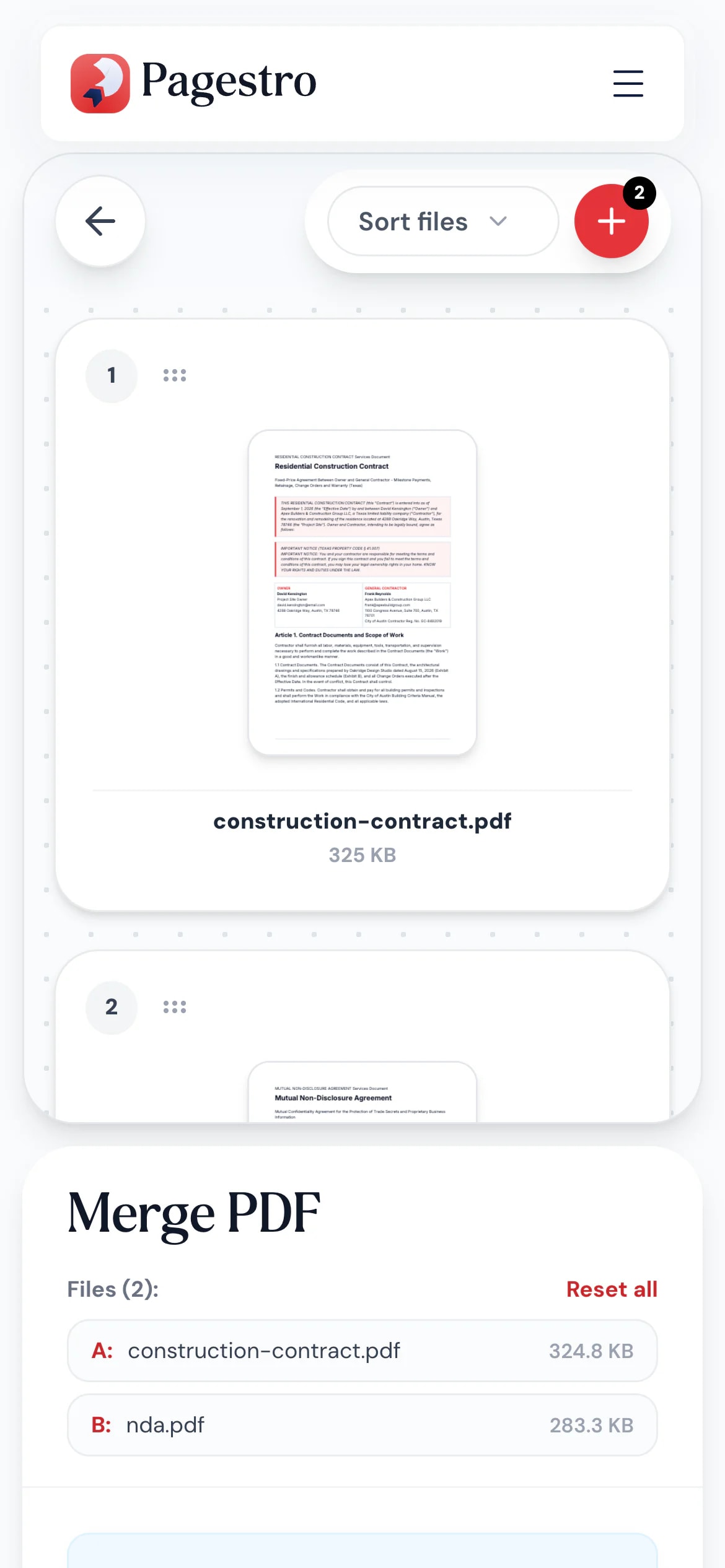
Got a scan, an invoice and a signed form as separate attachments? Open Pagestro in your phone’s browser, add all three and send one PDF back, without installing an app.
- Works in Safari, Chrome and Firefox on iOS and Android
- Pick files with your phone’s own file picker
- Saves the merged PDF straight to your phone
One PDF instead of five attachments
- application.pdfMerged · 3 files
Job seekers
Résumé, cover letter and portfolio
Send recruiters a single file that opens in the right order.
- Invoice + timesheetsMerged into one PDF
Freelancers
Invoice plus timesheets
Attach proof of work to the invoice so clients approve it faster.
- Essay + appendicesOne file, in order
Students
Assignments with appendices
Combine the essay, references and scanned notes into one submission.
- Signed agreementContract + signed pages
Small offices
Contracts and signed pages
Keep each agreement as one complete record instead of loose files.
How Pagestro compares
 Pagestro Pagestro | Desktop software | Upload-based sites | |
|---|---|---|---|
| Files stay on your device | Yes | Yes | No |
| Nothing to install | Yes | No | Yes |
| Works on phones and tablets | Yes | No | Yes |
| No waiting for uploads | Yes | Yes | No |
| Price | Free | Often a paid license | Free with limits |
Is it safe to merge PDFs online with Pagestro?
Yes. Pagestro merges your files inside your browser, so they are never uploaded to a server. Nobody else can see them, and nothing is stored after you close the tab.
How many PDFs can I merge at once?
There is no fixed file count. Each file can be up to 100 MB and a merge can contain up to 300 pages. Very large jobs depend on your device’s memory.
Can I change the order of the files?
Yes. After adding files, drag the cards (or rows in list view) into the order you want before you merge.
Will merging reduce the quality of my PDF?
No. Pages are copied as they are, so text stays sharp and images are not recompressed. If the result is too large, run it through Compress PDF afterwards.
Can I merge password-protected PDFs?
Yes, if you know the password. Pagestro asks for it, opens the file in memory and then merges it. The merged PDF has no password.
Does it work on iPhone and Android?
Yes. Open the page in Safari, Chrome or Firefox, add files from your phone and download the merged PDF. There is no app to install.
Is Merge PDF really free?
Yes. Merging is free with no sign-up, no watermark and no daily limit.
Keep going with your PDF
 Split PDFSplit PDF by pages, ranges or extract all pagesOpen tool
 Compress PDFReduce PDF file size while keeping qualityOpen tool
 Organize PDFReorder, add, or remove pages with drag & dropOpen tool
 Page numbersInsert page numbers into your PDFOpen tool
 Sign PDFDraw, type or upload your signature and place it on a PDFOpen tool
 JPG to PDFConvert JPG images to a PDF documentOpen tool


