

At a glance
- pick 72, 150 or 300 DPI and the JPG quality
- Up to 300 DPI
- uploaded: pages are rendered on your device
- 0 bytes
- saved as its own JPG, zipped in order
- Every page
- no sign-up, no watermark
- Free
PDF to JPG in three steps
Drop in a file up to 100 MB and 200 pages.
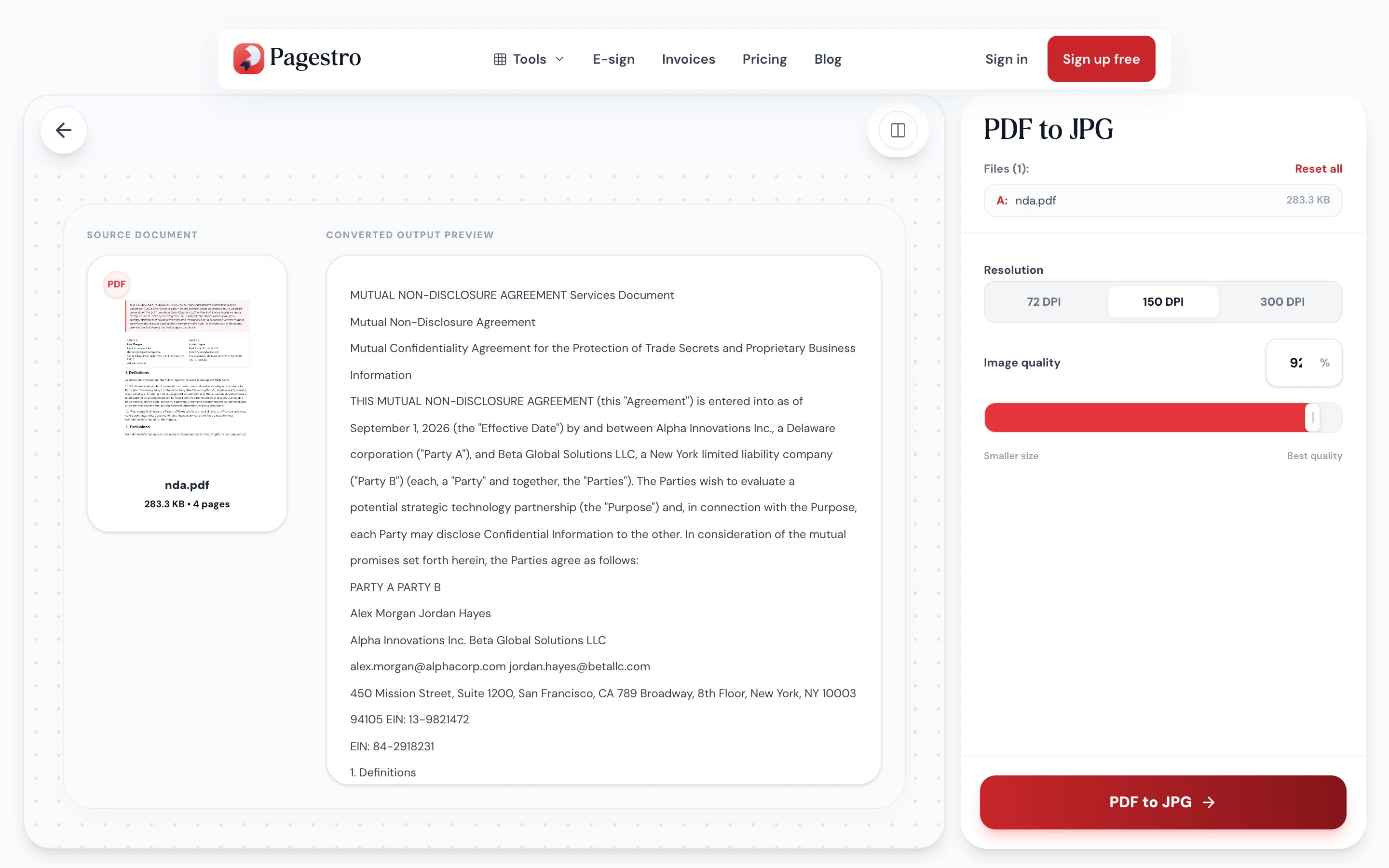
Pick 72, 150 or 300 DPI and a quality level. Every page is rendered on a white background.
One page gives one JPG. Several pages arrive as a ZIP, numbered page-01, page-02 and so on.
- 1
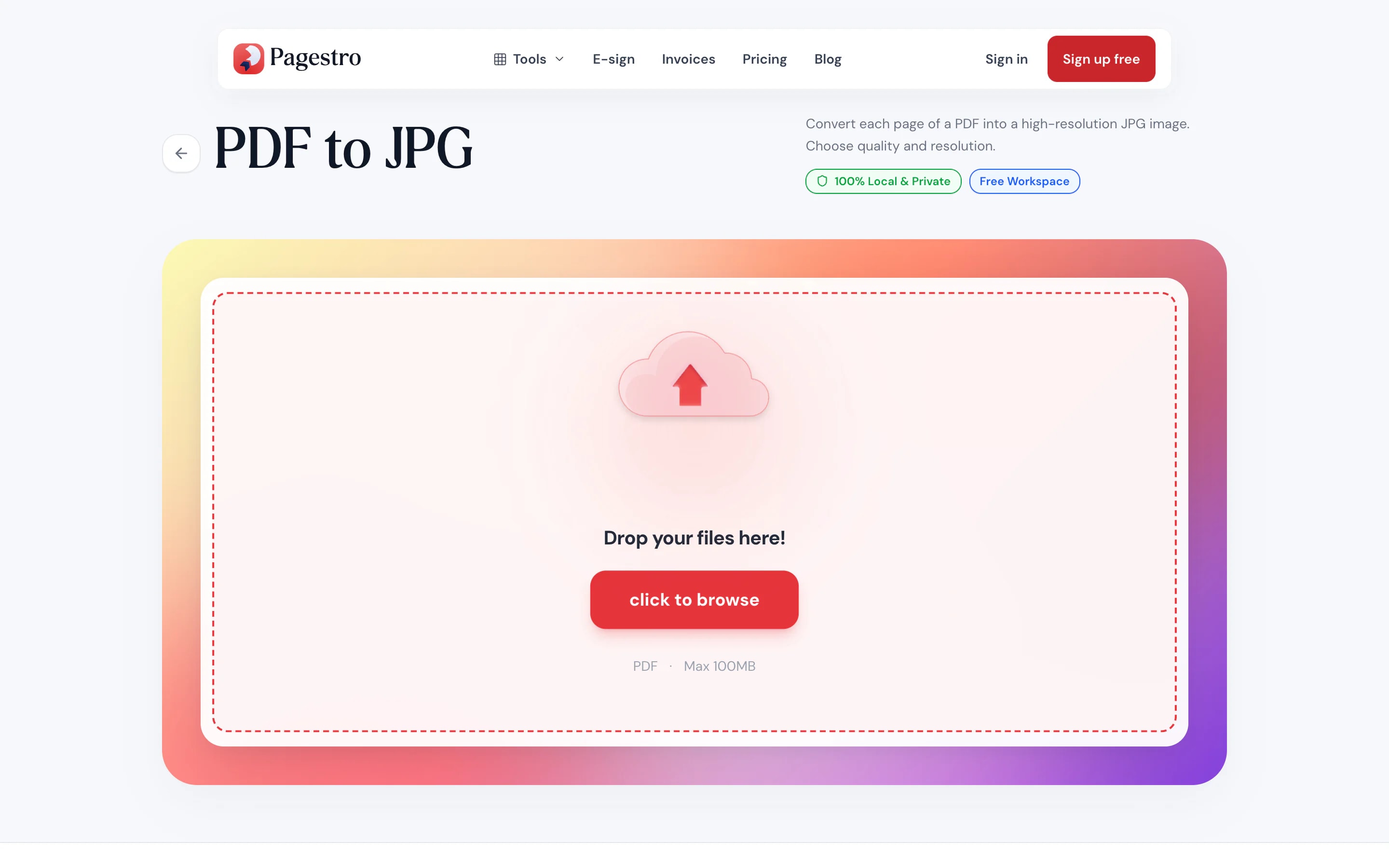
Add your PDF
Drop in a file up to 100 MB and 200 pages.
- 2
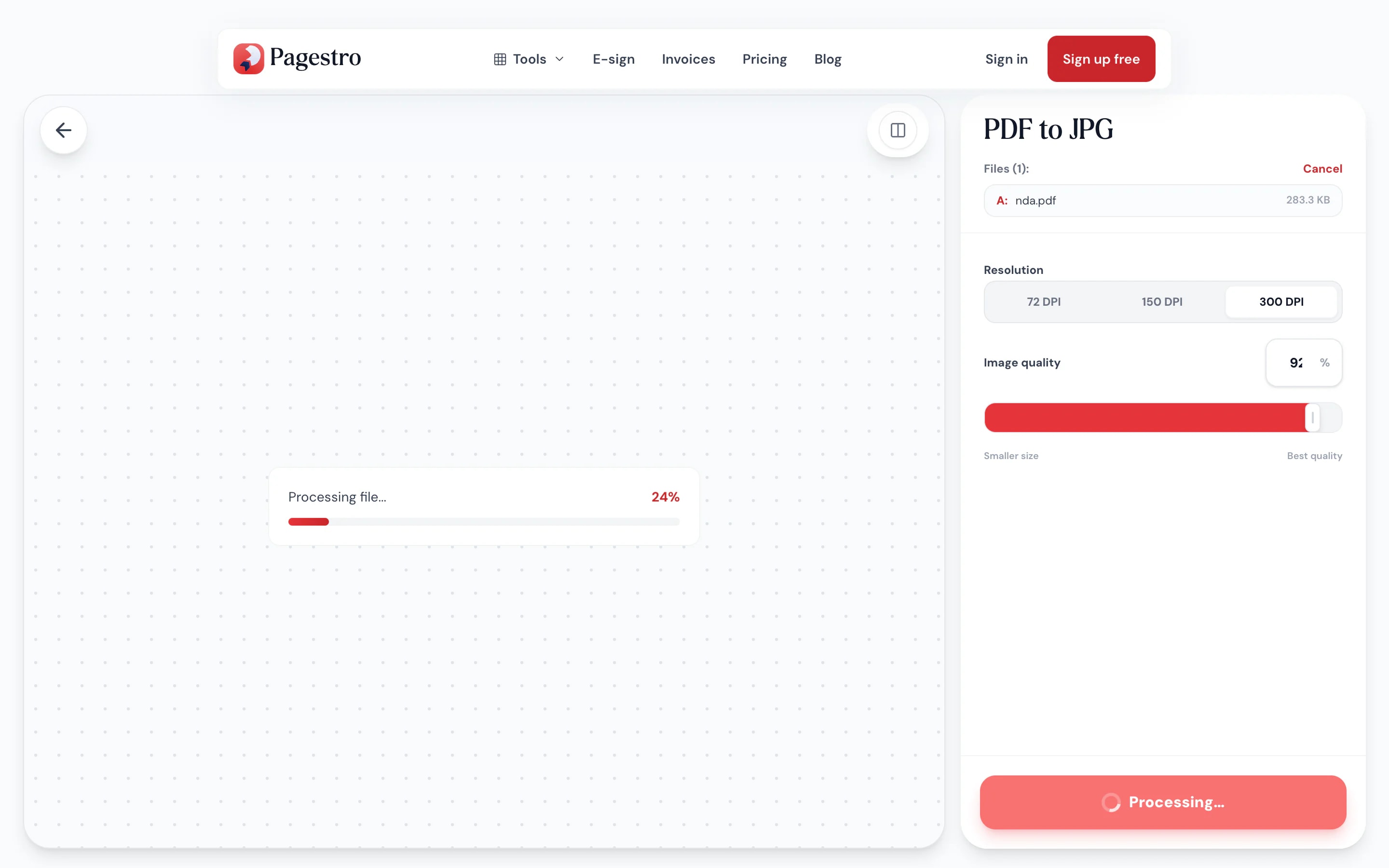
Convert
Pick 72, 150 or 300 DPI and a quality level. Every page is rendered on a white background.
- 3
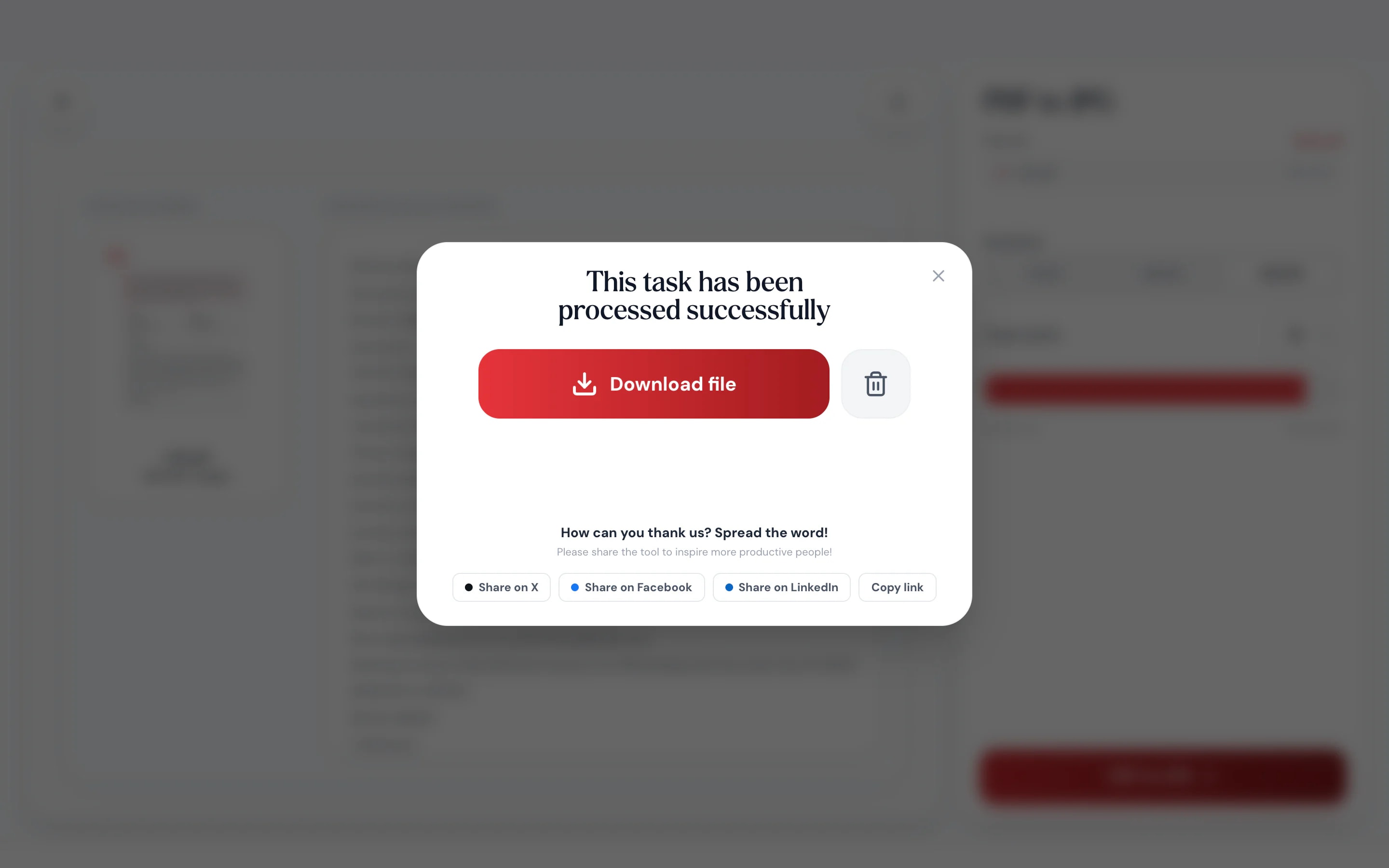
Download the images
One page gives one JPG. Several pages arrive as a ZIP, numbered page-01, page-02 and so on.
Images that go where PDFs can’t
Social posts, chat apps, slides and websites all prefer pictures.
Every page, one image each.
Pages are rendered one by one and numbered, so the files always sort in page order.
Ready for slides and posts.
A Letter page becomes about 1275 × 1650 pixels, plenty for screens.
Small, shareable files.
JPG keeps photos and scans light enough for chats and email.
Works on your phone.
Convert a PDF and share a page as an image from your phone.
One page, one file.
A one-page PDF gives a single JPG.
No upload.
Rendered in your browser.
Quality
Rendered by a real PDF engine
Pages are drawn by the same kind of engine PDF viewers use, compiled to run inside your browser. Fonts, vector graphics and photos come out as they look on screen, then are saved as high-quality JPGs.
- 72, 150 or 300 DPI: screen, slides or print
- Quality slider from smaller files to best detail
- White background behind every page

On your phone
Post a page, not a PDF
Many apps show pictures inline but not PDFs. Convert the page on your phone and share the JPG to a chat, a story or a listing.
- Works in Safari and Chrome on iOS and Android
- Single pages save as one JPG
- Multi-page files save as a ZIP

Pages as pictures, wherever you need them
Marketers
A flyer for social media.
Turn a PDF flyer or menu into an image you can post.
Presenters
A page inside a slide.
Drop a chart or page from a report into your presentation.
Sellers
Listings and manuals.
Show a product sheet or manual page as a photo in a listing.
How Pagestro compares
 Pagestro
PDF stays on your device
- Pagestro
- Yes
- Desktop software
- Yes
- Upload-based sites
- No
Nothing to install
- Pagestro
- Yes
- Desktop software
- No
- Upload-based sites
- Yes
Works in a phone browser
- Pagestro
- Yes
- Desktop software
- No
- Upload-based sites
- Yes
Page-numbered file names
- Pagestro
- Yes
- Desktop software
- Varies
- Upload-based sites
- Varies
Price
- Pagestro
- Free
- Desktop software
- Often a paid license
- Upload-based sites
- Often free with limits
How do I convert a PDF to JPG?
Add the PDF and press PDF to JPG. A one-page file downloads as a single JPG; longer files download as a ZIP with one JPG per page.
How do I save just one page as a JPG?
Pull that page out with Extract Pages first, then convert the one-page PDF here. Or convert the whole file and keep the image you need.
What resolution are the images?
You choose 72, 150 (the default) or 300 DPI. At 150 DPI a US Letter page becomes about 1275 × 1650 pixels and an A4 page about 1240 × 1754; 300 DPI doubles both.
Can I change the quality?
Yes. Use the quality slider: lower values make smaller files, higher values keep more detail. For lossless images, use PDF to PNG.
Is there a page limit?
Files can be up to 100 MB and 200 pages.
Are my files uploaded?
No. Pages are rendered in your browser and never sent to a server.
Can I convert a password-protected PDF?
Yes, if you know the password. Enter it when asked and the file is decrypted in memory before the pages are rendered.


