

At a glance
- JPG, PNG, WebP, GIF, BMP, TIFF, ICO, SVG, PDF
- 9 formats
- convert many images at once, get a ZIP
- Batch
- uploaded: conversion runs in your browser
- 0 bytes
- no sign-up and no watermark
- Free
How it works
Pick a format, get a file
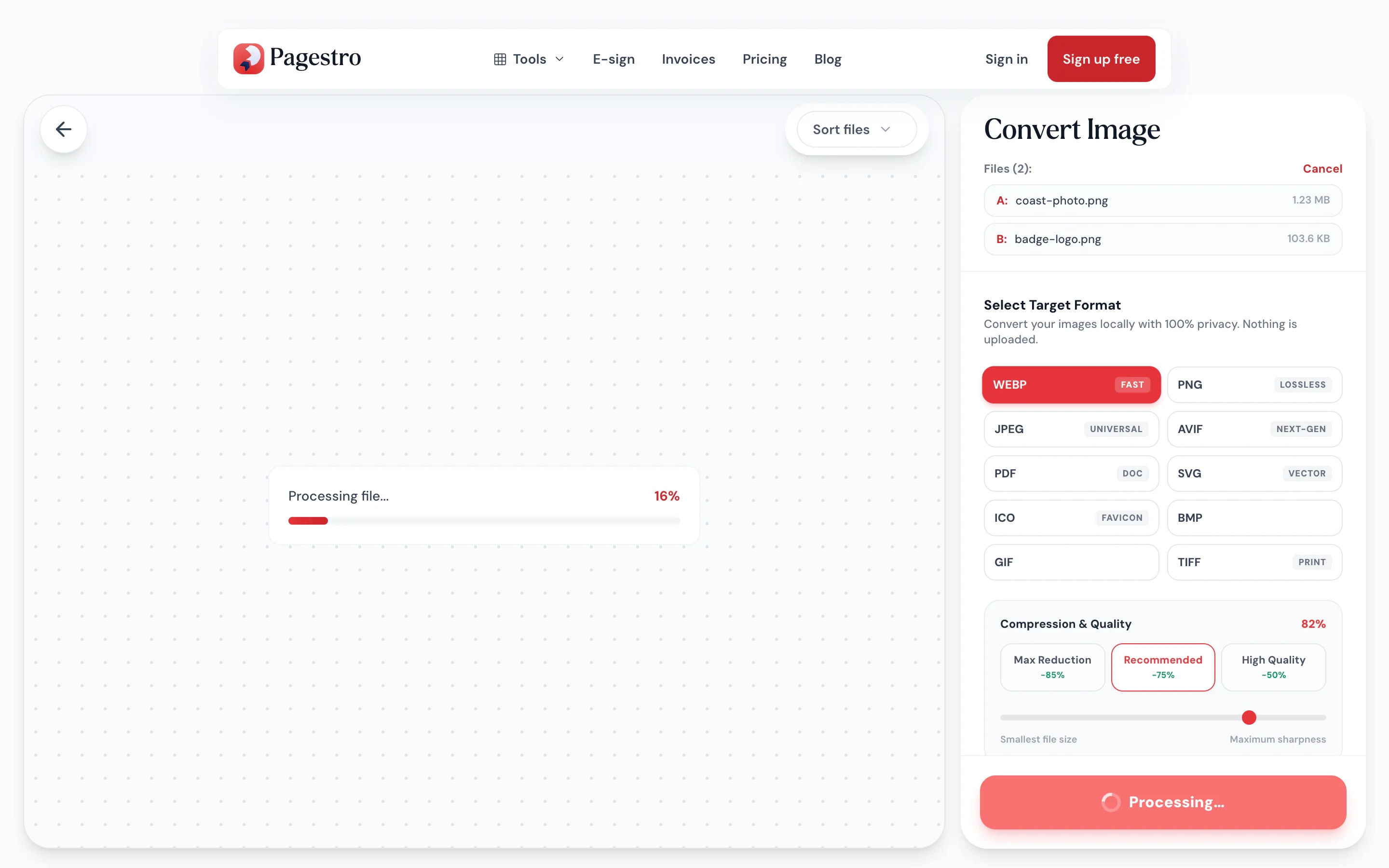
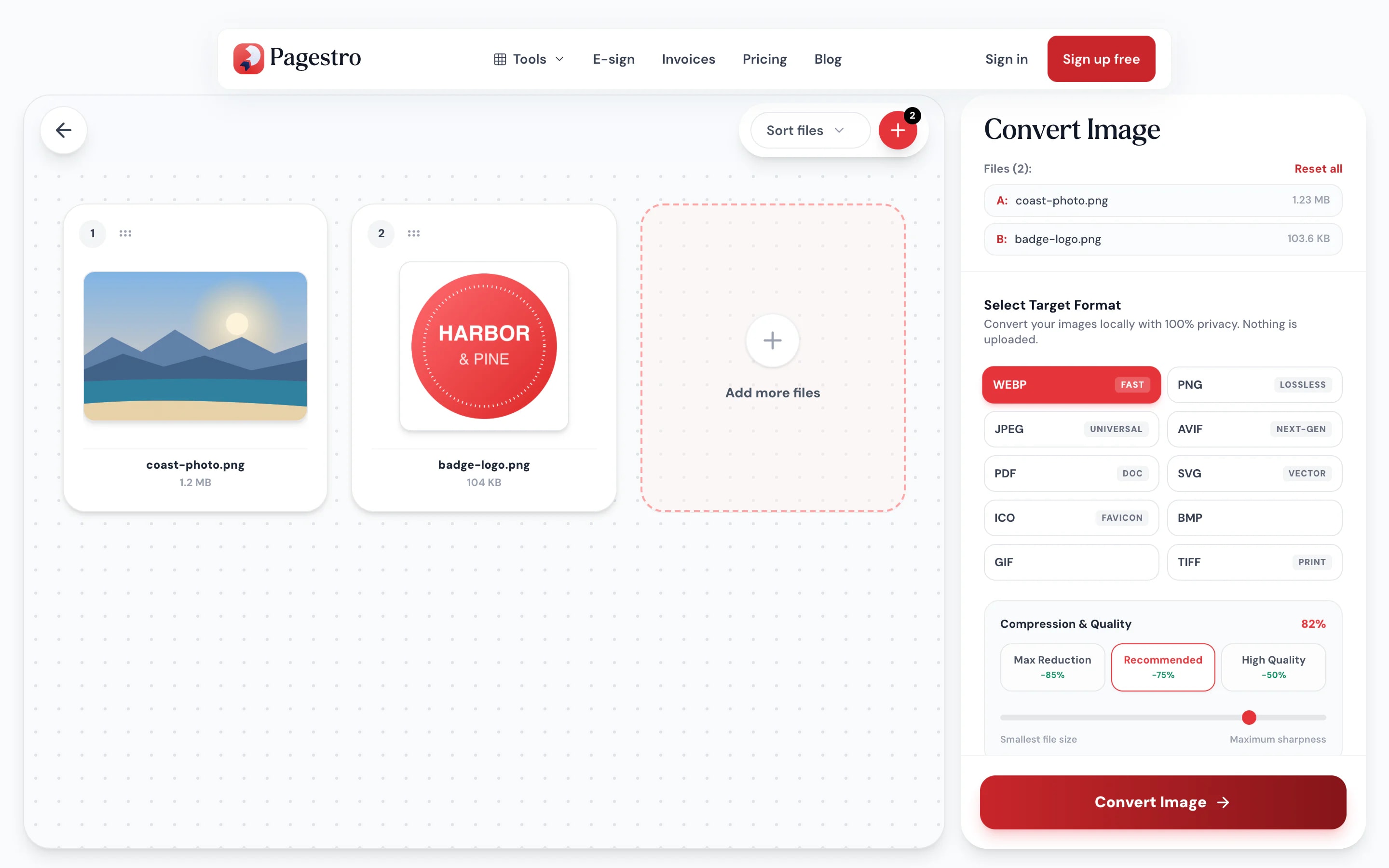
Drop in one or more JPG, PNG, WebP, AVIF or GIF files.
Pick JPG, PNG, WebP, GIF, BMP, TIFF, ICO, SVG or PDF. For JPG and WebP, set the quality too.
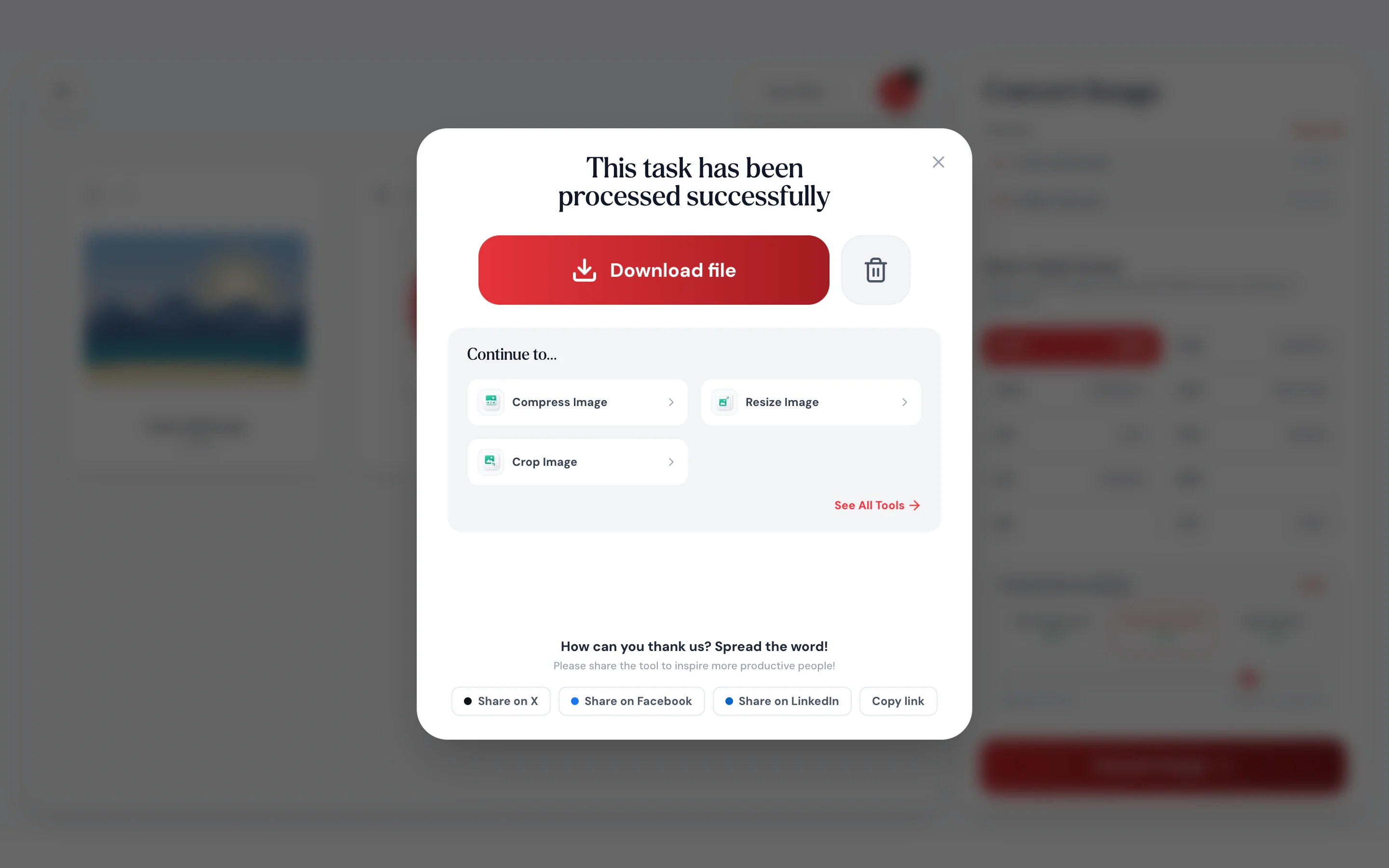
Save the converted image, ready for the site, app or form that asked for it.

- 1
Add your images
Drop in one or more JPG, PNG, WebP, AVIF or GIF files.
- 2
Choose the new format
Pick JPG, PNG, WebP, GIF, BMP, TIFF, ICO, SVG or PDF. For JPG and WebP, set the quality too.
- 3
Download it
Save the converted image, ready for the site, app or form that asked for it.
Why Pagestro
The format they asked for
The format they asked for.
WebP to JPG for older apps, PNG to WebP for faster sites, a logo to ICO for a favicon or to SVG for print.
Clean JPG backgrounds.
Transparent areas turn white, not black.
Resize while you convert.
Cap the width at 1920, 1280 or 800 pixels.
Convert on your phone.
Turn a WebP download into a JPG your apps accept.
Quality presets.
Max reduction, recommended or high quality, or set the slider yourself.
Image to PDF.
Turn any image into a one-page PDF at its full size.
Private and free.
Your image is converted on your device. No upload, no sign-up and no watermark.
Private by design
Converted on your device, not a server
Your browser reads the image, and the new format is written by code running inside the page (Pagestro has its own GIF, BMP, TIFF, ICO and SVG encoders), so the image is never uploaded.
- No upload and no account
- Conversion runs as code inside this page
- Close the tab and nothing is kept
On the go
Fix the format from your phone
Saved an image from the web and it came down as WebP? Open Pagestro in your phone’s browser and turn it into a JPG your apps and forms accept.
- No app to install
- Works in Safari, Chrome and Firefox
- Saves straight to your phone

Who uses it
When the format is wrong
Web developers
WebP for faster pages.
Turn PNG and JPG assets into WebP with a max width.
Office workers
WebP downloads into JPG.
Get images into slide decks and documents that expect JPG.
Designers
PNG copies for editing.
Convert to PNG before layering and retouching.
Applicants
A photo as a PDF.
For forms that only accept PDF uploads.
How Pagestro compares
 Pagestro
Images stay on your device
- Pagestro
- Yes
- Desktop software
- Yes
- Upload-based sites
- No
Nothing to install
- Pagestro
- Yes
- Desktop software
- No
- Upload-based sites
- Yes
Works on phones and tablets
- Pagestro
- Yes
- Desktop software
- No
- Upload-based sites
- Yes
Quality and max-width options
- Pagestro
- Yes
- Desktop software
- Varies
- Upload-based sites
- Varies
Price
- Pagestro
- Free
- Desktop software
- Often a paid license
- Upload-based sites
- Varies by site
How do I convert WebP to JPG?
Add the WebP file to the tool at the top of this page, choose JPG, set the quality and download. Transparent areas become white.
How do I convert PNG to WebP?
Add the PNG, choose WebP and pick a quality preset. WebP keeps transparency and is usually much smaller than PNG.
Which formats can I open?
JPG, PNG, WebP, AVIF and GIF. Animated GIFs are converted from their first frame.
Will I lose transparency?
PNG, WebP, GIF, TIFF, ICO and SVG keep it. JPG and BMP have no transparency, so see-through areas are filled with white.
Does converting reduce quality?
PNG, BMP and TIFF are lossless. JPG and WebP use the quality you choose; the recommended preset keeps photos looking sharp at a much smaller size. GIF is limited to 256 colours, so photos are dithered.
Is the SVG a real vector file?
Yes. The image is traced into vector shapes with up to 16 flat colours, so logos and icons scale cleanly. Photos come out posterised, because tracing turns smooth shading into flat areas.
Can I make a favicon?
Yes. Choose ICO and you get one .ico file holding 16, 32, 48 and 256 pixel versions, ready for a website or a desktop shortcut.
Can I save as AVIF?
Yes, in browsers with an AV1 video encoder, such as Chrome and Edge; transparency is kept. Where yours has none, the AVIF button is greyed out or tells you so, and WebP is the closest alternative.
Can I convert several images at once?
Yes. Add as many as you like; they are all converted to the format you pick and download together as a ZIP.
Can I convert an image to PDF?
Yes. Choose PDF to get a one-page PDF from any image. For several images in one PDF, use JPG to PDF.
Are my images uploaded?
No. Conversion happens in your browser on your own device. Nothing is sent to Pagestro.
More image tools
 Compress ImageReduce image file size without quality lossOpen tool
 Resize ImageResize images by pixels or percentageOpen tool
 Crop ImageCrop images with an interactive editorOpen tool
 JPG to PDFConvert JPG images to a PDF documentOpen tool
 PNG to PDFConvert PNG images to PDFOpen tool
 SVG OptimizerClean and minify SVG filesOpen tool