Business
How to write an invoice that gets paid on time
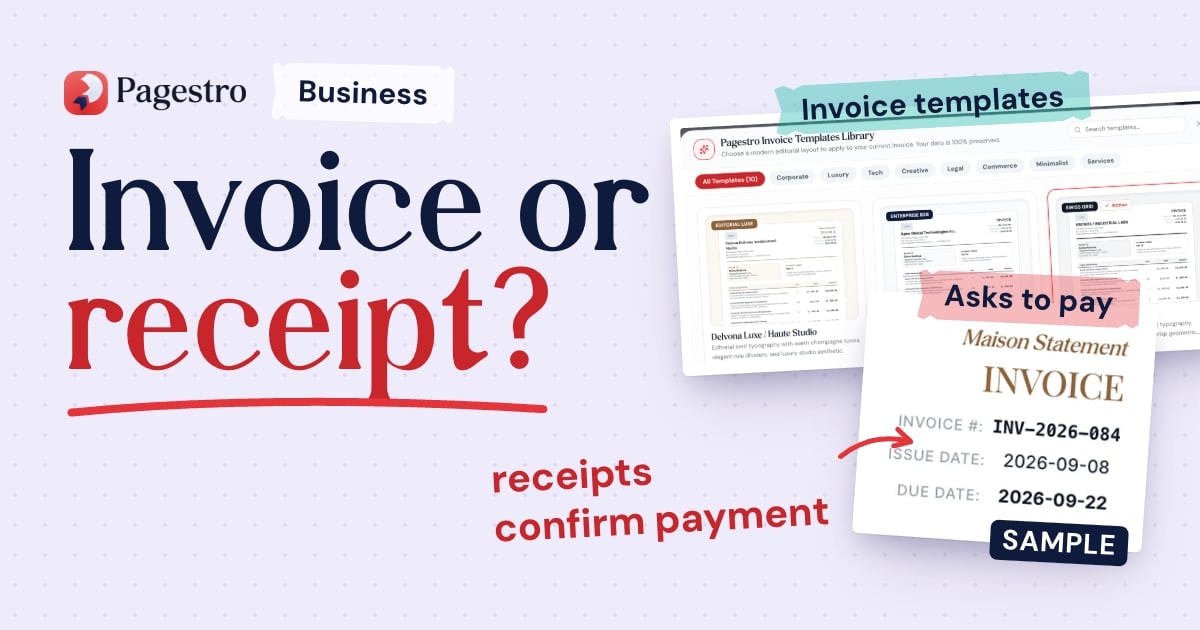
What to put on an invoice, how to set payment terms, how to make paying easy and how to follow up politely, plus how recurring invoices save time on regular work.

MD Rakib Shekh · Founder & Lead Architect
· 7 min read
On this page
You finished the work, sent the invoice, and now you're waiting. Some delays are out of your hands. But plenty come from things you can fix: a missing purchase order number, a vague due date, bank details the client has to ask for, or an invoice sent to the wrong person.
This guide covers what to put on an invoice, how to set payment terms, how to make paying easy and how to follow up. Rules on invoices vary by country, so check what applies where you work.
This is general information, not legal advice.
What every invoice should include
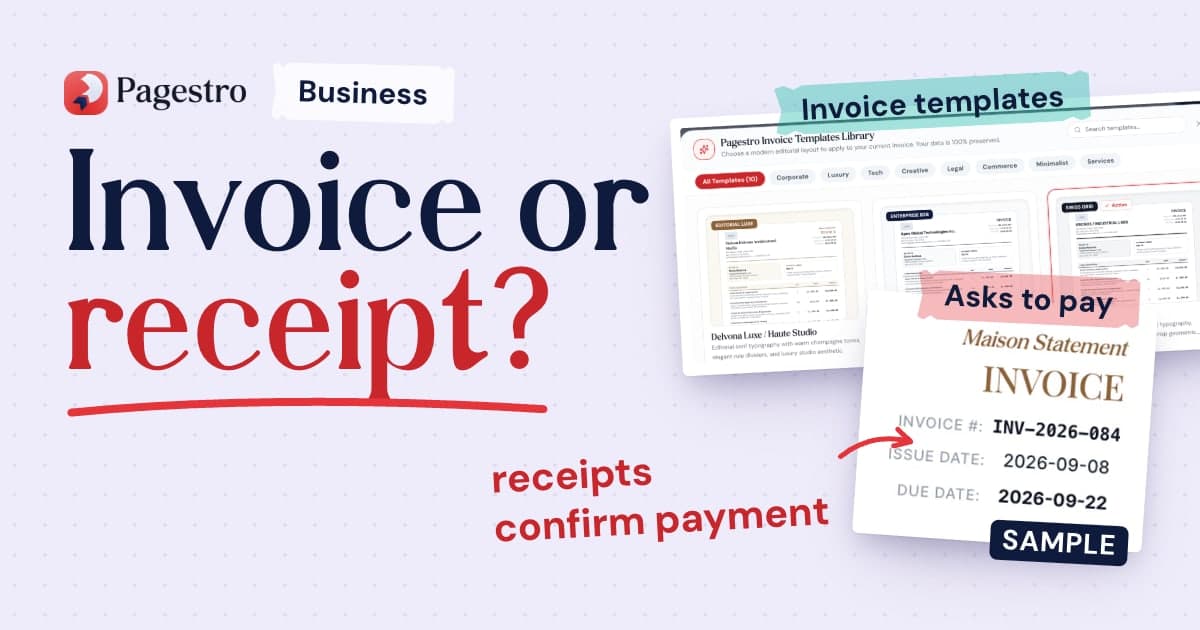
- The word "Invoice" and a unique invoice number
- Your business name, address and contact details
- The client's name, company and billing address
- The invoice date and the date you delivered the work
- A due date, written as a date
- A line for each item or service, with quantity, rate and amount
- Subtotal, discounts, tax and the total due
- How to pay: bank details, a payment link or a pay-by-QR code
- The client's purchase order (PO) number, if they use them
- Tax or VAT numbers, where required
Some of these are legal requirements. In the UK, GOV.UK lists a unique number, both businesses' details, a clear description, the supply date, the invoice date, the amounts and the total among the things an invoice must include. In the EU, if you're registered for VAT and sell to other businesses, you normally need to issue a VAT invoice that shows your VAT number and the VAT charged. In the US, the IRS lists invoices among the documents that support your records, so keep a copy of every one you send.
Selling to businesses in the EU? Also check whether e-invoicing rules apply to you; our post on e-invoicing mandates explains them. Pagestro creates PDF and Word invoices, not structured e-invoice files.
Set clear payment terms
Payment terms tell the client when to pay. Agree them before you start, ideally in your contract (Pagestro Contracts has a plain-English service agreement template), then repeat them on every invoice. Our freelance contract checklist covers what to agree.
- Write the due date as a date. "Net 30" means 30 days after the invoice date, but "Due 14 November 2026" leaves nothing to work out.
- Match the client's process. Some companies pay in batches or need a PO number on every invoice. Ask before you send the first one.
- Ask for a deposit on larger projects, invoiced before work starts.
- State your late payment terms, if you have any, in the contract and on the invoice.
Late payment rules differ by country. In the UK, if no payment date was agreed, a business customer must pay within 30 days of getting your invoice or the goods or service, and you can charge statutory interest of 8% plus the Bank of England base rate on late business payments, unless your contract sets a different rate. In the EU, if no payment period was fixed, interest becomes payable 30 days after the client receives your invoice, and you can claim a flat €40 compensation fee for each invoice paid late. Both rules cover business customers (and, in the EU, public authorities), not consumers.
In Pagestro, choose Due on Receipt, Net 7, Net 14, Net 30 or Net 60 as the payment terms, and add your own wording in the notes.
Make paying easy
Every extra step for your client is a chance for the invoice to slip down their list.
- Put your full bank details on the invoice, not "details on request".
- Add a payment link from your payment provider, if you use one.
- Add a pay-by-QR code. Pagestro can put a QR code for a payment link, an IBAN or a UPI ID on the invoice, so the client can scan it with their phone.
- Bill in the client's currency where you can. Pagestro supports 20 currencies.
Pagestro doesn't collect payments for you. Your client pays you directly using the details on the invoice, and you mark the invoice paid in Pagestro when the money arrives.
Send it the right way
- Send it to the person who pays, which may be an accounts team rather than your day-to-day contact. Copy your contact if that helps.
- Put the invoice number and the amount in the email subject.
- Name the PDF clearly, with your business name and the invoice number.
- Send it as soon as the work is delivered or the milestone is reached.
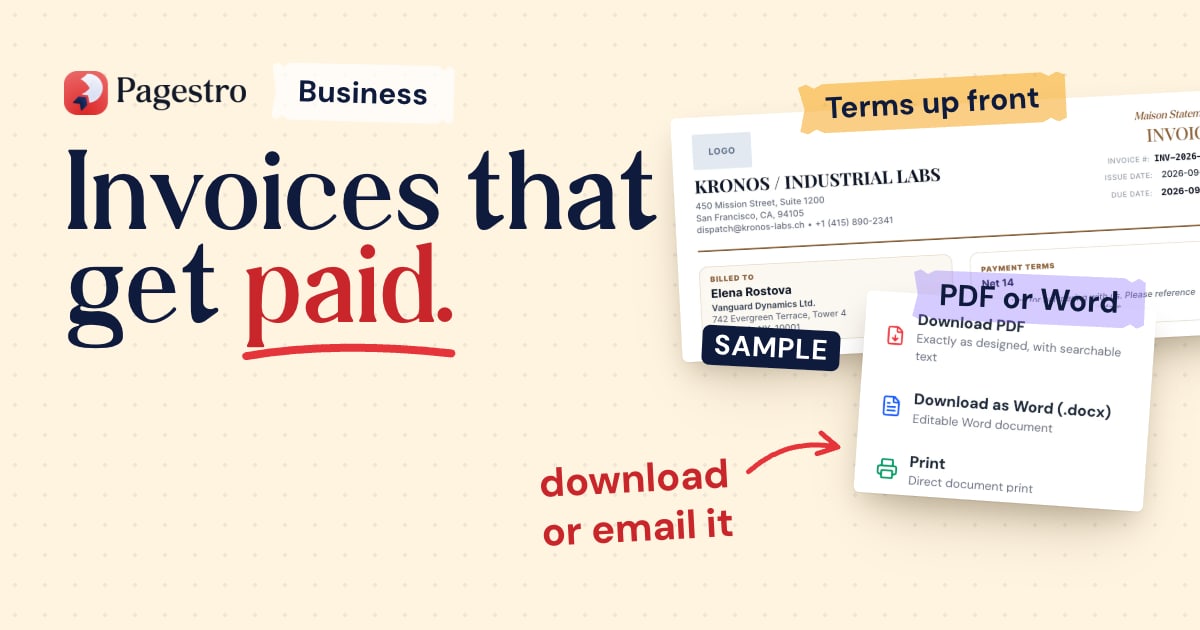
With Pagestro, you can download an invoice as a PDF or Word file without an account. With a free account, you can email the client a private link to the invoice and see when they open it. Each sent invoice shows as sent, viewed, overdue or paid.
Follow up without awkwardness
A reminder is a normal part of running a business, not an accusation. A simple rhythm:
- A few days before the due date: a short, friendly note with the invoice attached.
- On the due date: "Just a reminder that invoice 1043 for $850 is due today. Payment details are on the invoice."
- A week late: ask whether anything is holding it up, such as a missing PO number or a wrong address.
- Later: a firmer note that mentions your late payment terms.
Keep each message short and polite, and always include the invoice number, the amount and how to pay.
In Pagestro, you can send a reminder for any unpaid invoice you emailed, once a day. On Pro and Business, overdue invoices also get automatic reminders. See pricing for what each plan includes.
Recurring invoices for regular work
If you bill the same client the same amount on a schedule, such as a retainer, weekly lessons or a monthly rental, recurring invoices save you retyping the same thing. On Pro and Business, Pagestro can send the next invoice on a weekly, monthly, quarterly or yearly schedule.
How to make an invoice in Pagestro
Step 1. Open the Invoice Generator and choose a template, or start from a blank invoice.
Step 2. Add your business details and logo, then the client's details.
Step 3. Add your line items. Totals, discounts and taxes update as you type, and you can add columns such as hours or SKU.
Step 4. Set the invoice number, dates, payment terms and payment details, including a pay-by-QR code if you want one.
Step 5. Download the PDF, or sign in to email it to your client and see when it's opened.
Frequently asked questions
What should an invoice include?
A unique number, your details and the client's, the invoice date, what you're charging for, the amounts and tax, the total, a due date and how to pay. Some countries require extra details, such as a VAT number.
What payment terms should I use?
Common choices are due on receipt, or 7, 14 or 30 days after the invoice date. Pick what your cash flow can handle, and agree it with the client before the work starts.
Does Pagestro collect payments for me?
No. Clients pay you directly using the bank details, payment link or pay-by-QR code on the invoice. You mark the invoice paid when the money arrives.
Can I send recurring invoices?
Yes, on Pro and Business. Choose a weekly, monthly, quarterly or yearly schedule, and Pagestro sends each invoice for you.
Can I charge interest on a late invoice?
Often, for business customers, depending on your country and your contract. The UK and EU both have statutory rules, linked above. Say on the invoice what you charge.
- Invoicing
- Getting paid
- Freelancing
- Small business
Written by
MD Rakib Shekh
Founder & Lead Architect
Founder of Pagestro & UIXport. Specializing in WebAssembly browser tools, PDF processing, and high-performance design workflows.