

At a glance
- headings, lists, tables and links
- Clean .md
- to your clipboard or as a .md file
- Copy or save
- uploaded: text is read on your device
- 0 bytes
- no sign-up, no limits per day
- Free
PDF to Markdown in three steps
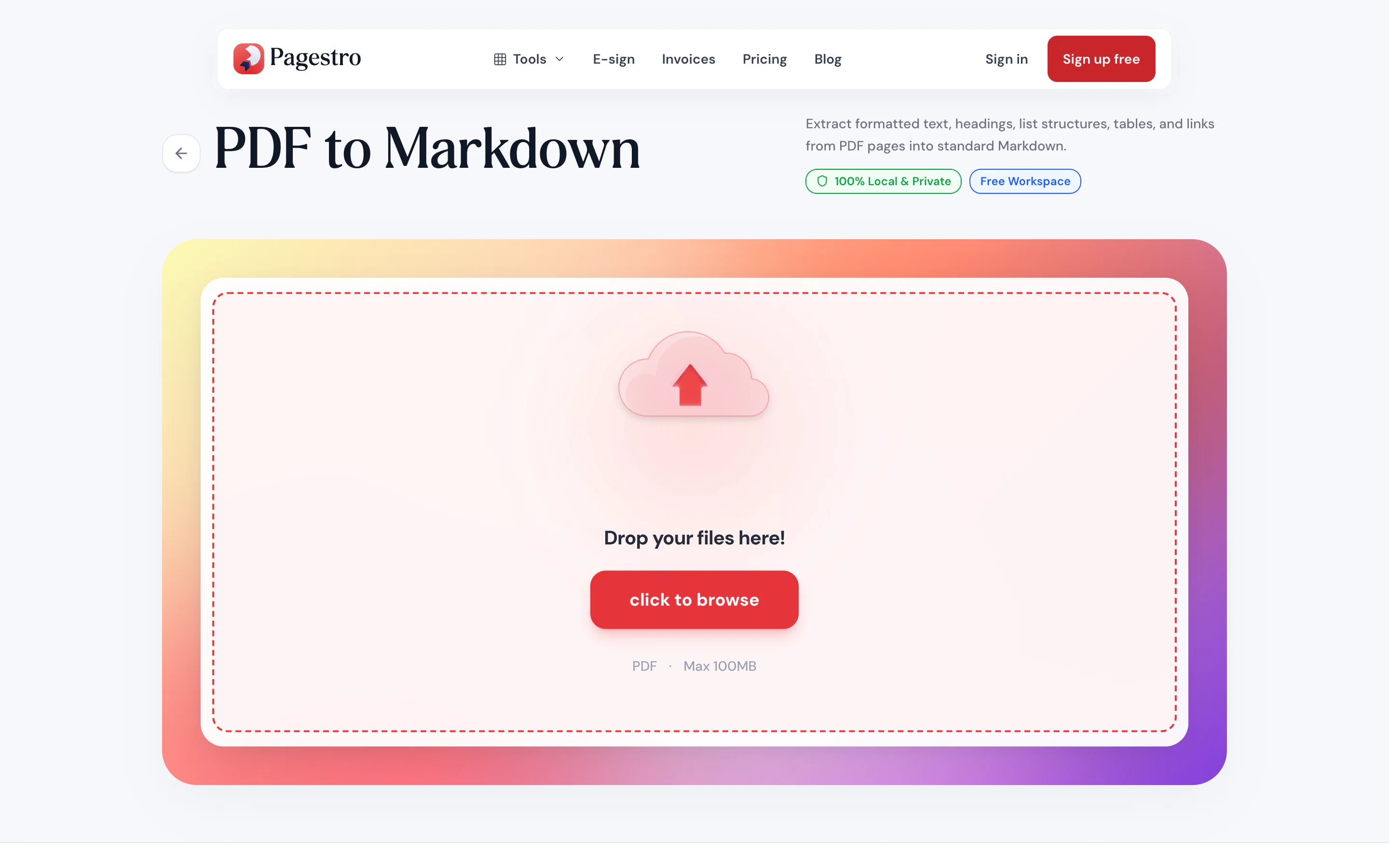
Drop in a text-based PDF up to 100 MB and 200 pages.
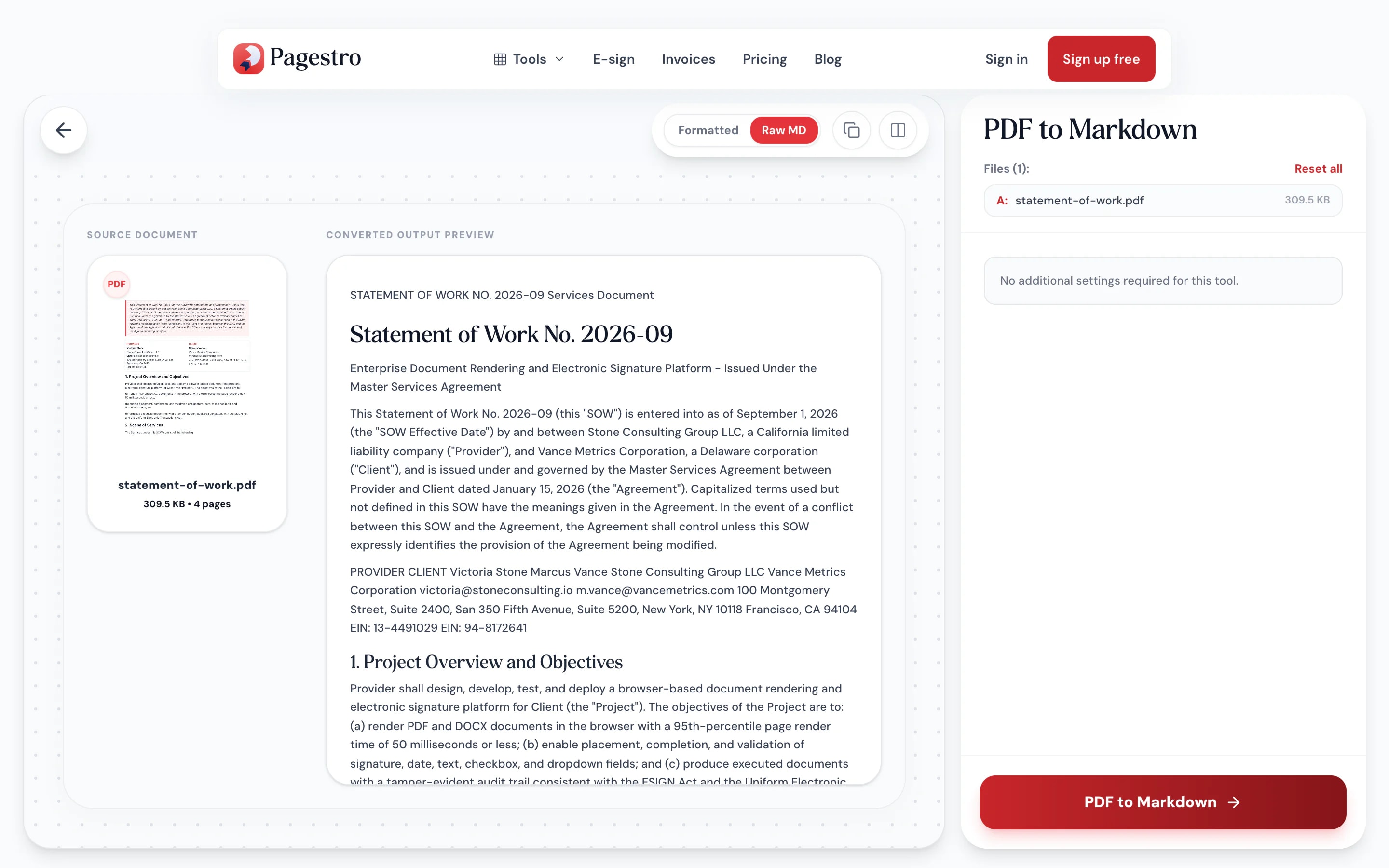
See it formatted or as raw text, next to the original page if you like.
Copy the Markdown in one click or save it as a .md file.


- 1
Add your PDF
Drop in a text-based PDF up to 100 MB and 200 pages.
- 2
Preview the Markdown
See it formatted or as raw text, next to the original page if you like.
- 3
Copy or download
Copy the Markdown in one click or save it as a .md file.
What you get
Structure, not just a wall of text
Plain-text extraction loses the shape of a document. This keeps it.
Headings from font sizes.
Larger and bolder lines become #, ## and ### headings, so the outline survives.
Tables in pipe syntax.
Rows and columns become GitHub-style Markdown tables.
Links kept.
Clickable links in the PDF become [text](url) links.
Formatted or raw.
Switch between a rendered preview and the raw Markdown before you copy.
Lists stay lists.
Bullets and numbered items carry over.
Page breaks marked.
Pages are separated with a rule.
For docs, notes and AI tools
Text that pastes cleanly anywhere
Wikis, note apps, static sites, README files and AI chat assistants all read Markdown. Convert the PDF once and paste structured text instead of fixing broken line wraps by hand.
- Paragraphs joined, not broken mid-line
- Headings, lists and tables preserved
- Read in your browser, never uploaded

On your phone
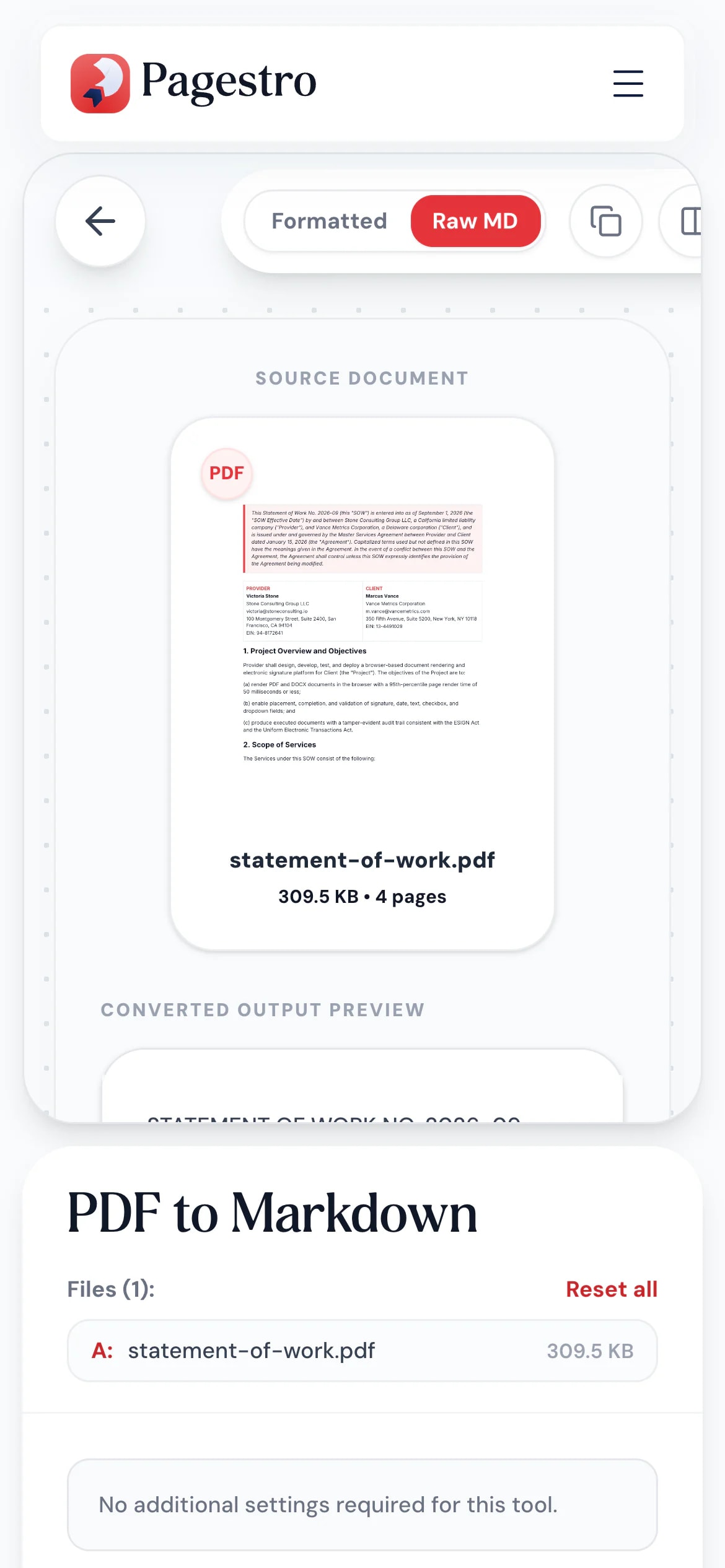
Copy a PDF’s text on the go
Need the text of a PDF in a note or a message? Convert it in your phone’s browser, tap copy and paste it where you need it.
- Works in Safari and Chrome on iOS and Android
- One-tap copy to the clipboard
- Or save the .md file to your phone
From PDF to wherever you write
Developers
Specs into a repo.
Turn a PDF spec or manual into Markdown docs you can version.
Knowledge workers
Reports into your notes.
Bring a report’s structure into your note app or team wiki.
Researchers
Clean text for AI assistants.
Give a chat assistant structured text instead of a messy copy and paste.
How Pagestro compares
 Pagestro
PDF stays on your device
- Pagestro
- Yes
- Desktop software
- Yes
- Upload-based sites
- No
Nothing to install
- Pagestro
- Yes
- Desktop software
- No
- Upload-based sites
- Yes
Markdown tables and links
- Pagestro
- Yes
- Desktop software
- Varies
- Upload-based sites
- Varies
Preview before download
- Pagestro
- Yes
- Desktop software
- Varies
- Upload-based sites
- Varies
Price
- Pagestro
- Free
- Desktop software
- Often a paid license
- Upload-based sites
- Often free with limits
PDF to Markdown questions
Didn't find your answer? Write to us and we'll reply by email.
How do I convert a PDF to Markdown?
Add the PDF, check the preview and press PDF to Markdown to download a .md file, or use the copy button to grab the text.
Are tables converted?
Yes. Rows with several aligned columns become GitHub-flavored Markdown tables.
Are images included?
No. The Markdown contains the text, headings, lists, tables and links. Images aren’t extracted.
Does it work with scanned PDFs?
Scanned pages are pictures with no text to read. Use OCR PDF, which recognizes the text and can export Markdown.
How are headings detected?
Lines set noticeably larger or bolder than the body text become headings, with the biggest as # and smaller ones as ## and ###.
Is my PDF uploaded?
No. The text is read in your browser, so the PDF never leaves your device.


