

At a glance
- uploaded: the PDF is laid out on your device
- 0 bytes
- before the page is laid out
- Scripts removed
- selectable and searchable in the PDF
- Real text
- no sign-up, no watermark
- Free
HTML file to PDF in three steps
Drop in a saved web page, an exported report or an HTML email, up to 100 MB.
Scripts and event handlers are stripped, then the content is laid out on A4 pages.
Headings, paragraphs, lists and tables come out as real text you can search and copy.


- 1
Add an .html file
Drop in a saved web page, an exported report or an HTML email, up to 100 MB.
- 2
Convert
Scripts and event handlers are stripped, then the content is laid out on A4 pages.
- 3
Download the PDF
Headings, paragraphs, lists and tables come out as real text you can search and copy.
Clean pages from any HTML file
Paginated, not screenshotted.
Content flows across A4 pages with margins, so long documents read like documents.
Safe by default.
Scripts never run. They’re removed, along with inline event handlers, before layout.
Searchable output.
Text stays text, so the PDF can be searched, copied and indexed.
Fragments work too.
A file with just a snippet of HTML, not a full page, gets clean default styling.
Many scripts.
Non-Latin text gets a matching font.
No upload.
Converted in your browser.
For developers
Export generated reports without a server
Got an HTML report from a test run, an analytics export or a build pipeline? Drop the file in and get a PDF to attach to a ticket or send to a client. Nothing to configure, and the report never leaves your machine.
- Styles inside the file are applied
- Tables keep their rows as selectable text
- A4 pages with even margins
On your phone
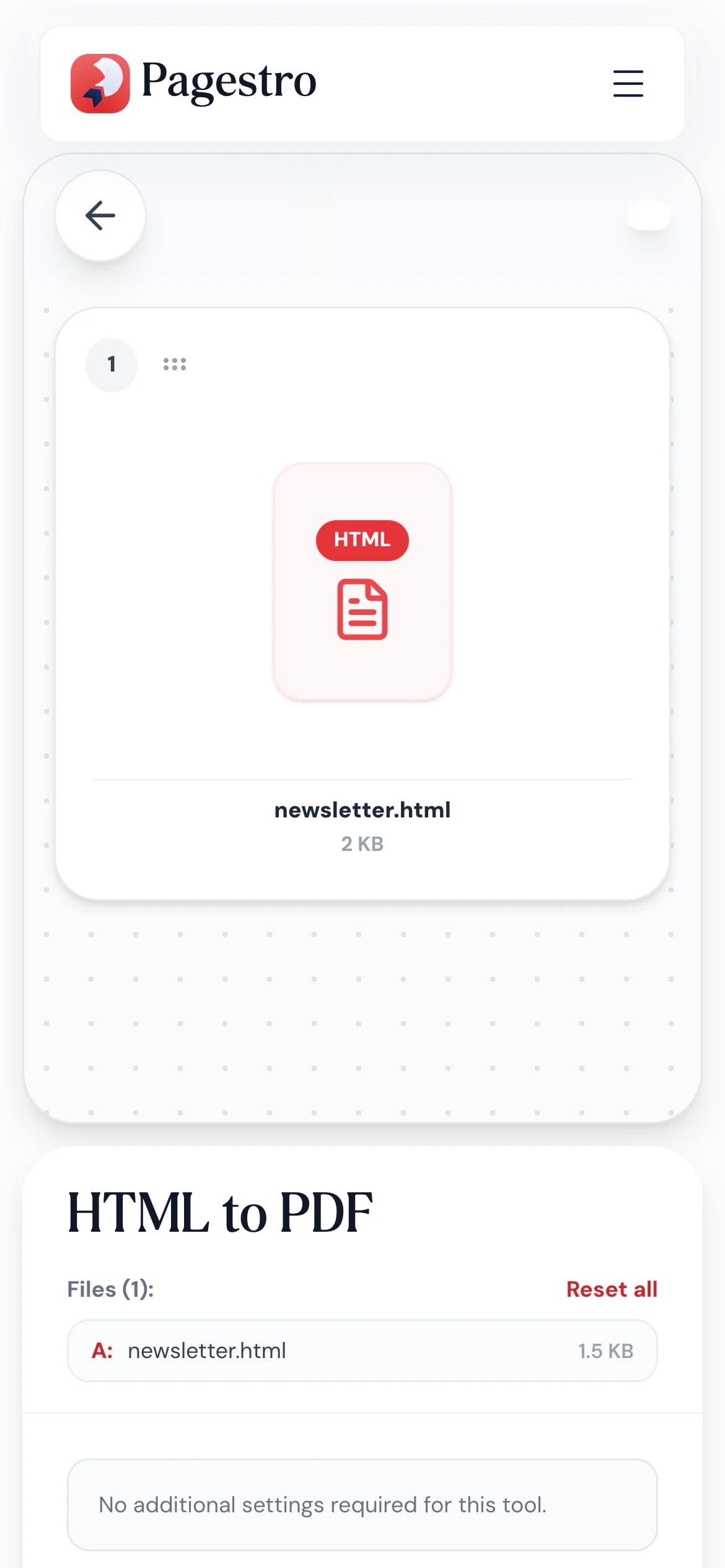
Saved a page as HTML? Convert it here
Booking confirmations and receipts sometimes arrive as .html attachments. Open Pagestro in your phone’s browser, pick the file and keep a PDF copy instead.
- Works in Safari and Chrome on iOS and Android
- Pick the file from Files, Drive or downloads
- The PDF saves straight to your phone

HTML in, document out
Developers
Test and coverage reports.
Attach a PDF of an HTML report to a ticket or release note.
Marketers
Email newsletters for the archive.
Keep a PDF record of each campaign’s HTML.
Researchers
Saved articles for reading later.
Turn a saved article into a paginated PDF you can annotate.
How Pagestro compares
 Pagestro
File stays on your device
- Pagestro
- Yes
- Desktop software
- Yes
- Upload-based sites
- No
Nothing to install
- Pagestro
- Yes
- Desktop software
- No
- Upload-based sites
- Yes
Scripts stripped before conversion
- Pagestro
- Yes
- Desktop software
- Varies
- Upload-based sites
- Varies
Selectable text in the PDF
- Pagestro
- Yes
- Desktop software
- Varies
- Upload-based sites
- Varies
Price
- Pagestro
- Free
- Desktop software
- Often a paid license
- Upload-based sites
- Often free with limits
How do I convert an HTML file to PDF?
Drop the .html or .htm file in at the top of the page and press HTML to PDF. You get an A4 PDF with selectable text.
Can I convert a web page by its URL?
Not yet. Save the page from your browser as an .html file first (usually File, then Save Page As), and drop that file in.
Will the PDF look exactly like the page in my browser?
It keeps the content and basic styling. Advanced layouts such as flexbox and grid, and anything built by JavaScript, aren’t reproduced. Articles, reports, receipts and simple emails convert best.
Are images and stylesheets included?
Styles written inside the file are applied. Images and stylesheets linked from other files or from the web aren’t loaded.
Is it safe to convert HTML from someone else?
Scripts never run here. They’re removed, along with inline event handlers, before the content is laid out, and the file is never uploaded.
What page size and margins are used?
A4 portrait pages with even margins of about two-thirds of an inch.
Related tools
 Word to PDFConvert DOCX Word documents to PDFOpen tool
 PDF to MarkdownTurn PDF files into clean Markdown documentsOpen tool
 Email BuilderDesign responsive emails with drag and dropOpen tool
 Compress PDFReduce PDF file size while keeping qualityOpen tool
 Merge PDFCombine multiple PDFs into one documentOpen tool