

At a glance
- works in your phone’s browser
- No app
- uploaded: the PDF is made on your device
- 0 bytes
- from your camera or photo library
- JPG or PNG
- no sign-up, no watermark
- Free
Paper to PDF in three steps
All you need is your phone’s camera and a browser.
Tap the drop zone and choose your camera, or pick a photo you already took.
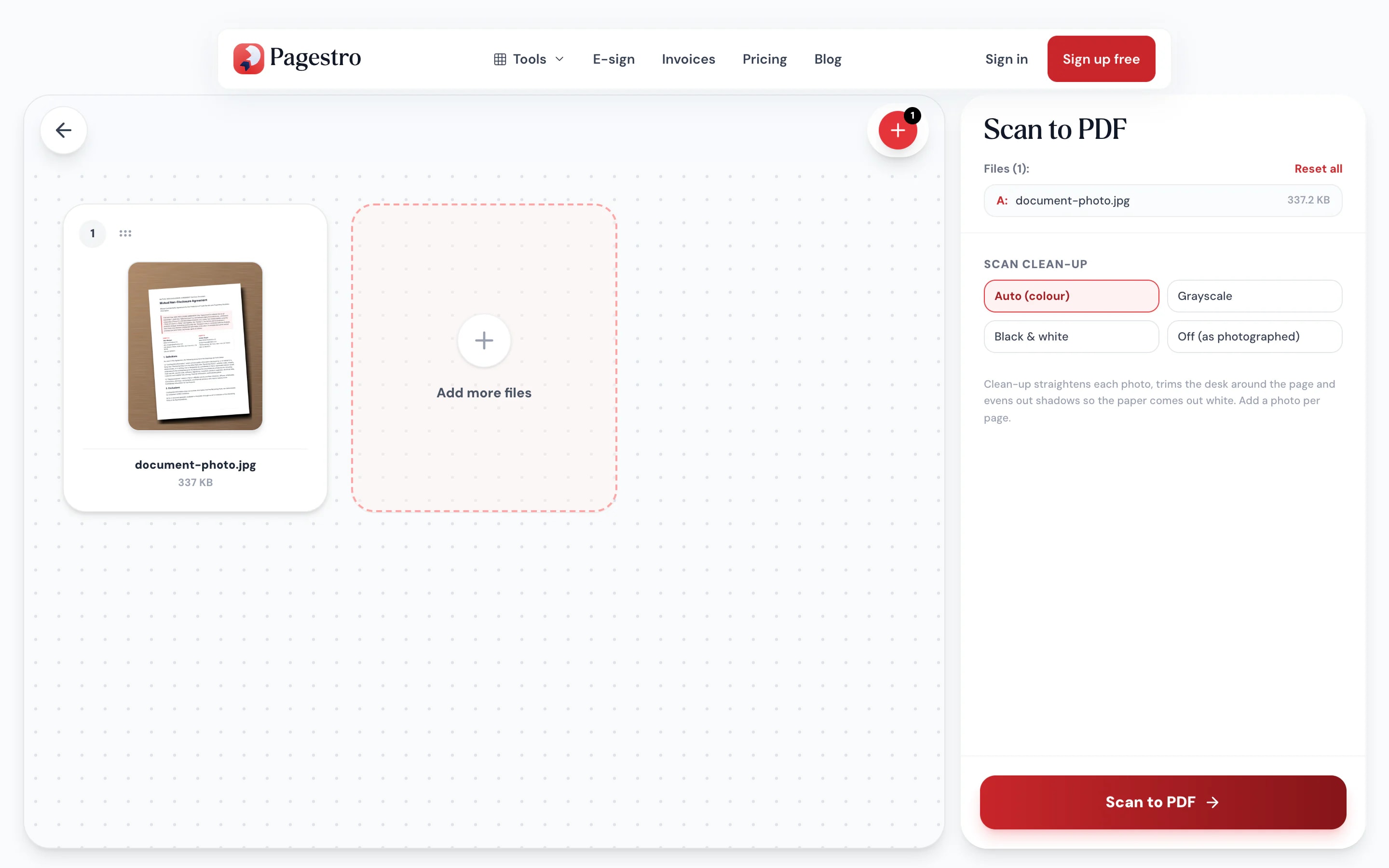
Each photo is straightened, trimmed to the page and evened out to white paper, then becomes one page of the PDF.
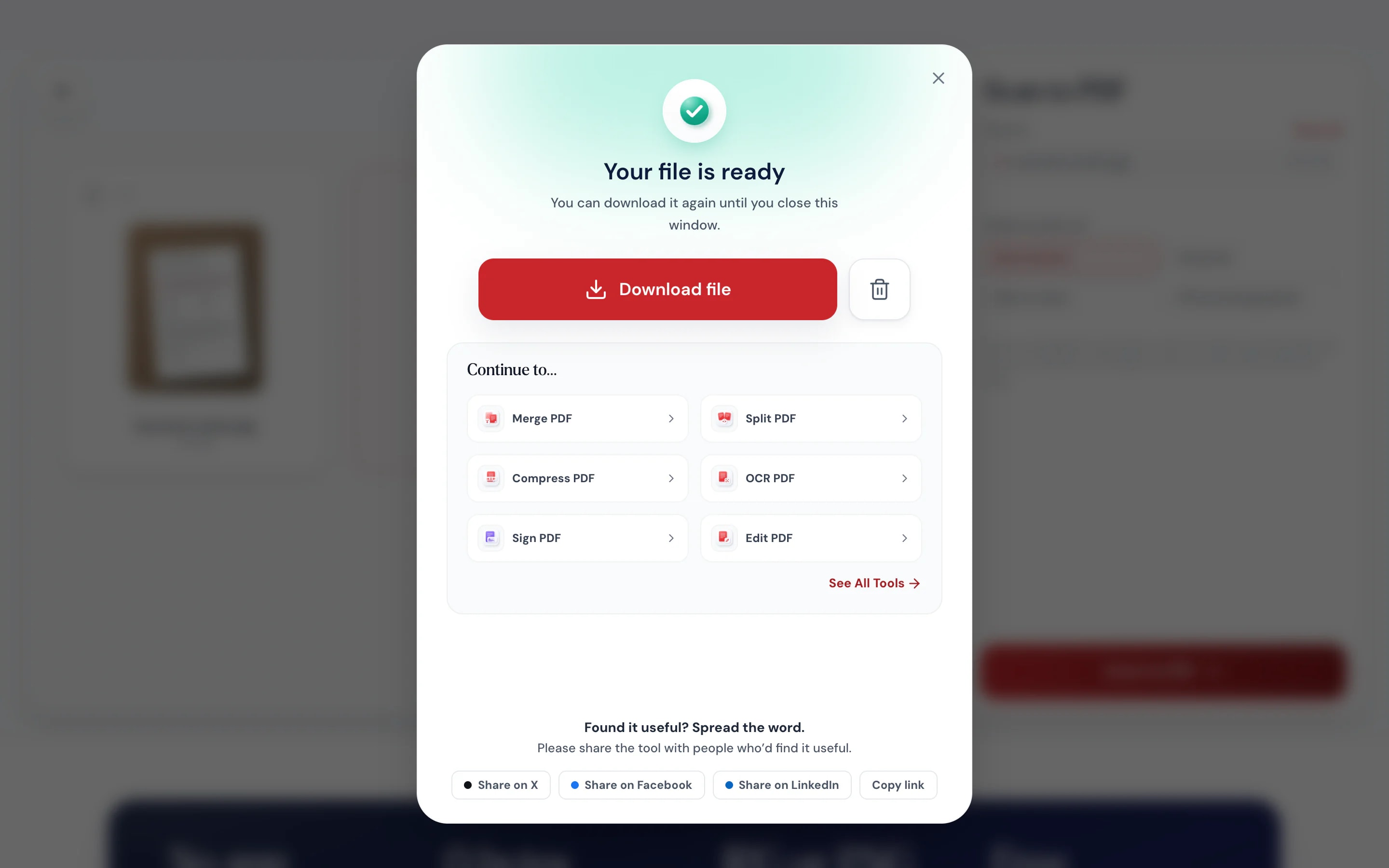
Download the PDF to your phone and attach it wherever it needs to go.

- 1
Snap the page
Tap the drop zone and choose your camera, or pick a photo you already took.
- 2
Convert
Each photo is straightened, trimmed to the page and evened out to white paper, then becomes one page of the PDF.
- 3
Save or send
Download the PDF to your phone and attach it wherever it needs to go.
A scanner that’s already in your pocket
Made for phones.
Open the page, tap, shoot. Tap + for the next page and the camera opens straight away.
Photo in, scan out.
Pages come out straight and white, like a scanner made them. Pick colour, grayscale or black & white, or switch clean-up off.
Nothing leaves the phone.
IDs, signed forms and receipts are converted in the browser, never uploaded.
Make it searchable.
Run the PDF through OCR PDF to add text you can search and copy.
No sign-up.
Open the page and start.
Works on laptops too.
Add a photo from your computer.
Private by design
Scan IDs and forms without uploading them
Upload-based converters send your photo to a server first. Here the PDF is built in your browser, so a passport page, a lease or a medical form stays on the device you photographed it with.
- No upload, no account
- Works on phones, tablets and laptops
- Pair with OCR PDF for searchable text
On your phone
Your camera is the scanner
No flatbed, no app store. Open Pagestro in Safari or Chrome, tap the drop zone and choose to take a photo. For the cleanest result, shoot from straight above in good light and fill the frame with the page.
- Shoot from directly above the page
- Use even light and avoid shadows
- Fill the frame with the document


Paper that needs to go digital, now
Renters and applicants
Signed forms, sent back fast.
Sign on paper, photograph it and send a PDF the same minute.
Travelers
A PDF copy of a document.
Keep a PDF of a booking printout or visa letter on your phone.
Parents
School forms without a printer.
Return permission slips as PDFs straight from your phone.
How Pagestro compares
 Pagestro
Photo stays on your device
- Pagestro
- Yes
- Desktop software
- Yes
- Upload-based sites
- No
Nothing to install
- Pagestro
- Yes
- Desktop software
- No
- Upload-based sites
- Yes
Works in a phone browser
- Pagestro
- Yes
- Desktop software
- No
- Upload-based sites
- Yes
Automatic cropping and cleanup
- Pagestro
- Yes
- Desktop software
- Varies
- Upload-based sites
- Varies
Price
- Pagestro
- Free
- Desktop software
- Often a paid license
- Upload-based sites
- Often free with limits
How do I scan a document to PDF with my phone?
Open this page in your phone’s browser, tap the drop zone and choose to take a photo. Snap the page, press Scan to PDF and download the result.
Can I scan several pages into one PDF?
Yes. Add a photo per page (tap + to shoot the next one) and they all go into one PDF, in the order shown. Drag the pages to reorder them.
Does it crop or straighten the page?
Yes. Clean-up straightens a tilted page, trims the desk around it and evens out shadows. It doesn’t fix a page shot at a steep angle, so shoot from straight above. Turn clean-up off to keep the photo exactly as it is.
Can I make the scan searchable?
Yes. Run the PDF through OCR PDF to add a text layer you can search, select and copy.
Will my scan come out sideways?
No. Phones often store photos sideways with a note to turn them on display; Pagestro follows that note, so every page comes out upright.
Is my photo uploaded?
No. The PDF is created in your browser, so the photo never leaves your device.
Related tools
 JPG to PDFConvert JPG images to a PDF documentOpen tool
 OCR PDFMake scanned PDFs searchable and selectableOpen tool
 Merge PDFCombine multiple PDFs into one documentOpen tool
 Rotate PDFRotate pages 90°, 180°, or 270°Open tool
 Compress PDFReduce PDF file size while keeping qualityOpen tool
 Sign PDFAdd a digital signature to your PDFOpen tool