

PDF Forms
Fill out PDF forms and add interactive fields.
or drop a file here · PDF up to 100 MB · files stay on your device
How it works
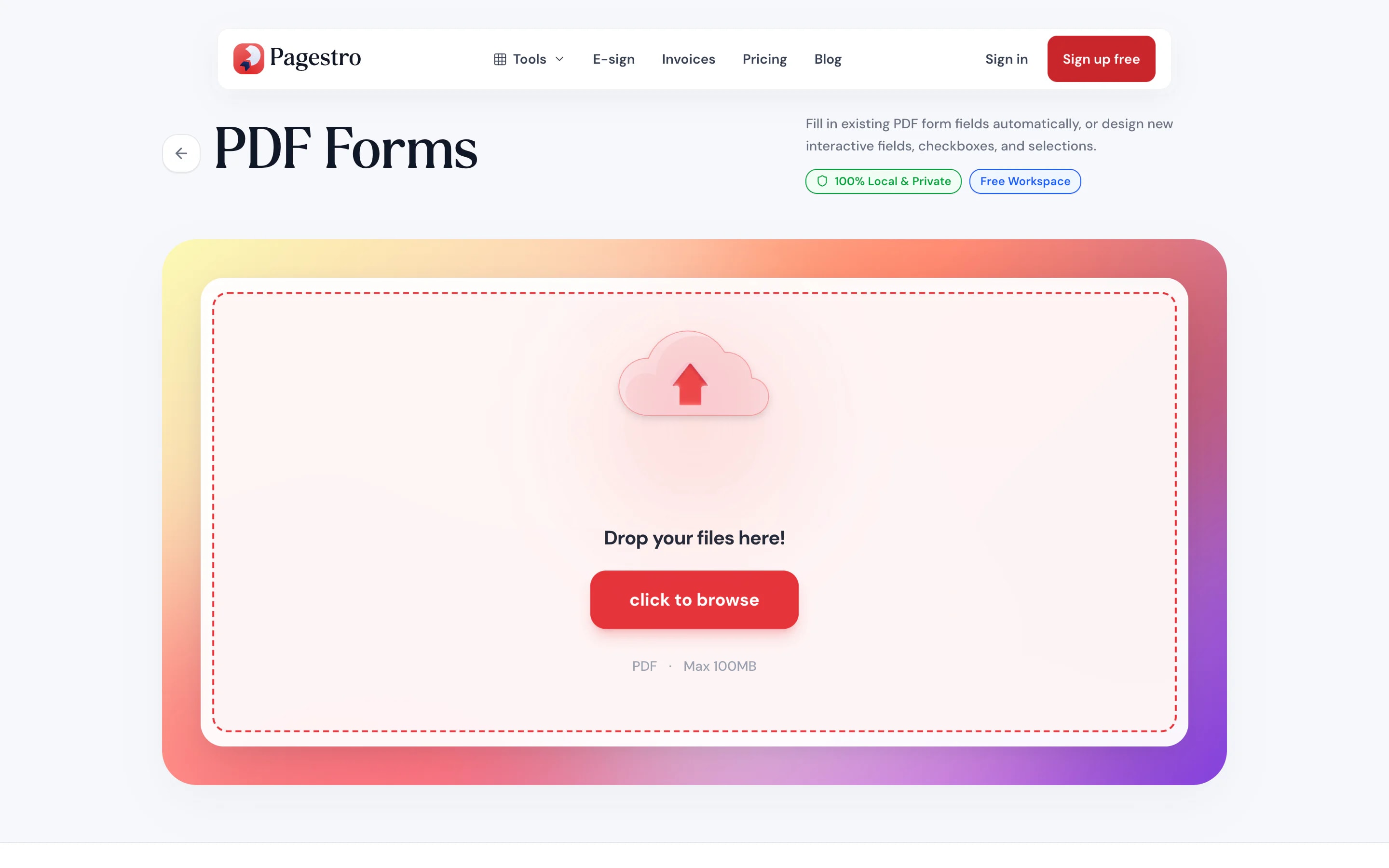
- 1Open your PDFDrop in a form, or any document with blanks to fill. Up to 100 pages.
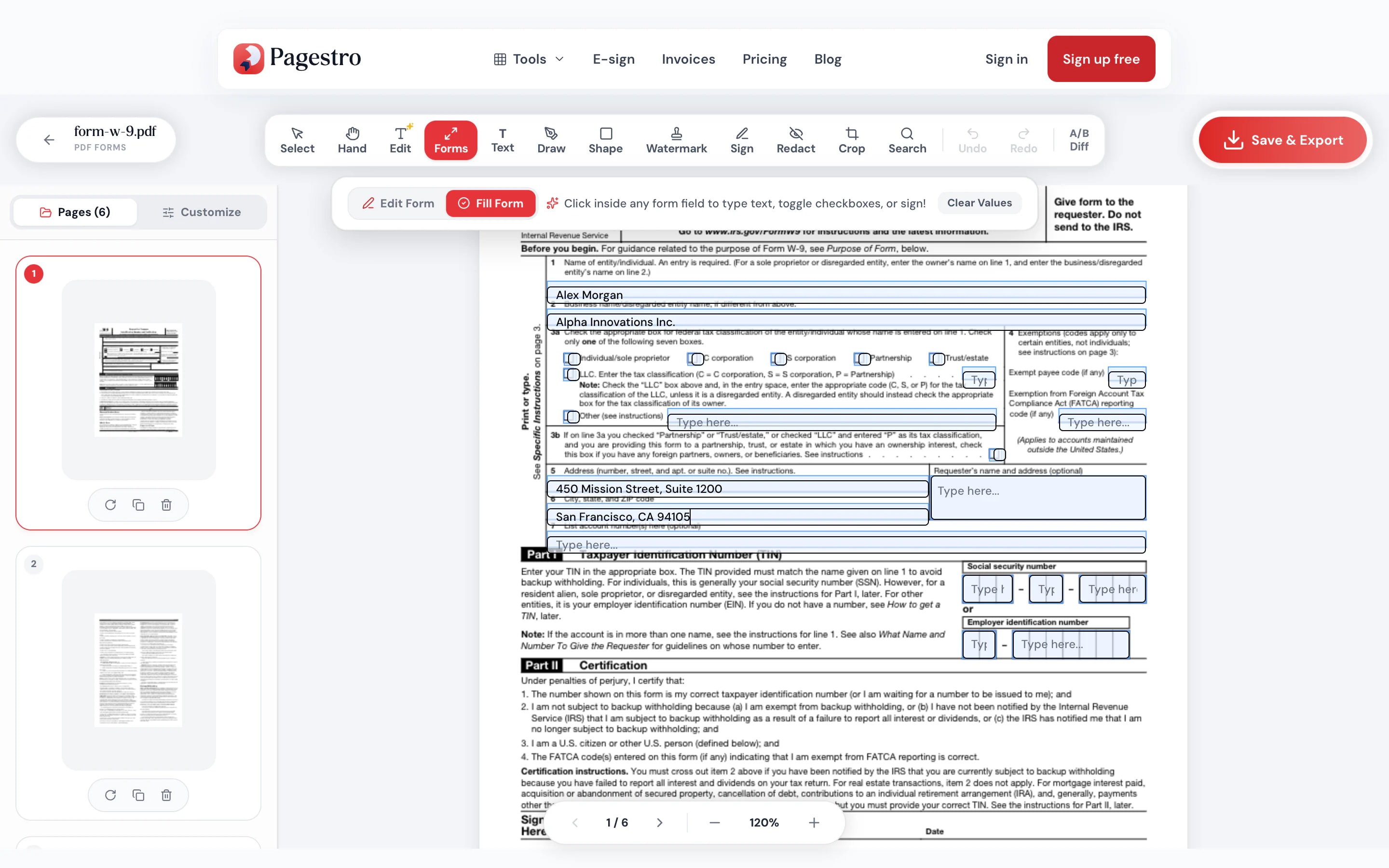
- 2Detect or add fieldsLet Pagestro find the blanks, then add, move or resize fields and fill them in.
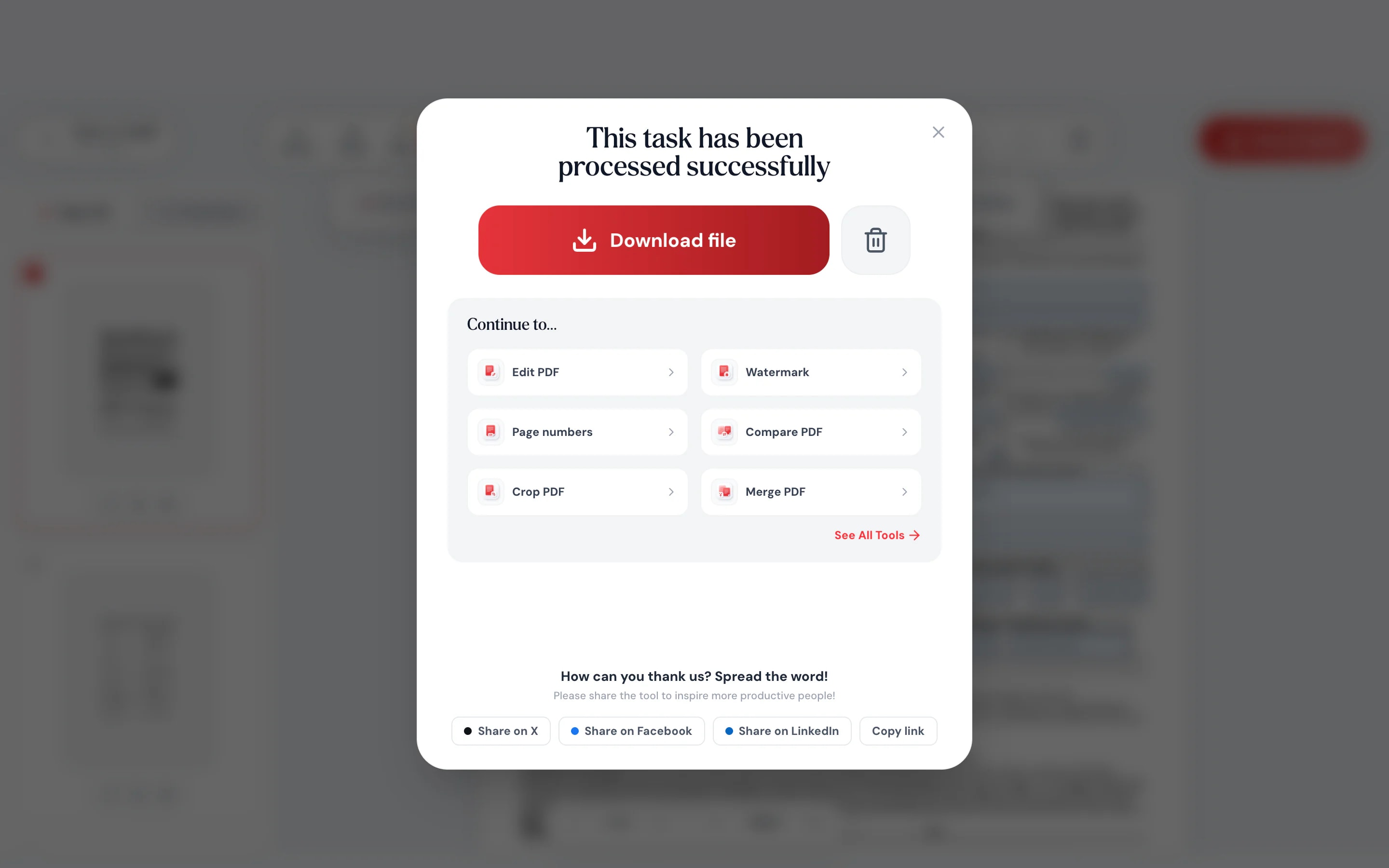
- 3Download the formSave it filled in, or as a fillable PDF to send to others.
At a glance
- finds blanks and existing form fields
- Auto-detect
- text, checkbox, radio, dropdown, list and signature box
- 6 field types
- uploaded: forms are built on your device
- 0 bytes
- no sign-up and no watermark
- Free
Questions and answers
How do I make a PDF fillable for free?
Open the PDF in the tool at the top of this page and run auto-detect. Check the fields it finds, add any it missed, and download. The result is a fillable PDF.
How do I fill out a PDF form online?
Open the form here, click into each field and type your answers. Tick checkboxes and choose options, then download the filled PDF.
Will the form work in other PDF readers?
Yes. Pagestro adds standard PDF form fields, which common desktop, browser and phone PDF readers can fill in.
How accurate is auto-detect?
It looks for existing form fields, typed blanks made of underscores, dots or dashes, and labels such as “Name:” or “Date:”. Check the result and adjust fields before you share the form.
Can people sign the form?
You can add a marked signature box. To sign it yourself, use Sign PDF. To collect signatures with an audit trail, use Contracts.
Is my form uploaded?
No. The form and your answers stay in your browser on your own device. Nothing is sent to Pagestro.
Before or after the form
At a glance
- finds blanks and existing form fields
- Auto-detect
- text, checkbox, radio, dropdown, list and signature box
- 6 field types
- uploaded: forms are built on your device
- 0 bytes
- no sign-up and no watermark
- Free
How it works
Fill it or make it fillable
Drop in a form, or any document with blanks to fill. Up to 100 pages.
Let Pagestro find the blanks, then add, move or resize fields and fill them in.
Save it filled in, or as a fillable PDF to send to others.
- 1
Open your PDF
Drop in a form, or any document with blanks to fill. Up to 100 pages.
- 2
Detect or add fields
Let Pagestro find the blanks, then add, move or resize fields and fill them in.
- 3
Download the form
Save it filled in, or as a fillable PDF to send to others.
Why Pagestro
Forms without the form software
Flat PDF to fillable form
Typed blanks like ____ or ....., and labels like “Name:”, become real form fields in one click.
Reads existing fields
Forms that already have fields open ready to fill.
Six field types
Text, checkbox, radio, dropdown, list and signature box.
Fill forms on your phone
Type into the fields from your phone’s browser.
Required and read-only
Mark fields as required or read-only, and let text fields run over several lines.
Works in other PDF readers
Fields are standard PDF form fields, so people can fill them in the reader they already use.
Private and free
The form is built on your device. No upload, no sign-up and no watermark.
Private by design
Personal details stay on your device
Forms ask for addresses, birth dates and ID numbers. Pagestro fills and builds them inside your browser, so what you type is never uploaded.
- No upload of the form or your answers
- Everything runs as code inside this page
- Close the tab and nothing is kept
On the go
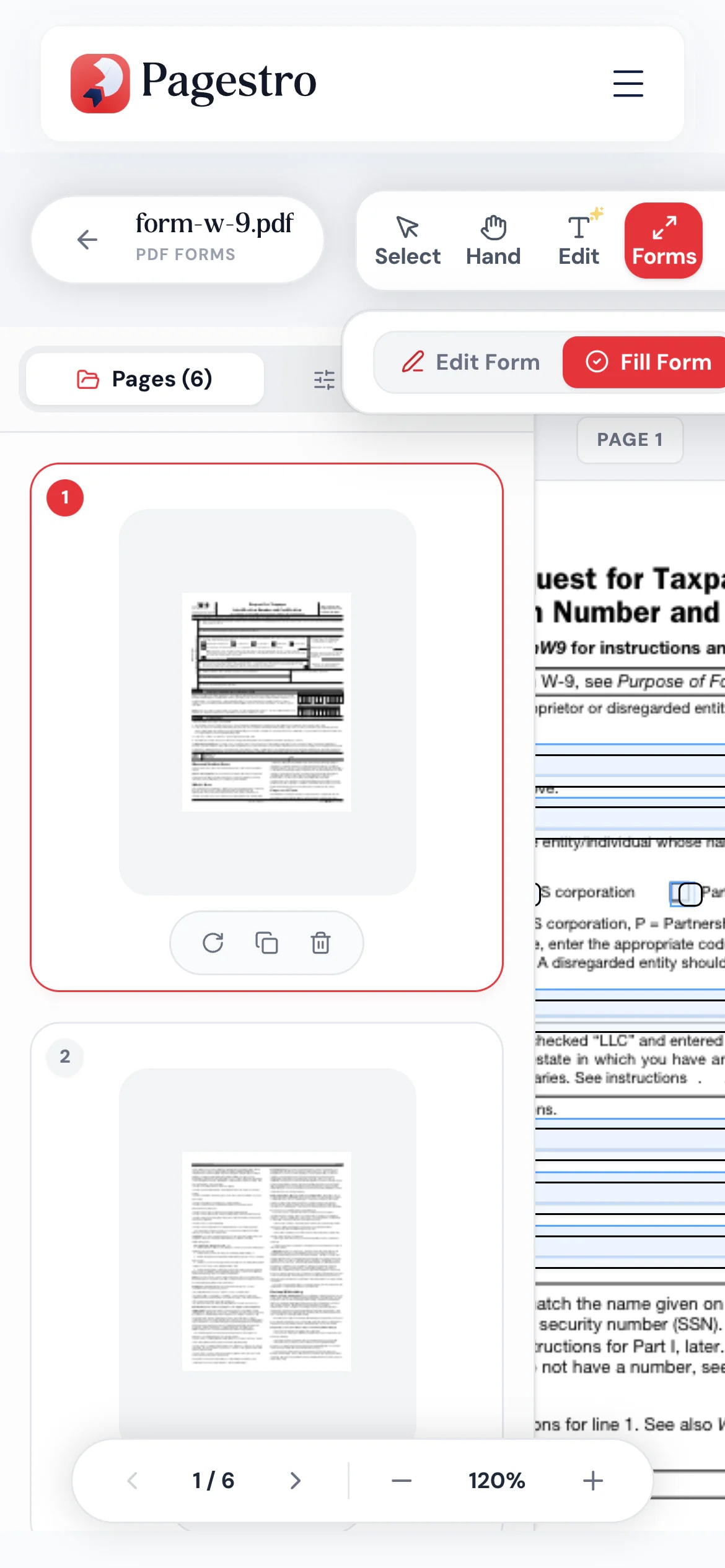
Fill in a form from your phone
The school or clinic emailed a PDF form. Open it in your phone’s browser, tap each field, type your answers and send it back without printing anything.
- No app to install
- Works in Safari, Chrome and Firefox
- Saves the filled form to your phone
Who uses it
Forms people actually finish
- Form filled in
Small businesses
Order and intake forms
Turn the PDF you print today into one customers can fill in.
- Form filled in
Schools and clubs
Registration and permission forms
Send a fillable PDF instead of asking parents to print.
- Form filled in
Clinics
New patient questionnaires
Checkboxes and text fields patients fill before the visit.
- Form filled in
Anyone with paperwork
Government and HR forms
Type into the form instead of handwriting it.
How Pagestro compares
 Pagestro Pagestro | Desktop software | Upload-based sites | |
|---|---|---|---|
| Form stays on your device | Yes | Yes | No |
| Finds blanks automatically | Yes | Varies | Varies |
| Nothing to install | Yes | No | Yes |
| Works on phones and tablets | Yes | No | Yes |
| Price | Free | Often a paid license | Varies by site |
How do I make a PDF fillable for free?
Open the PDF in the tool at the top of this page and run auto-detect. Check the fields it finds, add any it missed, and download. The result is a fillable PDF.
How do I fill out a PDF form online?
Open the form here, click into each field and type your answers. Tick checkboxes and choose options, then download the filled PDF.
Will the form work in other PDF readers?
Yes. Pagestro adds standard PDF form fields, which common desktop, browser and phone PDF readers can fill in.
How accurate is auto-detect?
It looks for existing form fields, typed blanks made of underscores, dots or dashes, and labels such as “Name:” or “Date:”. Check the result and adjust fields before you share the form.
Can people sign the form?
You can add a marked signature box. To sign it yourself, use Sign PDF. To collect signatures with an audit trail, use Contracts.
Is my form uploaded?
No. The form and your answers stay in your browser on your own device. Nothing is sent to Pagestro.
Before or after the form
 Sign PDFDraw, type or upload your signature and place it on a PDFOpen tool
 Edit PDFAdd text, images, shapes or freehand annotations to a PDFOpen tool
 Contracts & AgreementsCreate, customize & e-sign legal agreementsOpen tool
 Merge PDFCombine multiple PDFs into one documentOpen tool
 Protect PDFPassword-protect your PDF with 256-bit AESOpen tool
 Compress PDFReduce PDF file size while keeping qualityOpen tool


