

Unlock PDF
Remove password protection from PDF.
or drop a file here · PDF up to 100 MB · files stay on your device
How it works
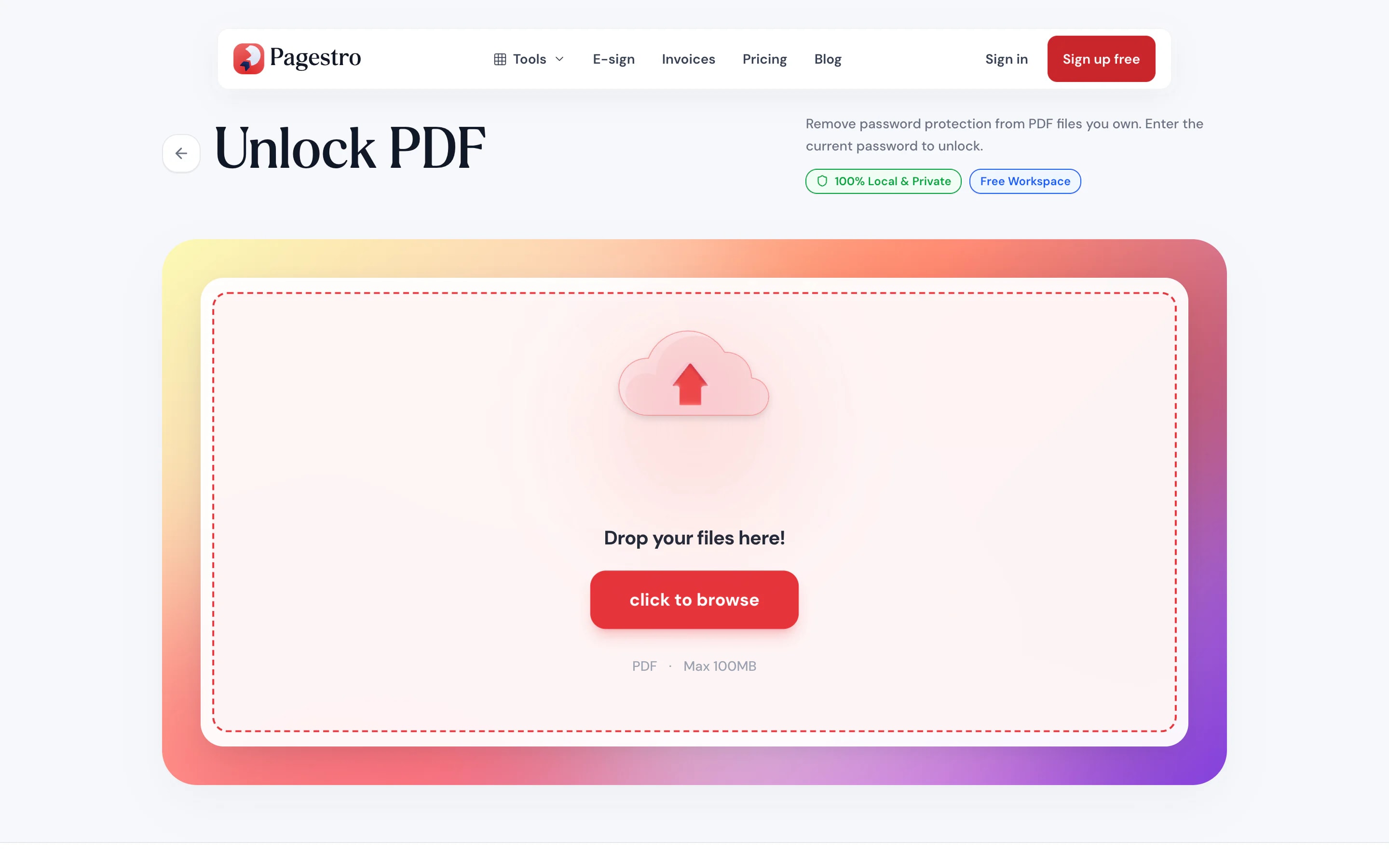
- 1Add the locked PDFDrop in the password-protected file, or pick it from your device.
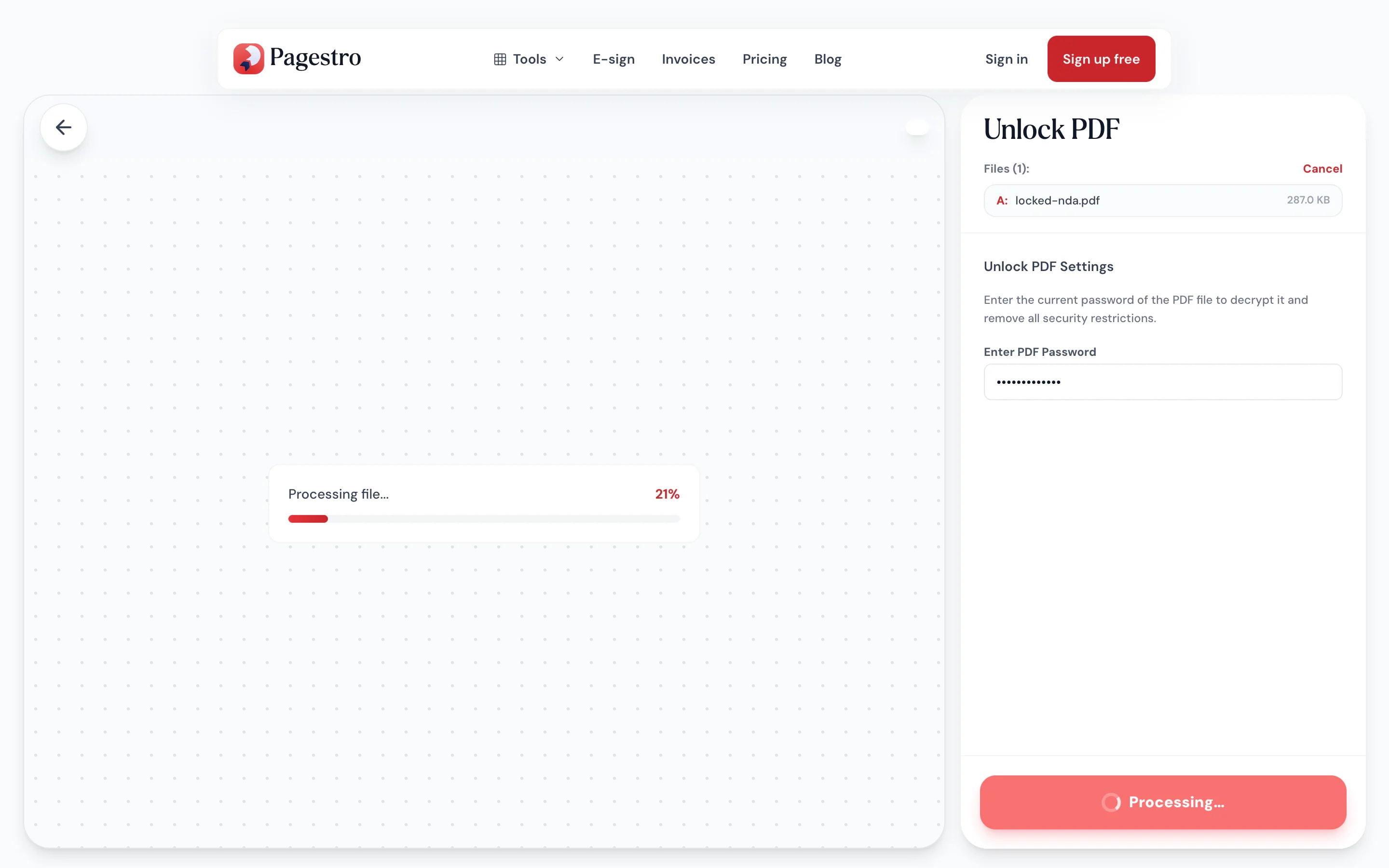
- 2Enter its passwordType the password you already use to open it. Files with only print or copy limits need none.
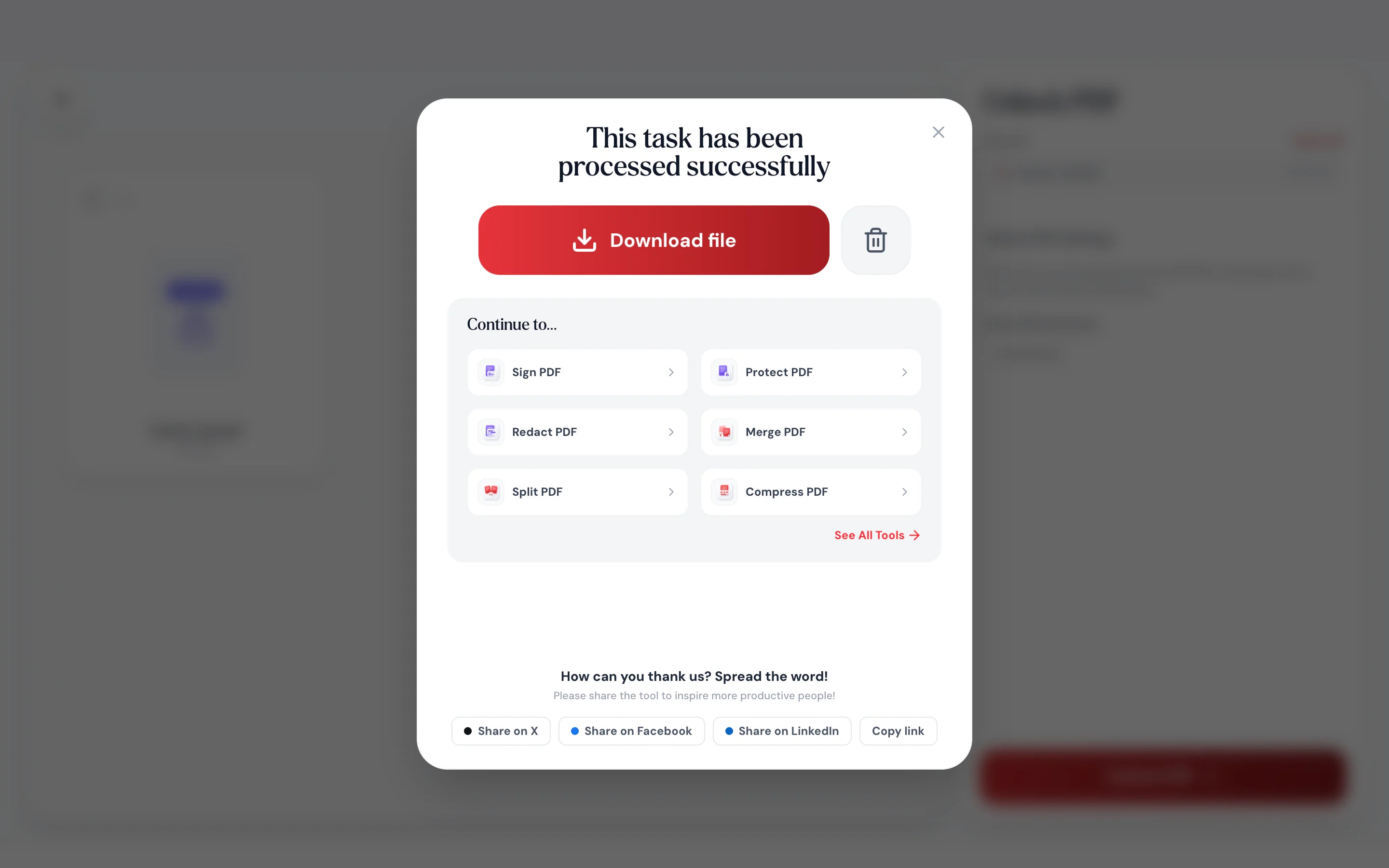
- 3Download the open copySave a version that opens without a password, ready to merge, edit or print.
At a glance
- uploaded: the password is removed on your device
- 0 bytes
- is needed; Pagestro doesn’t crack files
- Your password
- per file
- 100 MB
- no sign-up and no watermark
- Free
Questions and answers
How do I remove a password from a PDF?
Add the PDF to the tool at the top of this page, type its password and download the open copy. The new file opens without asking for a password.
Can I unlock a PDF without the password?
If the file opens freely but blocks printing or copying, yes: those limits are removed without a password. If it asks for a password to open, you need that password. Pagestro doesn’t crack passwords.
Is it OK to unlock a PDF?
Remove passwords only from files you own or have permission to open, such as your own statements and payslips.
Will the unlocked PDF look the same?
Usually it’s identical. A few files with unusual encryption are rebuilt page by page as images; they look the same, but their text can’t be selected.
Is my file or password uploaded?
No. The password is removed in your browser on your own device, and nothing is sent to Pagestro.
Can I add a password back later?
Yes. Use Protect PDF to set a new password whenever you need one.
What to do next
At a glance
- uploaded: the password is removed on your device
- 0 bytes
- is needed; Pagestro doesn’t crack files
- Your password
- per file
- 100 MB
- no sign-up and no watermark
- Free
How it works
From locked to open in three steps
Drop in the password-protected file, or pick it from your device.
Type the password you already use to open it. Files with only print or copy limits need none.
Save a version that opens without a password, ready to merge, edit or print.
- 1
Add the locked PDF
Drop in the password-protected file, or pick it from your device.
- 2
Enter its password
Type the password you already use to open it. Files with only print or copy limits need none.
- 3
Download the open copy
Save a version that opens without a password, ready to merge, edit or print.
Why Pagestro
Stop typing the same password
Remove it once, not every time
Monthly statements and payslips often arrive locked. Remove the password from your copy once and it opens like any other PDF.
Only with the password
Pagestro doesn’t guess or crack passwords.
Print and copy limits cleared
Files that open freely but block printing need no password.
Works on your phone
Open that locked bank PDF on your phone and save an open copy.
Nothing leaves your device
The file and the password stay in your browser the whole time.
Ready for the next tool
Send the open copy straight to Merge, Split or Compress without adding it again.
Free, with no account
Remove passwords from as many of your own files as you need. No sign-up and no watermark.
Private by design
Your file and password stay here
A locked PDF is usually locked for a reason: bank details, salary, medical results. Pagestro removes the password inside your browser, so neither the document nor the password is sent to a server.
- No upload of the file or the password
- Works on files you’re allowed to open
- Close the tab and nothing is kept
On the go
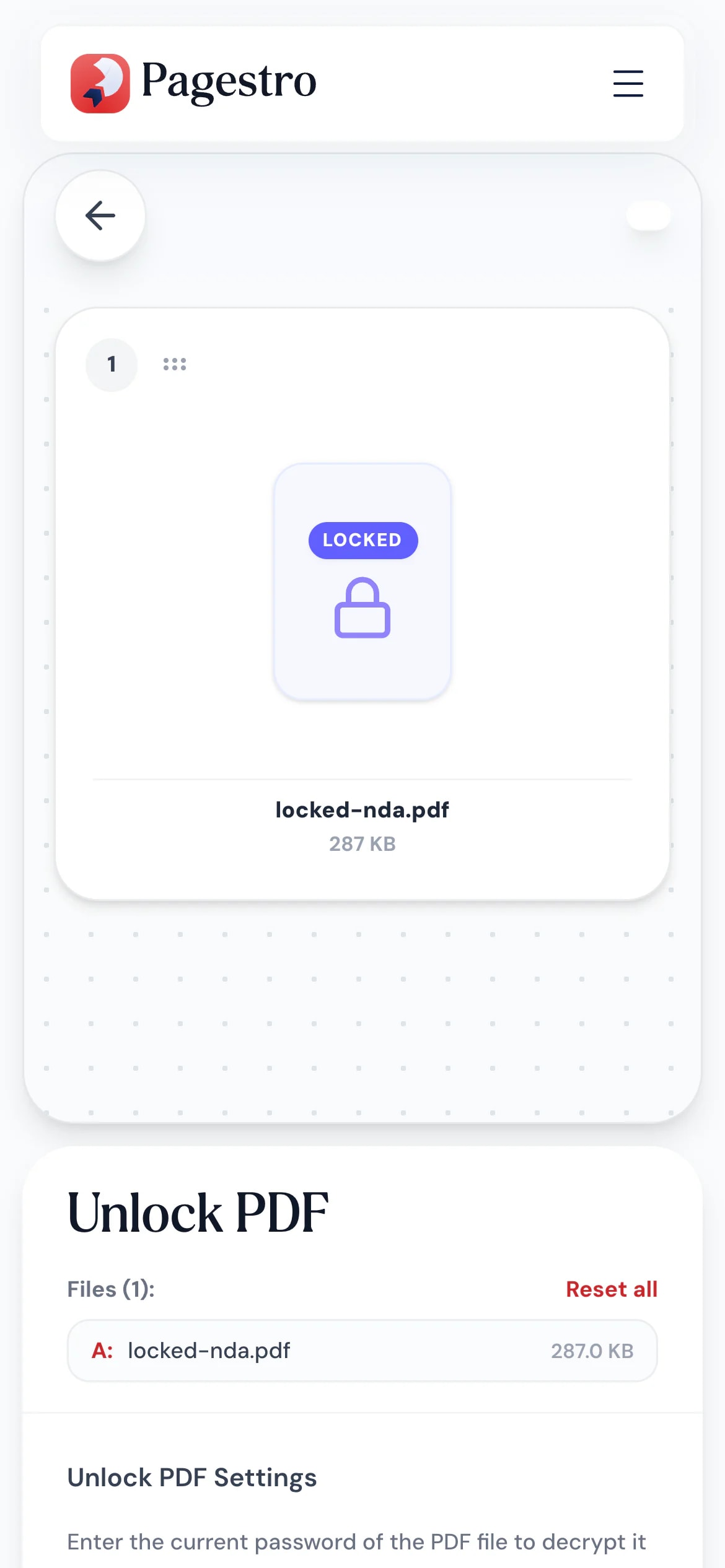
Open locked statements on your phone
Need to send last month’s statement to your accountant? Open it in Pagestro on your phone, enter the password once and share the open copy.
- No app to install
- Works in Safari, Chrome and Firefox
- The open PDF saves to your phone
Who uses it
Locked files you open every month
- Unlocked
Households
Bank and card statements
Keep a year of statements that open without a password.
- Unlocked
Employees
Payslips for a loan application
Lenders ask for several months. Remove the passwords, then merge them.
- Unlocked
Bookkeepers
Client statements for the books
Open copies that import and archive without prompts.
- Unlocked
Small offices
Old files with forgotten limits
Clear print limits on documents you own.
How Pagestro compares
 Pagestro Pagestro | Desktop software | Upload-based sites | |
|---|---|---|---|
| File stays on your device | Yes | Yes | No |
| Password never sent to a server | Yes | Yes | No |
| Nothing to install | Yes | No | Yes |
| Works on phones and tablets | Yes | No | Yes |
| Price | Free | Often a paid license | Varies by site |
How do I remove a password from a PDF?
Add the PDF to the tool at the top of this page, type its password and download the open copy. The new file opens without asking for a password.
Can I unlock a PDF without the password?
If the file opens freely but blocks printing or copying, yes: those limits are removed without a password. If it asks for a password to open, you need that password. Pagestro doesn’t crack passwords.
Is it OK to unlock a PDF?
Remove passwords only from files you own or have permission to open, such as your own statements and payslips.
Will the unlocked PDF look the same?
Usually it’s identical. A few files with unusual encryption are rebuilt page by page as images; they look the same, but their text can’t be selected.
Is my file or password uploaded?
No. The password is removed in your browser on your own device, and nothing is sent to Pagestro.
Can I add a password back later?
Yes. Use Protect PDF to set a new password whenever you need one.
What to do next
 Protect PDFPassword-protect your PDF with 256-bit AESOpen tool
 Merge PDFCombine multiple PDFs into one documentOpen tool
 Compress PDFReduce PDF file size while keeping qualityOpen tool
 Edit PDFAdd text, images, shapes or freehand annotations to a PDFOpen tool
 Split PDFSplit PDF by pages, ranges or extract all pagesOpen tool
 PDF to WordConvert PDF to editable Word documentOpen tool


