

At a glance
- metadata, sRGB profile and file ID added
- PDF/A-2b
- warns about fonts that aren’t embedded
- Font check
- uploaded: the copy is made on your device
- 0 bytes
- no sign-up, no watermark
- Free
An archival copy in three steps
Drop in the file to archive, up to 100 MB and 200 pages.
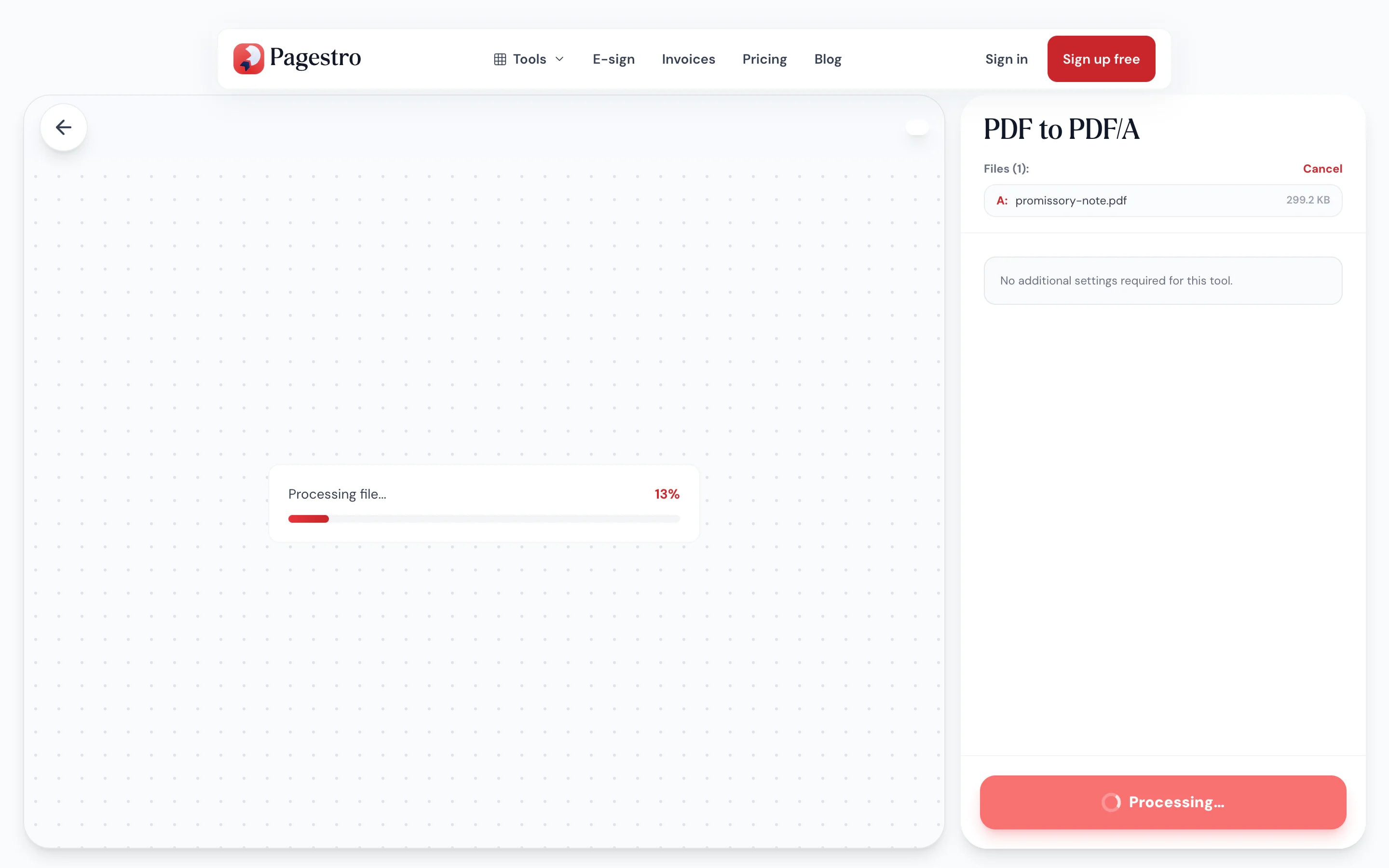
PDF/A metadata, an sRGB color profile and a file ID are added. JavaScript, automatic actions and attachments are removed.
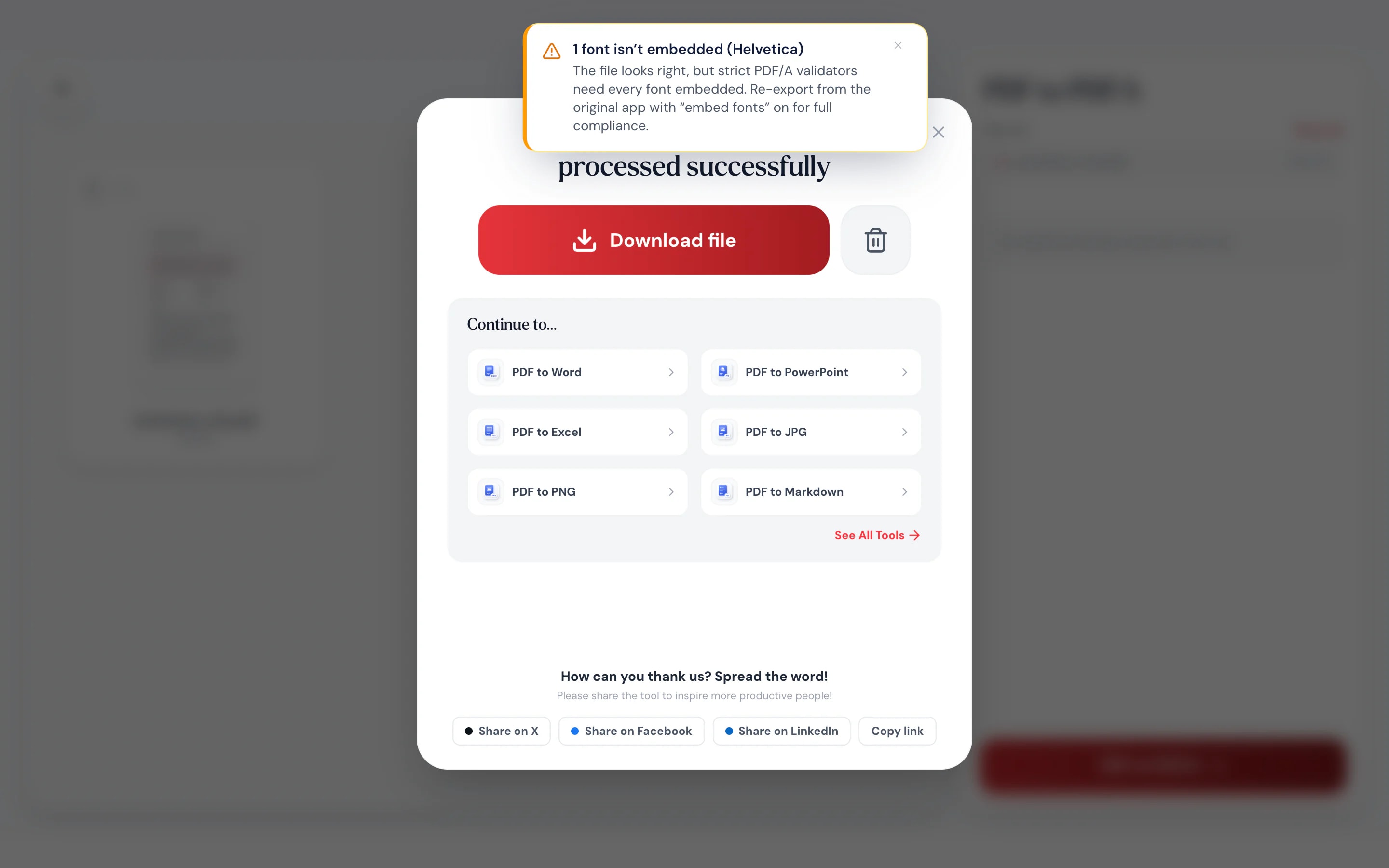
Save the _pdfa copy. If any fonts aren’t embedded, Pagestro names them so you know what to fix.

- 1
Add your PDF
Drop in the file to archive, up to 100 MB and 200 pages.
- 2
Convert
PDF/A metadata, an sRGB color profile and a file ID are added. JavaScript, automatic actions and attachments are removed.
- 3
Download and check
Save the _pdfa copy. If any fonts aren’t embedded, Pagestro names them so you know what to fix.
What it does
Made to open the same in decades
PDF/A is the ISO standard for long-term archiving. Here’s what the conversion takes care of.
The required parts, added.
An XMP block declaring PDF/A-2b, an sRGB output intent and a permanent file identifier are written into the file.
Forbidden parts, removed.
JavaScript, automatic actions and embedded attachments are stripped.
An honest font report.
Fonts that aren’t embedded are listed by name, so you know if a strict validator will object.
Works on any device.
Make an archival copy from a laptop, tablet or phone browser.
Pages untouched.
Content isn’t redrawn or recompressed.
Private.
Records stay on your device.
Records stay in-house
Archive sensitive records without uploading them
The documents that need archiving are often the ones you can’t share: signed contracts, HR files, tax records, patient letters. Pagestro writes the PDF/A copy in your browser, so they never leave your device.
- No upload at any step
- Original title and dates carried over
- The source file stays unchanged
On your phone
A portal wants PDF/A? Fix it there
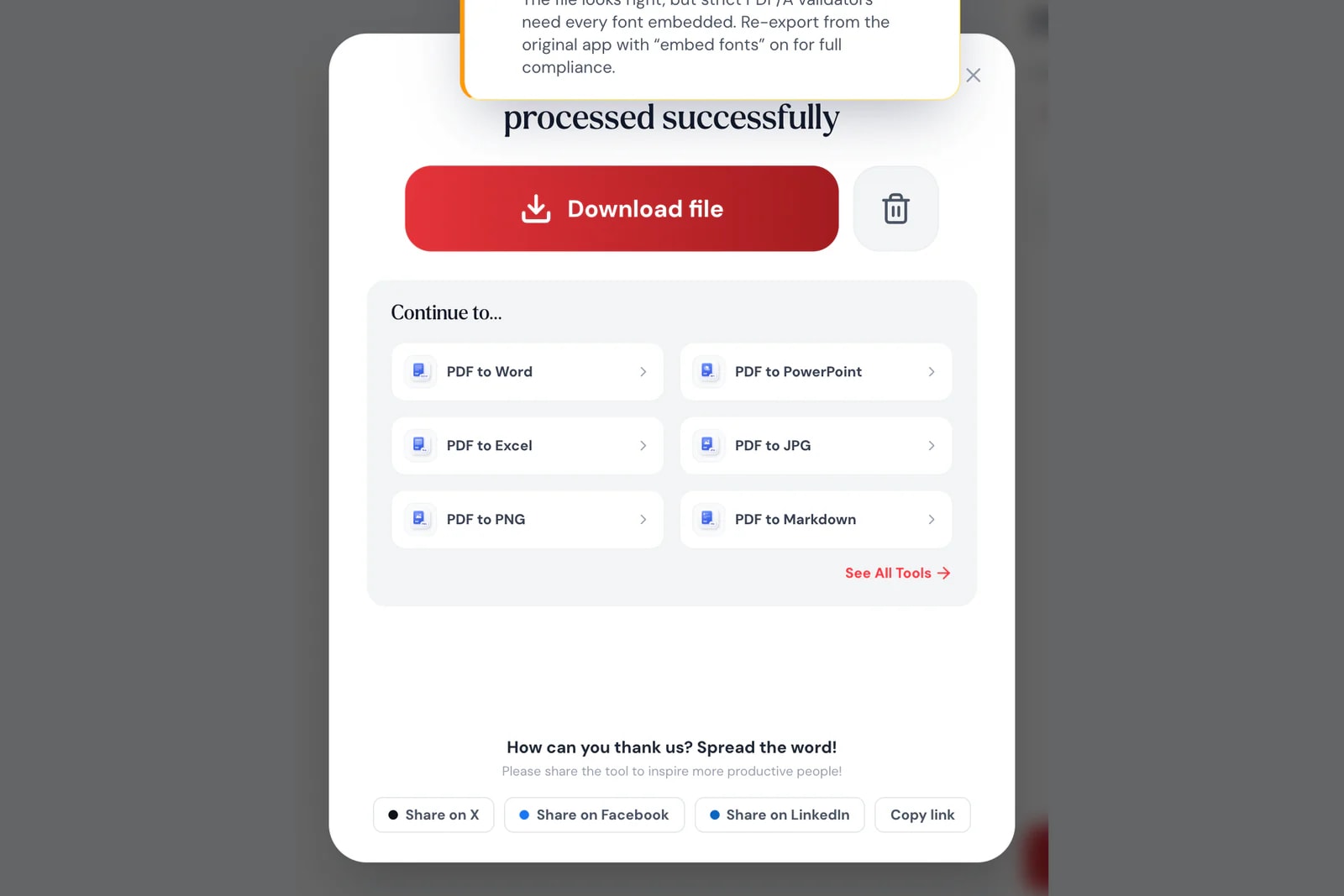
When an upload form rejects your file because it isn’t PDF/A, open Pagestro in your phone’s browser, convert the PDF and try again.
- Works in Safari and Chrome on iOS and Android
- Pick the PDF from Files, Drive or downloads
- The PDF/A copy saves straight to your phone


For files that must last
Law firms
Filings that ask for PDF/A.
Prepare documents for courts and agencies that require archival PDFs.
Finance and HR
Records you must keep for years.
Store contracts, payroll and tax documents in a format built to last.
Researchers and libraries
Theses and reports for the archive.
Deposit papers in the format repositories ask for.
How Pagestro compares
 Pagestro
Records stay on your device
- Pagestro
- Yes
- Desktop software
- Yes
- Upload-based sites
- No
Nothing to install
- Pagestro
- Yes
- Desktop software
- No
- Upload-based sites
- Yes
Names fonts that aren’t embedded
- Pagestro
- Yes
- Desktop software
- Varies
- Upload-based sites
- Varies
Full PDF/A validation report
- Pagestro
- No
- Desktop software
- Varies
- Upload-based sites
- Varies
Price
- Pagestro
- Free
- Desktop software
- Often a paid license
- Upload-based sites
- Often free with limits
What is PDF/A?
PDF/A is the ISO standard version of PDF for long-term archiving. It requires everything needed to display the file to be inside it and bans things like JavaScript and external content.
Which PDF/A version does Pagestro create?
PDF/A-2b, the level most archives and portals accept. The “b” level covers how the file looks, so it displays the same years from now.
Will my file pass a PDF/A validator?
Missing fonts are the most common reason a file fails. Pagestro can’t embed them, so it names any that aren’t embedded; re-export from the original app with font embedding on. Other settings can also fail strict checks, so run a validator if you need proof.
What does the conversion change?
It adds PDF/A metadata, an sRGB color profile and a file ID, and removes JavaScript, automatic actions and attachments. Page content isn’t redrawn.
Can I convert a password-protected PDF to PDF/A?
PDF/A files can’t be encrypted. Enter the password when asked and the copy is saved without one.
Is my document uploaded?
No. The PDF/A copy is made in your browser, so your document never leaves your device.


